Every premium and members-only resource for $9.99/month, as a no-commitment subscription. See the plans

PalateKit

Menu

Request a resource

Describe the resource you are missing in one sentence. We will email you when it is published.

0 / 280

Unlock PalateKit

Unlock everything

Plan

Paying means accepting our terms of sale.

Secure payment by Stripe. Receipts and invoices sent by email.

Welcome back

Sign in to install, download or save this resource. A free account is enough for free resources.

Navy and coral for a commerce platform v1.0.0

Use this resource to design the interface of a shop or an online sales platform

New

  • 507 downloads
  • 189 likes
  • 126 saves

Free

Install with the CLI

In a terminal, from the folder you want:

npx --yes palatekit@latest install 91app-navy-coral-commerce

First time: connect the CLI with

npx --yes palatekit@latest login

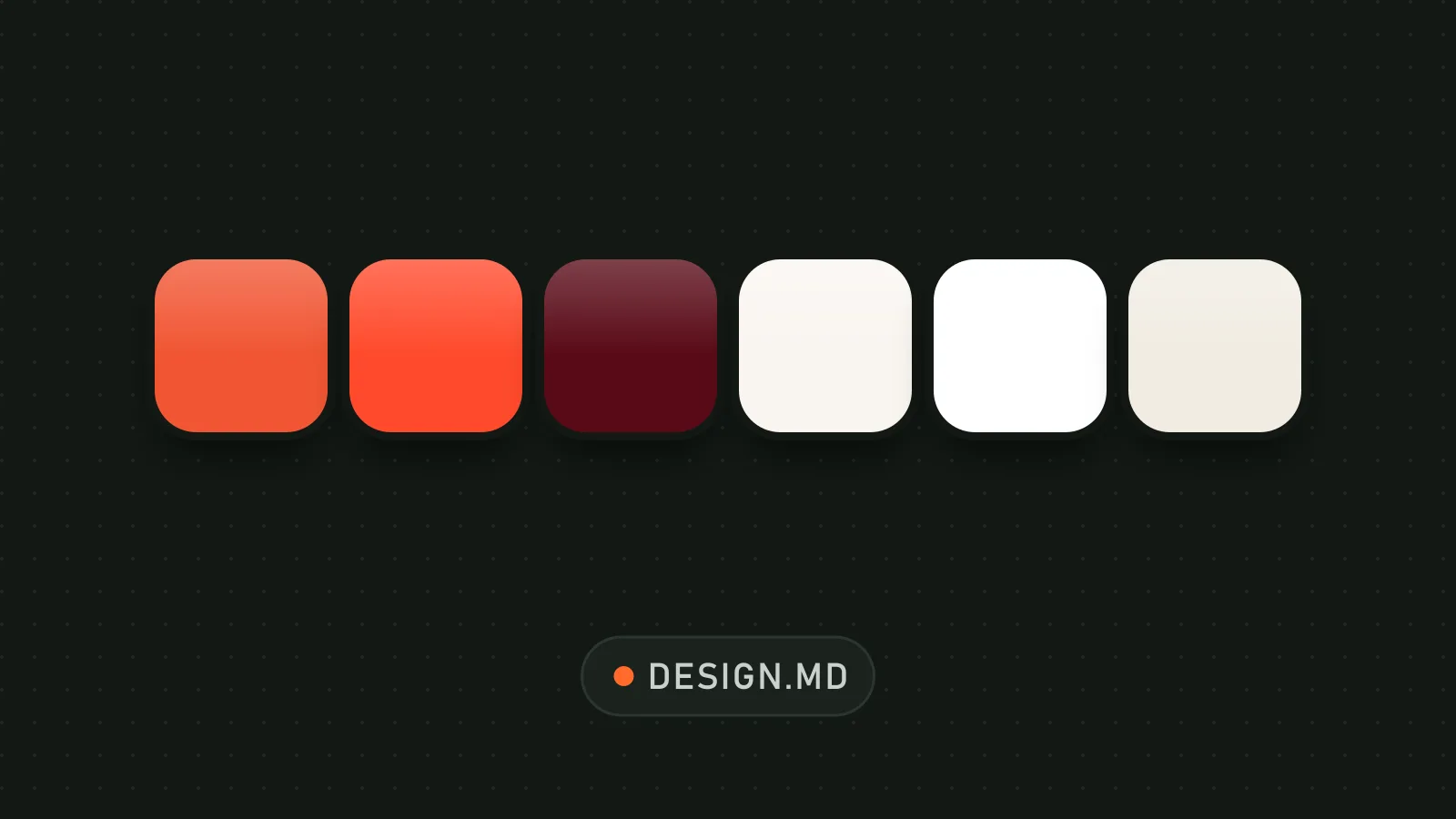
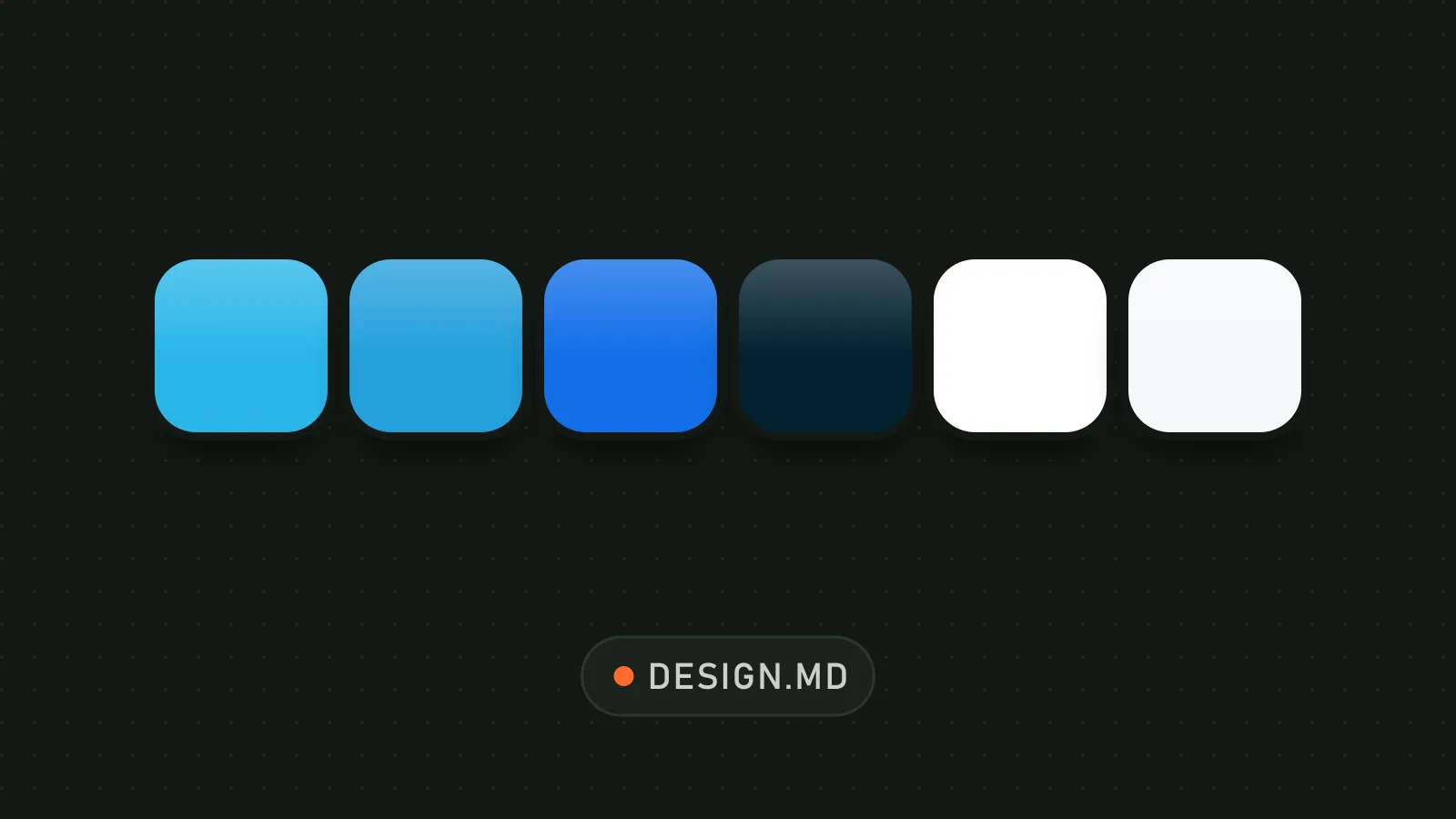
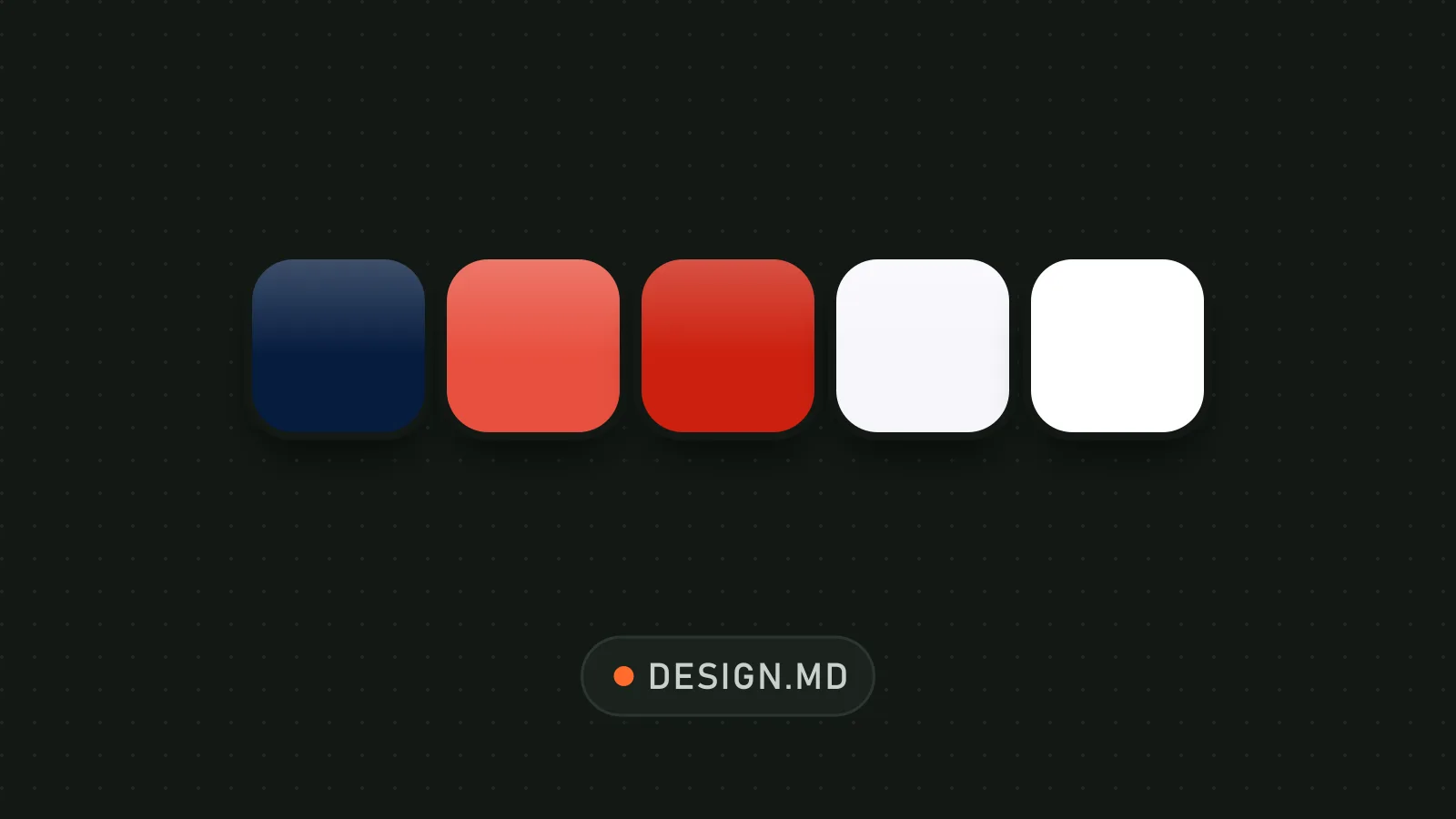
The agent follows the identity of 91APP, an omnichannel commerce SaaS: deep navy for text and the main action, rare coral for the decisive action, white ground. The file holds color, type and radius tokens, the three buttons, brand principles and a ready-made prompt. You get a calm interface that builds trust.

Updated November 2, 2026

White background, navy heading, rounded navy button, coral button and light gray button.

Details

Generates with
Your agent's model
Licence
MIT

Similar resources

View all

What you get

  • DESIGN.md with YAML tokens, colors, typography, layout and elevation
  • Specs for three buttons (navy primary, coral, neutral) and the hero heading
  • Brand principles, personas and a voice guide to steer the copy
  • An agent prompt guide and a note on the coral button's contrast

Good fit for

  • A sales page or back office for a merchant
  • A presentation page for a B2B SaaS
  • An interface that must reassure before prompting action

Not for

  • A creative, playful or colorful universe
  • A site that needs AA contrast on the coral button without adjustment
  • A brand that does not sell a professional service

Tags

  • e-commerce
  • saas
  • navy
  • coral
  • buttons

About

You say

"Build my shop's home page following DESIGN.md: white background, navy heading, one coral button for the purchase."
White background, navy heading, rounded navy button, coral button and light gray button.

DESIGN.md published by kwakseongjae (oh-my-design) under the MIT license. Inspired by the 91APP brand identity.

Show more

Prerequisites

You bring
The content of your shop or product and A web project to copy the file into

How to use it

  1. Copy DESIGN.md to the root of your project.
  2. Ask your agent to build your pages in this style.
  3. Check that coral is used only for the main action.

Content preview

Files

  • DESIGN.md12.5 KB
  • LICENSE1 KB
  • NOTICE-PALATEKIT.md0.4 KB

Origin and licence

Modified by PalateKit

Author
kwakseongjae
Source
github.com/kwakseongjae/oh-my-design/tree/3d807fd476fbcee543e78bc03bca60e557280ee3/design-md/91app
Licence
MIT

Notice

Version modifiée de « 91APP » (kwakseongjae, MIT) : traduction française et fiche par PalateKit.

User reviews

–

No ratings yet

Loading reviews…

Delete your review?

Your rating and comment will be removed from the page.

Frequently asked questions

Is white text on the coral button contrasted enough?

No, it measures 3.72:1, below the 4.5:1 AA threshold. The file flags it; darken the coral slightly if you target AA.

Is the font suitable for English or French?

Noto Sans TC also covers Latin letters, but you can swap it for a similar sans-serif.