Every premium and members-only resource for $9.99/month, as a no-commitment subscription. See the plans

PalateKit

Menu

Request a resource

Describe the resource you are missing in one sentence. We will email you when it is published.

0 / 280

Unlock PalateKit

Unlock everything

Plan

Paying means accepting our terms of sale.

Secure payment by Stripe. Receipts and invoices sent by email.

Welcome back

Sign in to install, download or save this resource. A free account is enough for free resources.

Warm editorial design for reading tools v1.0.0

Use this resource to design the interface of a reading, writing or research tool

New

  • 55 downloads
  • 229 likes
  • 238 saves

Free

Install with the CLI

In a terminal, from the folder you want:

npx --yes palatekit@latest install editorial-saas-warm-paper

First time: connect the CLI with

npx --yes palatekit@latest login

The agent dresses your product with paper-like surfaces, deep ink text and a clay accent, pairing a serif for headings with a sans-serif for controls. The rules cover layout, radii and key components such as article cards. You get a calm, readable and credible interface.

Mostly picked by

Updated November 2, 2026

Cream paper, ink text, serif headings, a clay-colored button and a white card.

Details

Generates with
Your agent's model
Licence
MIT

Similar resources

View all

What you get

  • DESIGN.md: colors, fonts, radii, spacing
  • Four documented components: button, article card, metadata, insight callout
  • Clear do and don't rules

Good fit for

  • Research, analysis or monitoring tool
  • Writing app, blog or online publication
  • Report dashboard that must stay composed

Not for

  • Very colorful entertainment sites
  • Dense control interfaces
  • Brands that want a young, loud tone

Tags

  • editorial
  • reading
  • serif
  • saas
  • calm

About

You say

"Build my monitoring tool home page with the Editorial SaaS design, with article cards and an insight callout."
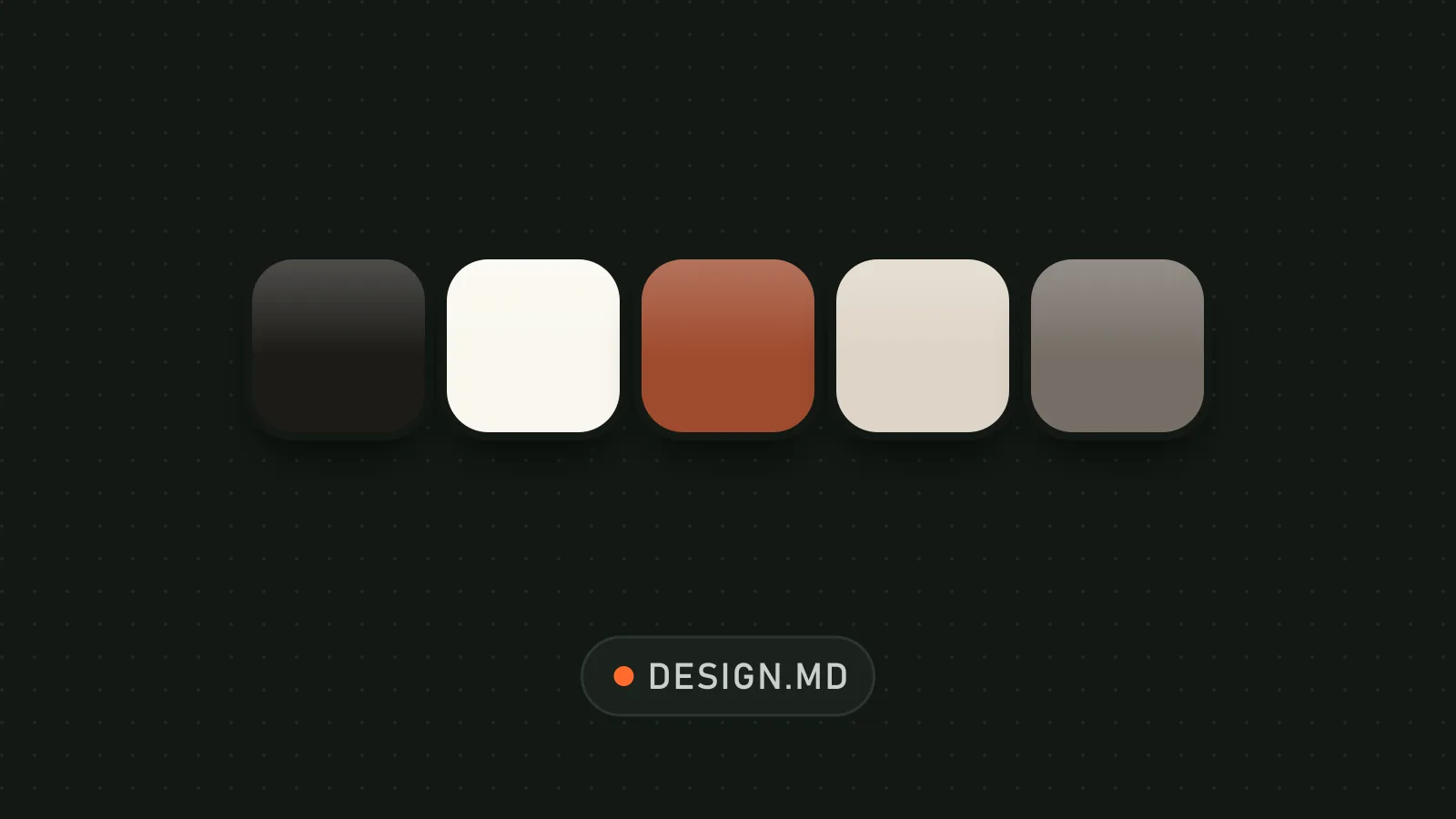
Cream paper, ink text, serif headings, a clay-colored button and a white card.

Design system published by abhayjnayakk under the MIT license.

Show more

Prerequisites

You bring
Your content (articles, reports) and The product name and its audience

How to use it

  1. Copy DESIGN.md to the project root
  2. Ask the agent to apply it to your pages
  3. Swap the fonts if you prefer other families

Content preview

Files

  • DESIGN.md2.9 KB
  • LICENSE1 KB
  • NOTICE-PALATEKIT.md0.4 KB

Origin and licence

Modified by PalateKit

Author
abhayjnayakk
Source
github.com/abhayjnayakk/awesome-design-md/tree/dbd98792cc3f39de547a183f8e549691b8e7bfc0/examples/editorial-saas
Licence
MIT

Notice

Version modifiée de « Editorial SaaS Starter » (abhayjnayakk, MIT) : traduction française et fiche par PalateKit.

User reviews

–

No ratings yet

Loading reviews…

Delete your review?

Your rating and comment will be removed from the page.

Frequently asked questions

How do I use it with my agent?

Copy the DESIGN.md file to the root of your project and ask the agent to follow it for every interface. It reads the colors, fonts and rules straight from the file.

Can I change the colors or fonts?

Yes. Edit the values in the file and the agent will follow the new ones. Keep the token names so components stay consistent.