Every premium and members-only resource for $9.99/month, as a no-commitment subscription. See the plans

PalateKit

Menu

Request a resource

Describe the resource you are missing in one sentence. We will email you when it is published.

0 / 280

Unlock PalateKit

Unlock everything

Plan

Paying means accepting our terms of sale.

Secure payment by Stripe. Receipts and invoices sent by email.

Welcome back

Sign in to install, download or save this resource. A free account is enough for free resources.

PalateKit Pick

Photo-first online store design v1.0.0

Use this resource to design a store or product page where photography sells

New

  • 457 downloads
  • 111 likes
  • 34 saves

$4.99

Lifetime access to this resource, with its updates.

Install with the CLI

In a terminal, from the folder you want:

npx --yes palatekit@latest install meta-store-retail-design

First time: connect the CLI with

npx --yes palatekit@latest login

The file describes a consumer hardware store: named colors with their roles, type scale, buttons, cards, inputs, navigation and image treatment. Your agent uses it to generate product pages, product grids and showcase sections that stay consistent. You get a precise visual direction with ready-made component prompts.

Updated November 2, 2026

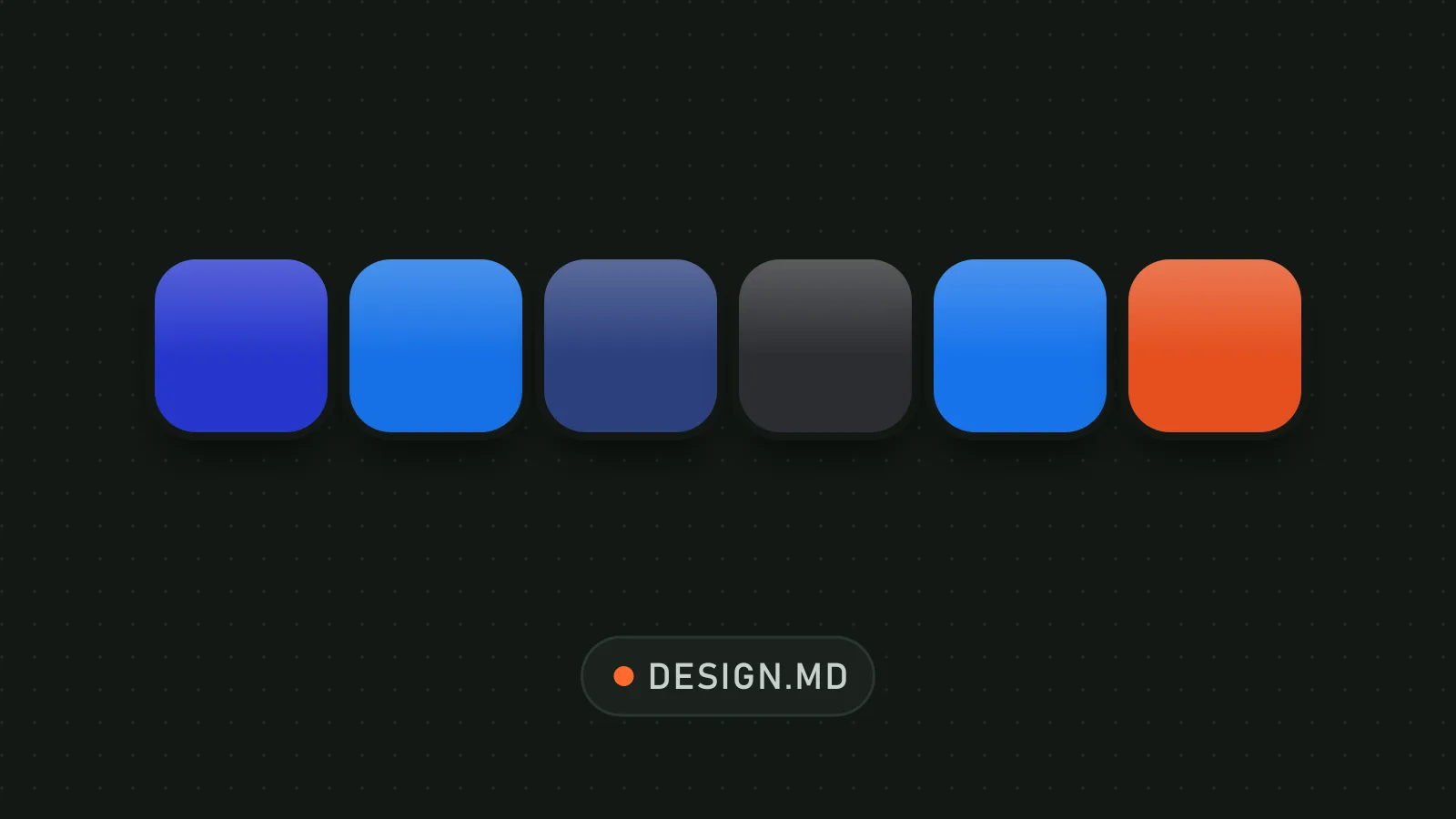
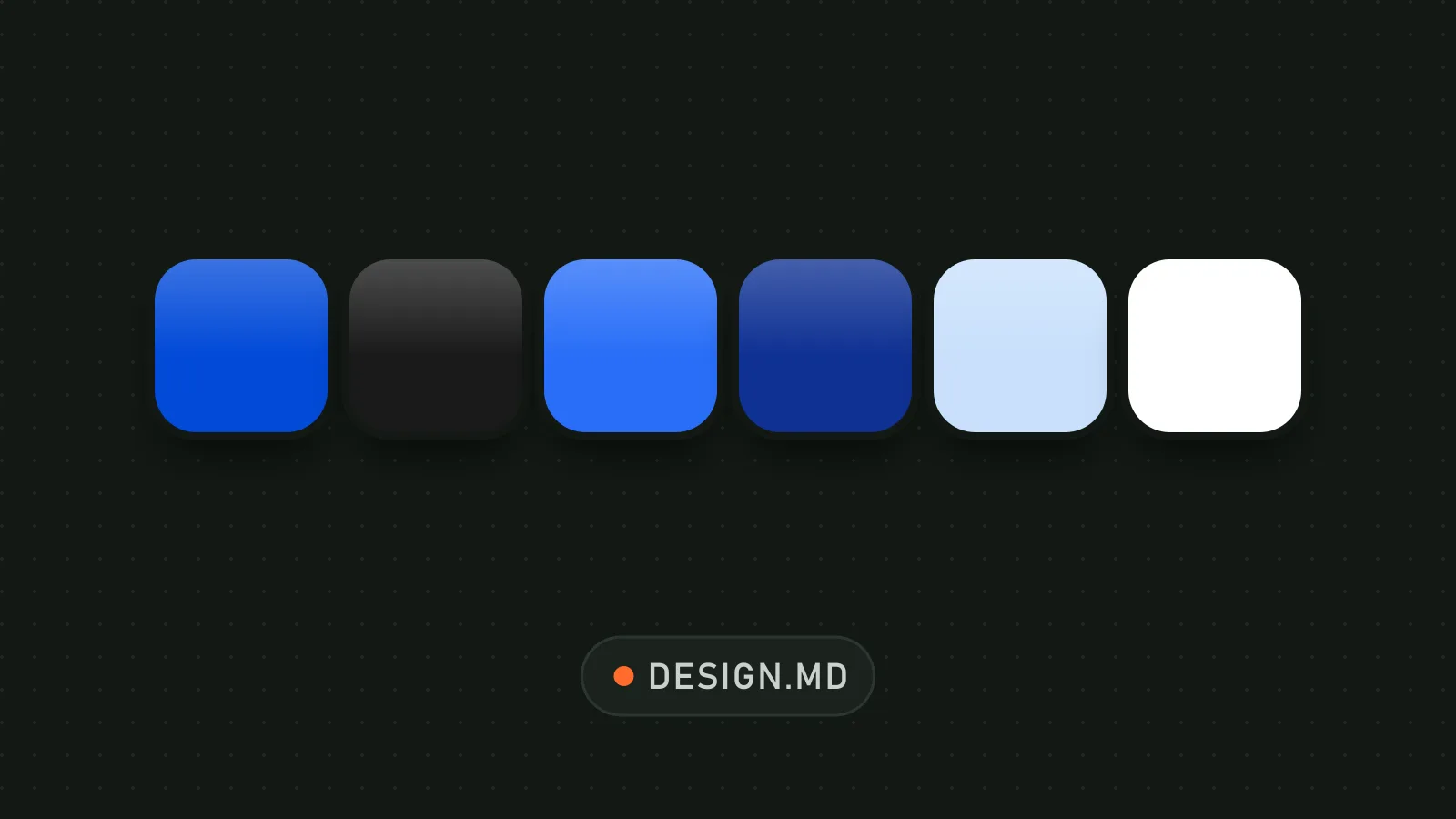
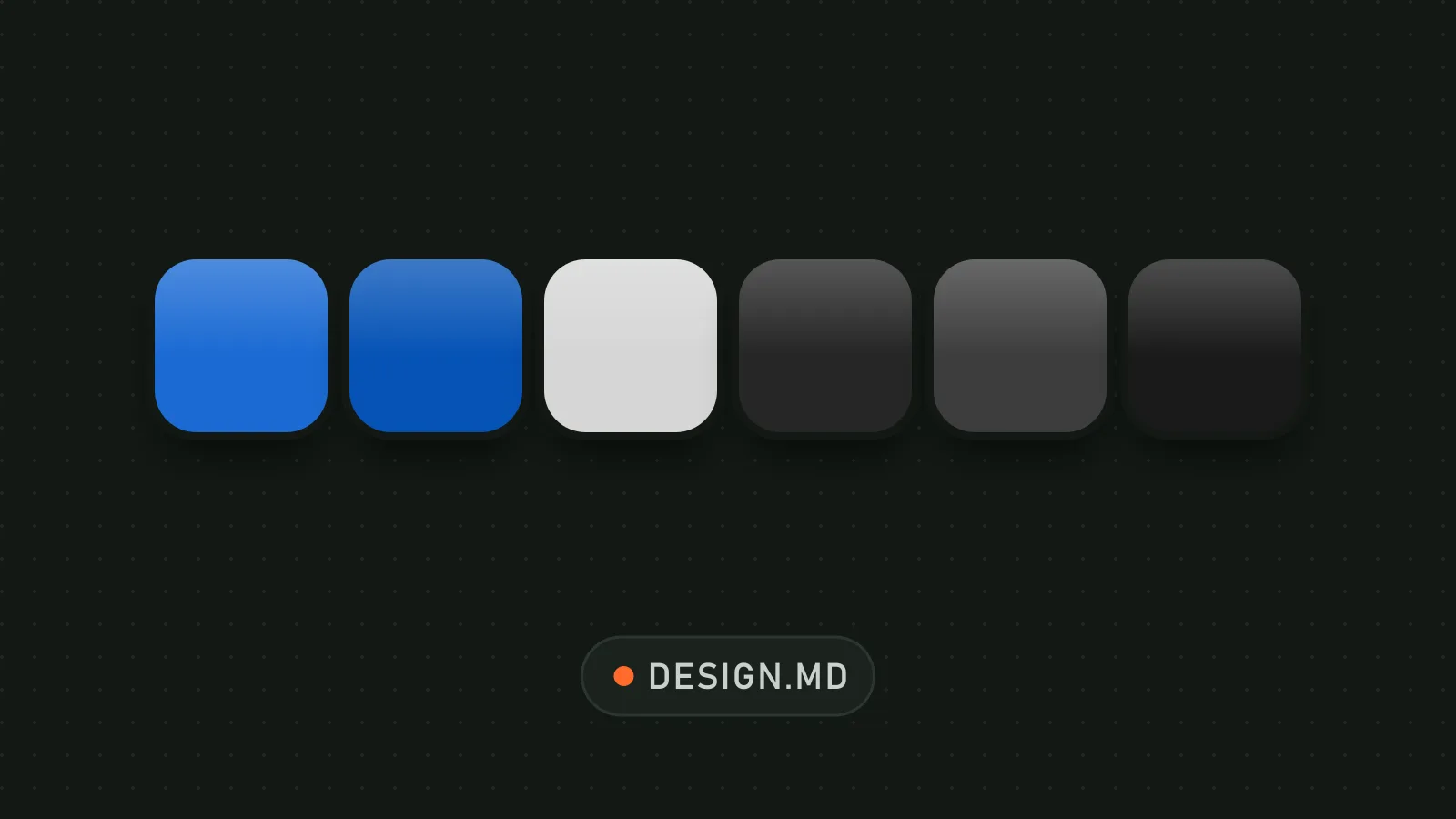
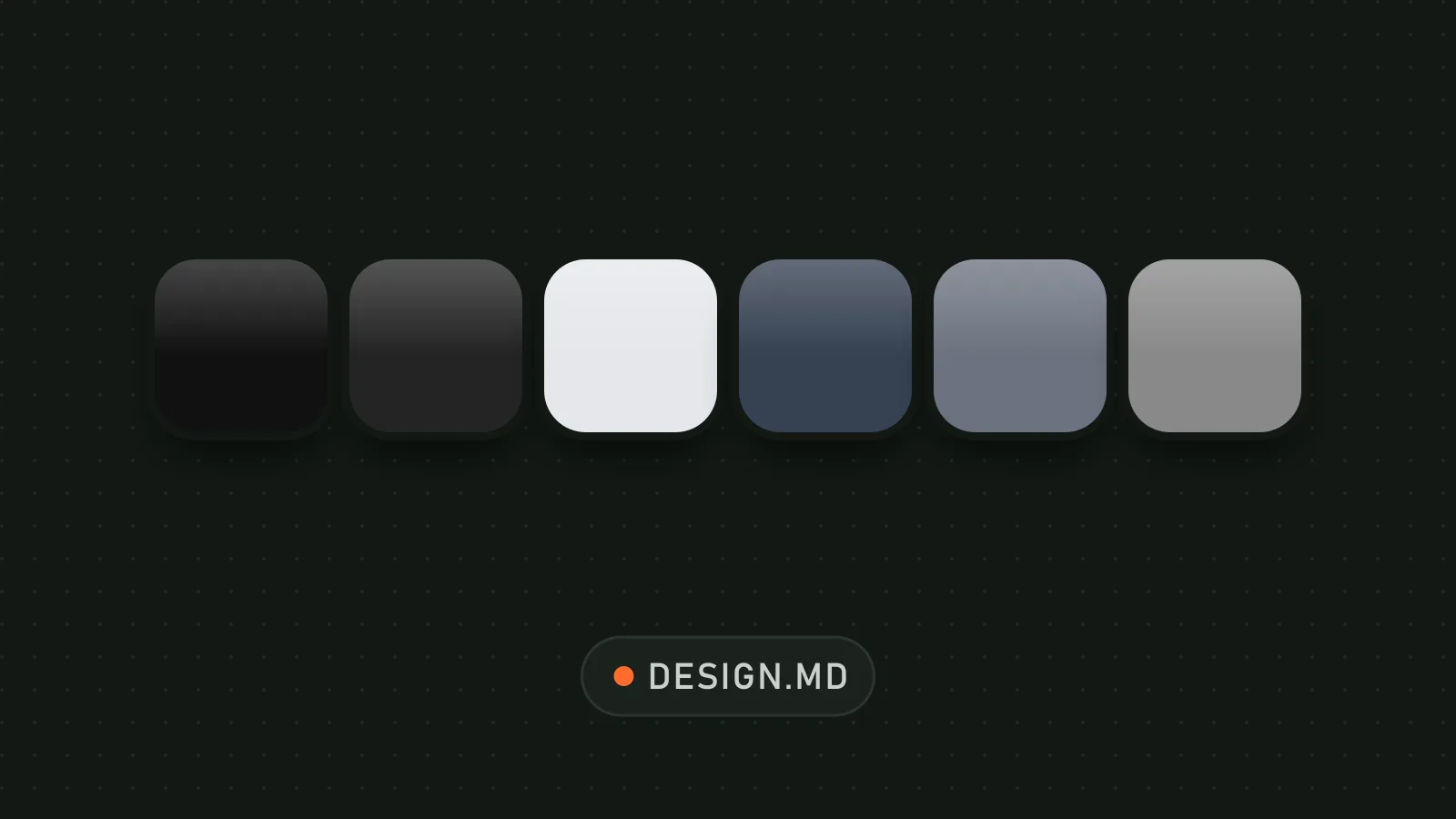
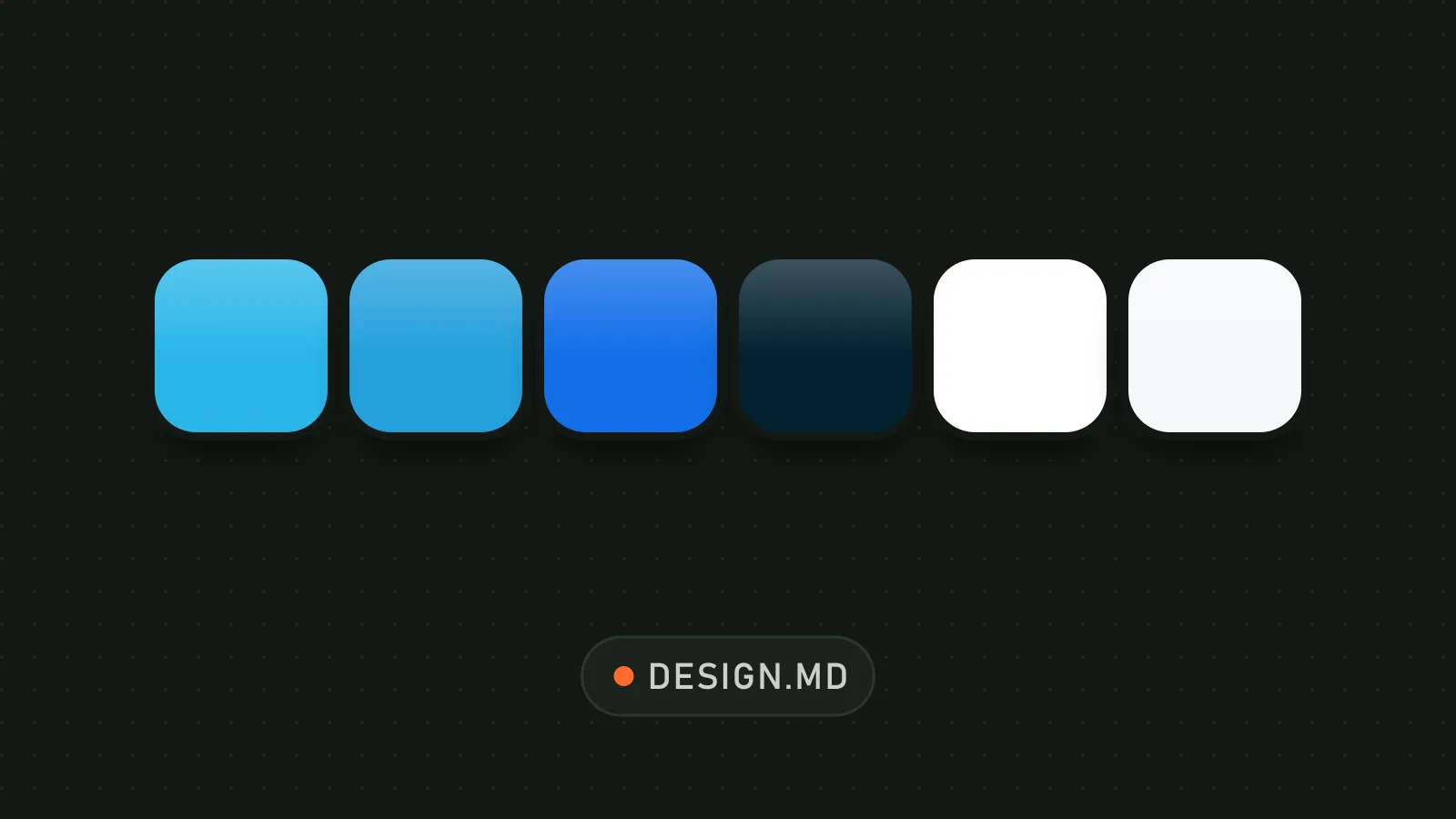
Store palette: bright blue, white, slate gray and alternating dark sections.

Details

Generates with
Your agent's model
Licence
MIT

Similar resources

View all

What you get

  • DESIGN.md: theme, palette, typography, components, layout, shadows, do's and don'ts
  • Token tables for spacing, radii, shadows and breakpoints
  • Nine sections written as a reference for an agent
  • Example component prompts and an iteration guide

Good fit for

  • An online store selling physical products with strong photos
  • A product launch page with alternating light and dark sections
  • A product page redesign aimed at better conversion

Not for

  • An editorial site or text-only blog
  • A brand without good product photography
  • A data dashboard

Tags

  • store
  • e-commerce
  • photography
  • pill buttons
  • product page

About

You say

"Build a product page in the DESIGN.md style: full-width hero, blue pill button, three-product grid and a dark showcase section."
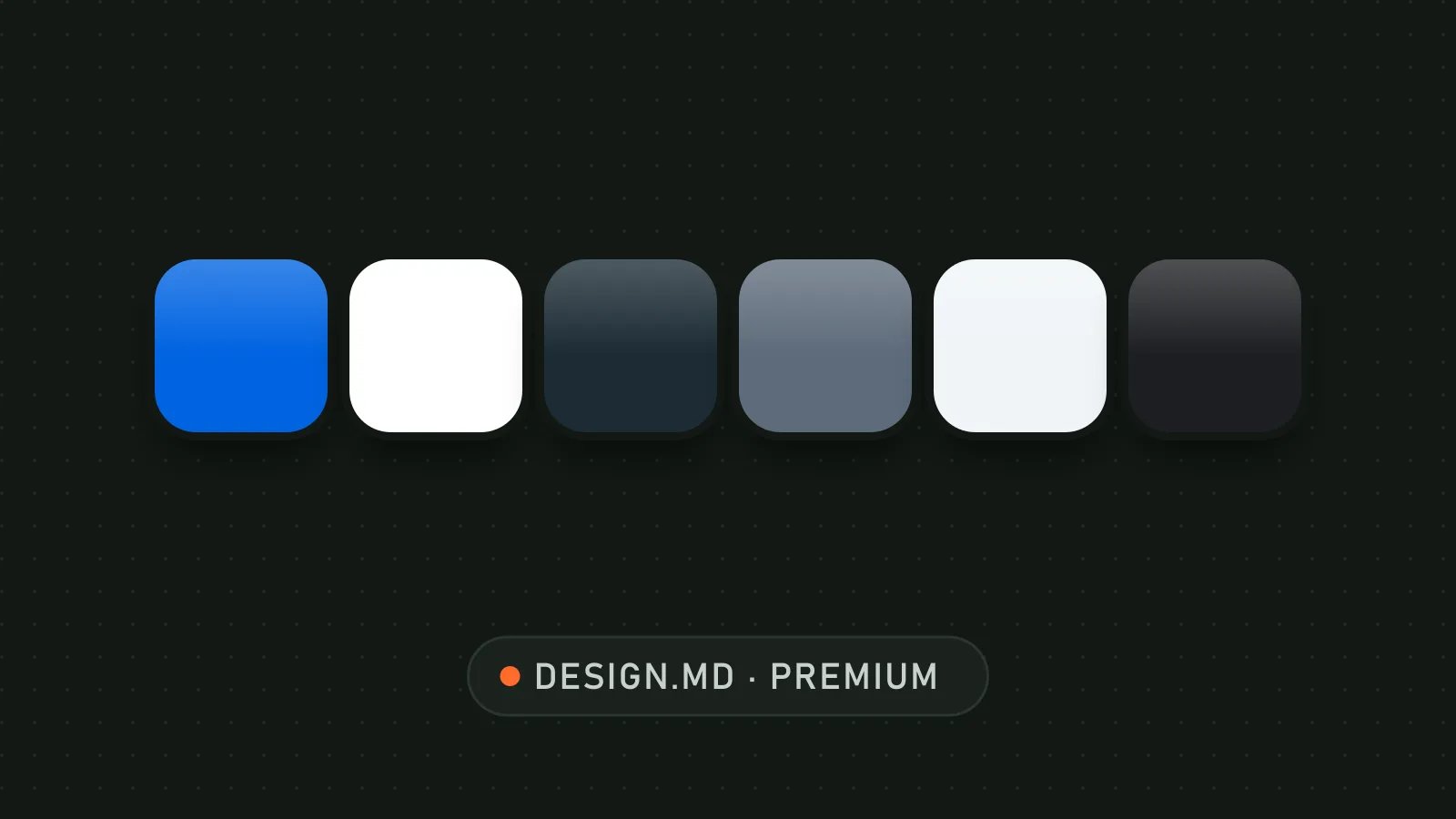
Store palette: bright blue, white, slate gray and alternating dark sections.

DESIGN.md file published by iFurySt under the MIT license, translated by PalateKit. The design is inspired by the Meta store; brand names and logos belong to their owners.

Show more

Prerequisites

You bring
Your product photos and Your brand colors and font

How to use it

  1. Copy DESIGN.md to the root of your project
  2. Ask your agent to follow it for every store page
  3. Swap in your own colors and font if needed

Content preview

Files

  • DESIGN.md20.4 KB
  • LICENSE1 KB
  • NOTICE-PALATEKIT.md0.4 KB
  • preview-dark.html35 KB
  • preview.html35.1 KB
  • README.md0.1 KB

Origin and licence

Modified by PalateKit

Author
iFurySt
Source
github.com/iFurySt/DESIGN.md/tree/048326327aca5d33cf0f7714cec7a2303330381a/design-md/meta
Licence
MIT

Notice

Version modifiée de « meta » (iFurySt, MIT) : traduction française et fiche par PalateKit.

User reviews

–

No ratings yet

Loading reviews…

Delete your review?

Your rating and comment will be removed from the page.

Frequently asked questions

Can I use it for my own brand?

Yes, as a starting point: keep the structure (light/dark alternation, pill buttons, generous space) and replace colors, font and visuals with your own.

Is the Optimistic font included?

No, it is a proprietary font. Use Montserrat or a close grotesque, as the fallback list in the file suggests.