


 PRO
Video
Title Revealed by a 3D Leaf Sweep
- 542542 downloads
- 166166 likes
- 171171 saves
Works with
+ HyperFrames- Claude Code
- Codex
- Cursor
- and 3 more
Every premium and members-only resource for $9.99/month, as a no-commitment subscription. See the plans
PalateKit Pick
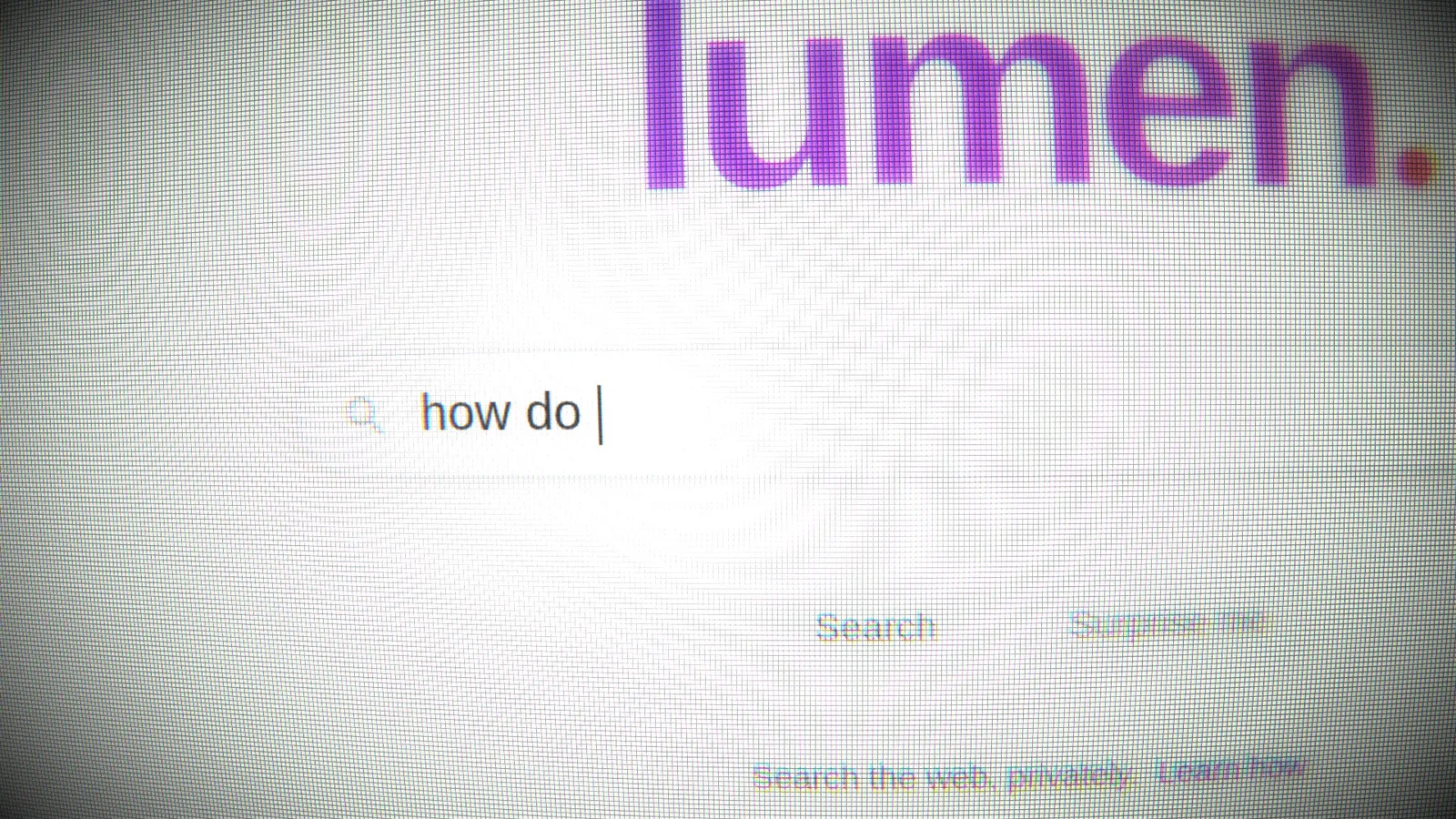
Use this resource to make a web scene look like a screen filmed by a camera
New
$4.99
Lifetime access to this resource, with its updates.
In a terminal, from the folder you want:
npx --yes palatekit@latest install filmed-screen-cameraFirst time: connect the CLI with
npx --yes palatekit@latest loginThe agent pastes this component into your HyperFrames composition and defines a list of shots. In each shot the virtual camera tilts, zooms, changes grade and racks focus onto the element you name, which stays sharp while the rest blurs. You get the filmed product demo look without a shoot.
Updated November 2, 2026
PROVideo
 PRO
Video
 PRO
Video
 PRO
Video
 PRO
Video
 Free
Video
 PRO
Video
 PRO
Video
You say
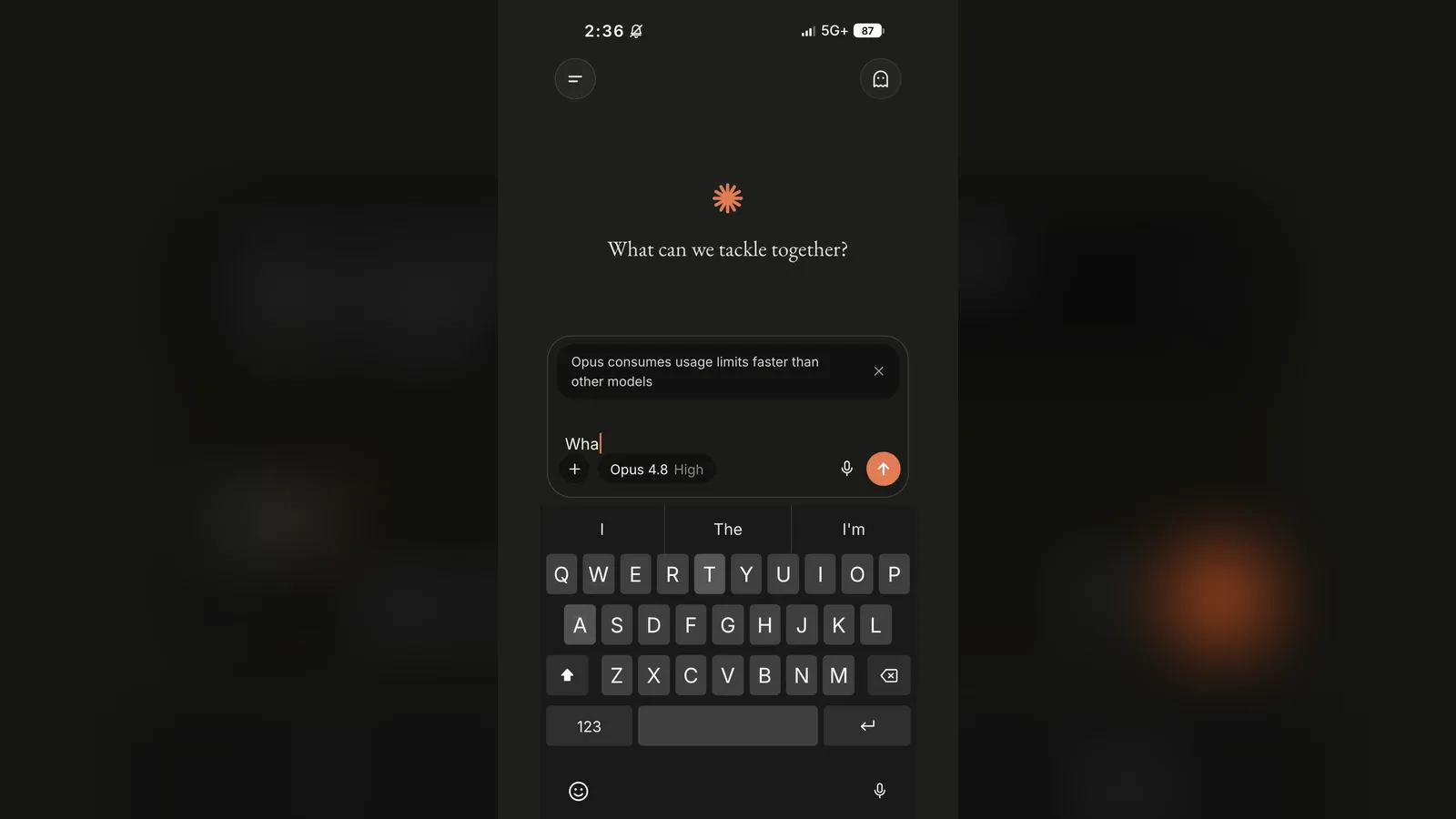
"Use the filmed-screen component on my search scene: two shots, the first on the title, the second following the typed text, warm grade."
Template published by HeyGen (HyperFrames) under the Apache-2.0 license.
Modified by PalateKit
Version modifiée de « Filmed Screen » (HeyGen (HyperFrames), Apache-2.0) : traduction française et fiche par PalateKit.
–
No ratings yet
Loading reviews…
The HyperFrames renderer (Chrome with HTML-in-Canvas) and WebGL2. Without them the scene is shown unfilmed with a console warning.
It is marked experimental in its registry. Keep the <canvas layoutsubtree> in the HTML: created from script, it yields blank frames.