


 Free
Web
Grey 3D button with hover effect by cssbuttons-io
- 386386 downloads
- 243243 likes
- 153153 saves
Works with
- Claude Code
- Codex
- Cursor
- and 3 more
Every premium and members-only resource for $9.99/month, as a no-commitment subscription. See the plans
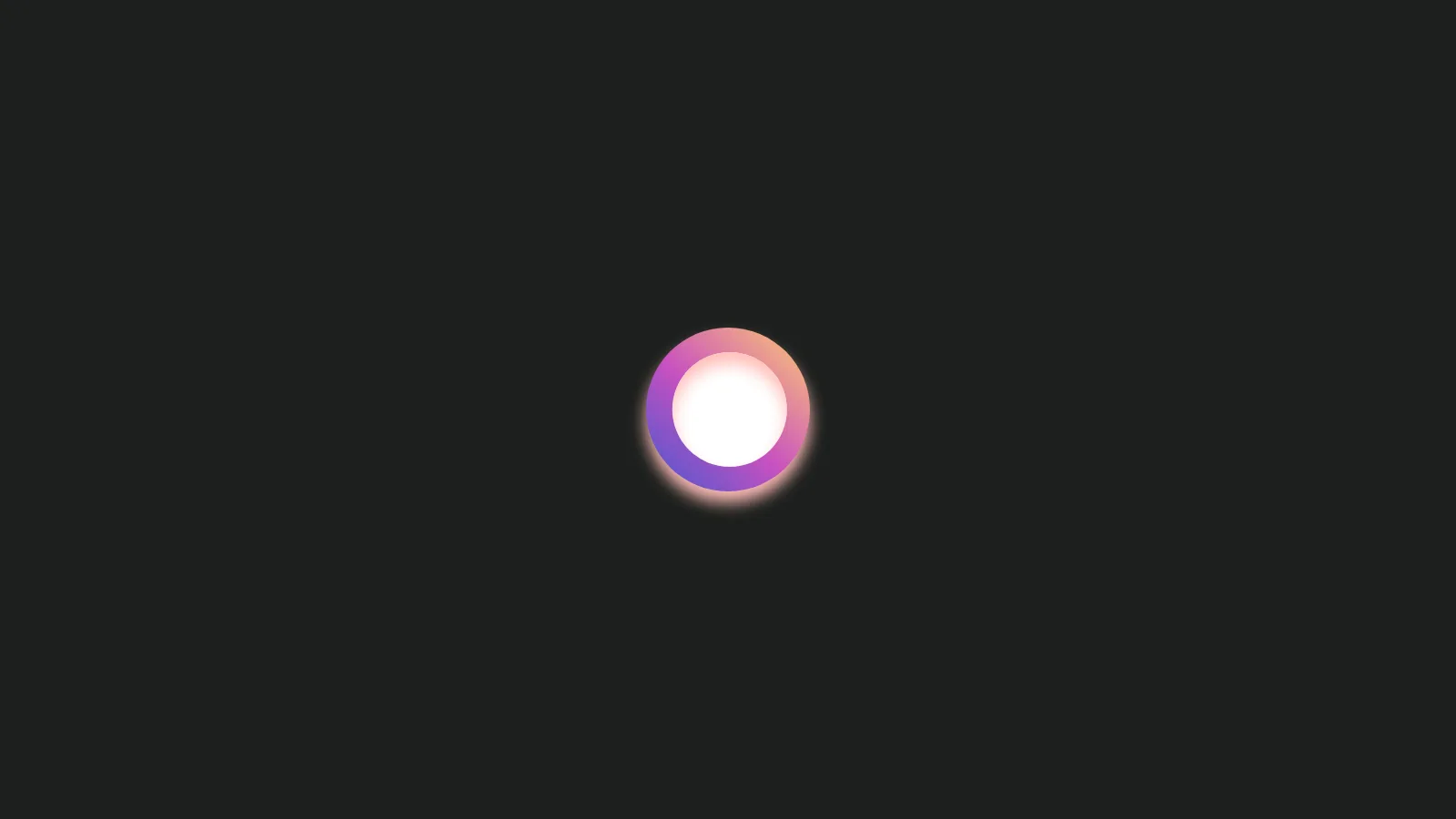
Use this resource to add a round checkbox that shows a cross to a web page
New
Free
In a terminal, from the folder you want:
npx --yes palatekit@latest install gradient-circle-reject-checkboxFirst time: connect the CLI with
npx --yes palatekit@latest loginThe agent copies the HTML and CSS of a round checkbox that shows a cross into your page, then adapts colors, texts and sizes to your brand. The circle shrinks on hover and click, and a white cross is drawn once checked. You get a paste-ready component with no library to install.
Updated November 2, 2026
FreeWeb
 Free
Web
 Free
Web
 Free
Web
 Free
Web
 Free
Web
 Free
Web
 Free
Web
You say
"Add a round checkbox that shows a cross to my home page and match it to my brand colors."
Element published by m-muzammal under the MIT license on Uiverse, guide written by PalateKit.
Modified by PalateKit
Version modifiée de « m-muzammal_bitter-parrot-73 » (m-muzammal, MIT) : traduction française et fiche par PalateKit.
–
No ratings yet
Loading reviews…
No, the HTML and CSS are enough. Paste them into your page.
Edit the label linear-gradient, the colors #ffbeb8 and #ff9d96, and --size. The agent can do it for you if you give it your palette.