


 Free
Web
Grey 3D button with hover effect by cssbuttons-io
- 386386 downloads
- 243243 likes
- 153153 saves
Works with
- Claude Code
- Codex
- Cursor
- and 3 more
Every premium and members-only resource for $9.99/month, as a no-commitment subscription. See the plans
Use this resource to style a single-choice option group
New
Free
In a terminal, from the folder you want:
npx --yes palatekit@latest install green-bubble-radio-buttonsFirst time: connect the CLI with
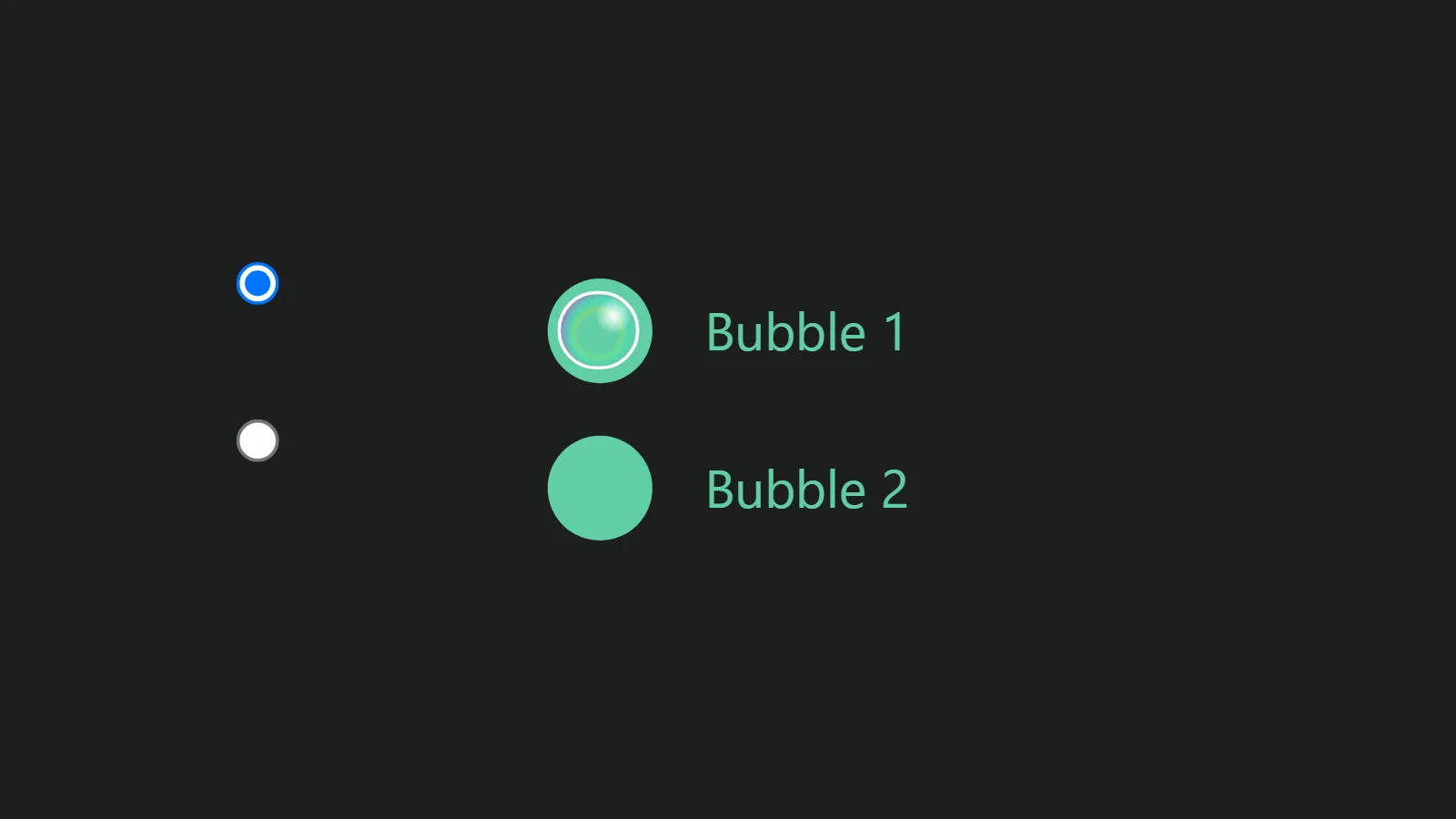
npx --yes palatekit@latest loginEach option is a real hidden radio input, with a green dot and a glinting bubble that inflates when checked. The HTML stays accessible: one `label` per option and a shared `name` group. The agent adapts it to a plan, size or delivery choice.
Mostly picked by
Updated November 2, 2026
FreeWeb
 Free
Web
 Free
Web
 Free
Web
 Free
Web
 Free
Web
 Free
Web
 Free
Web
You say
"Use these bubble radio buttons for the size choice on my product page: S, M, L."
Animation published by Pradeepsaranbishnoi on Uiverse under the MIT license, documented by PalateKit.
Modified by PalateKit
Version modifiée de « Pradeepsaranbishnoi_tiny-tiger-4 » (Pradeepsaranbishnoi, MIT) : traduction française et fiche par PalateKit.
–
No ratings yet
Loading reviews…
No. The file holds HTML and CSS to copy into your page; no package or script is needed.
The green `#61cea5` appears in `.Radio input[type="radio"] + label` and its `::before`; the glints are in the `::after` `radial-gradient`.