


 PRO
Video
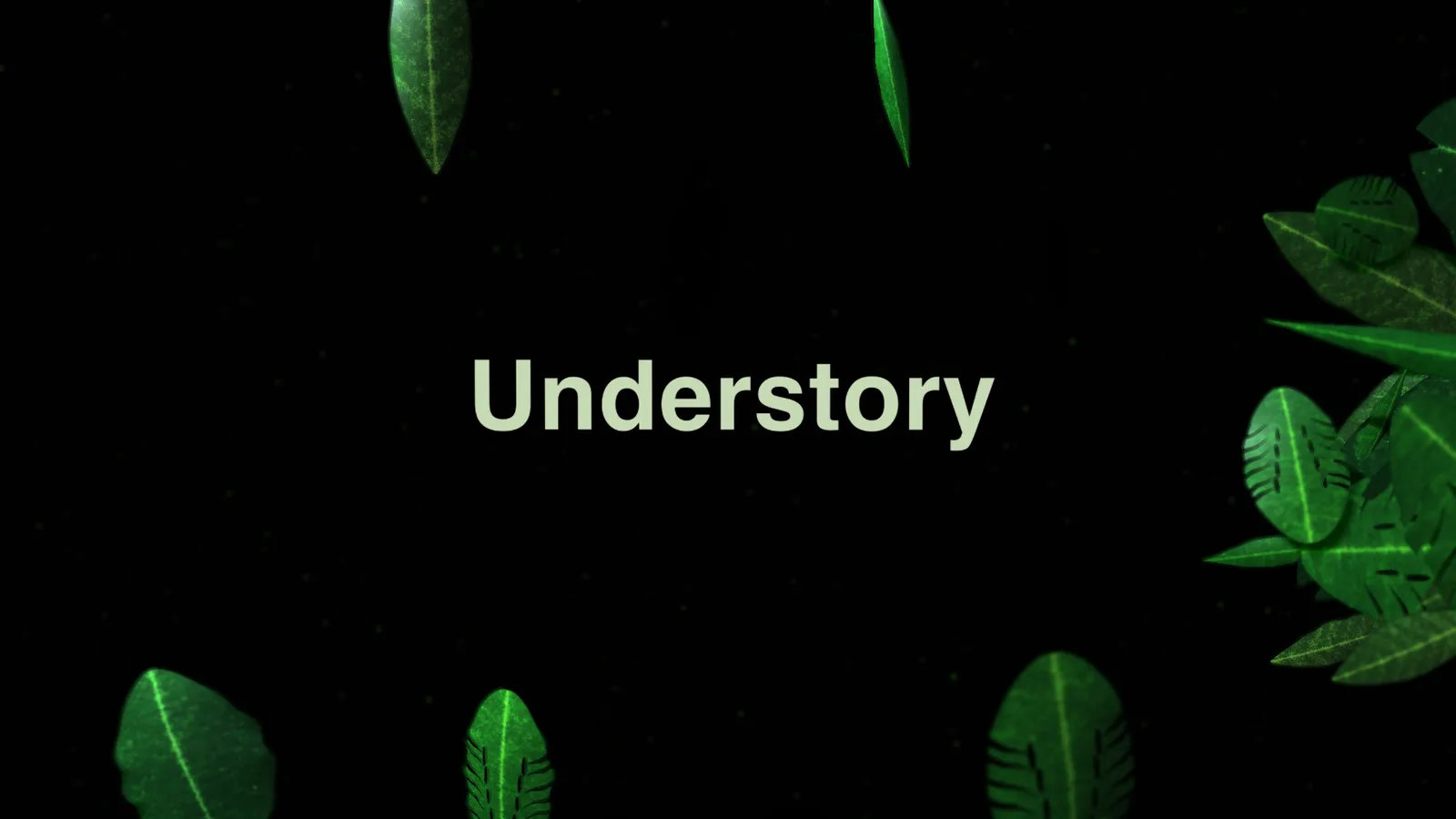
Title Revealed by a 3D Leaf Sweep
- 542542 downloads
- 166166 likes
- 171171 saves
Works with
+ HyperFrames- Claude Code
- Codex
- Cursor
- and 3 more
Every premium and members-only resource for $9.99/month, as a no-commitment subscription. See the plans
Use this resource to make a video or screenshot look like a real display
New
Free
In a terminal, from the folder you want:
npx --yes palatekit@latest install screen-warp-display-effectFirst time: connect the CLI with
npx --yes palatekit@latest loginThe agent applies a subtle perspective and an effects layer that evokes a physical screen to a video or screenshot: pixel grid, scanlines, vignette and light sheen. The effect switches on and off at the time you choose. You get a look close to a demo filmed on a screen.
Mostly picked by
Updated November 2, 2026
PROVideo
 PRO
Video
 PRO
Video
 PRO
Video
 Free
Video
 PRO
Video
 PRO
Video
 Free
Video
You say
"Make my screenshot look like a physical display with scanlines and sheen, starting at second 2."
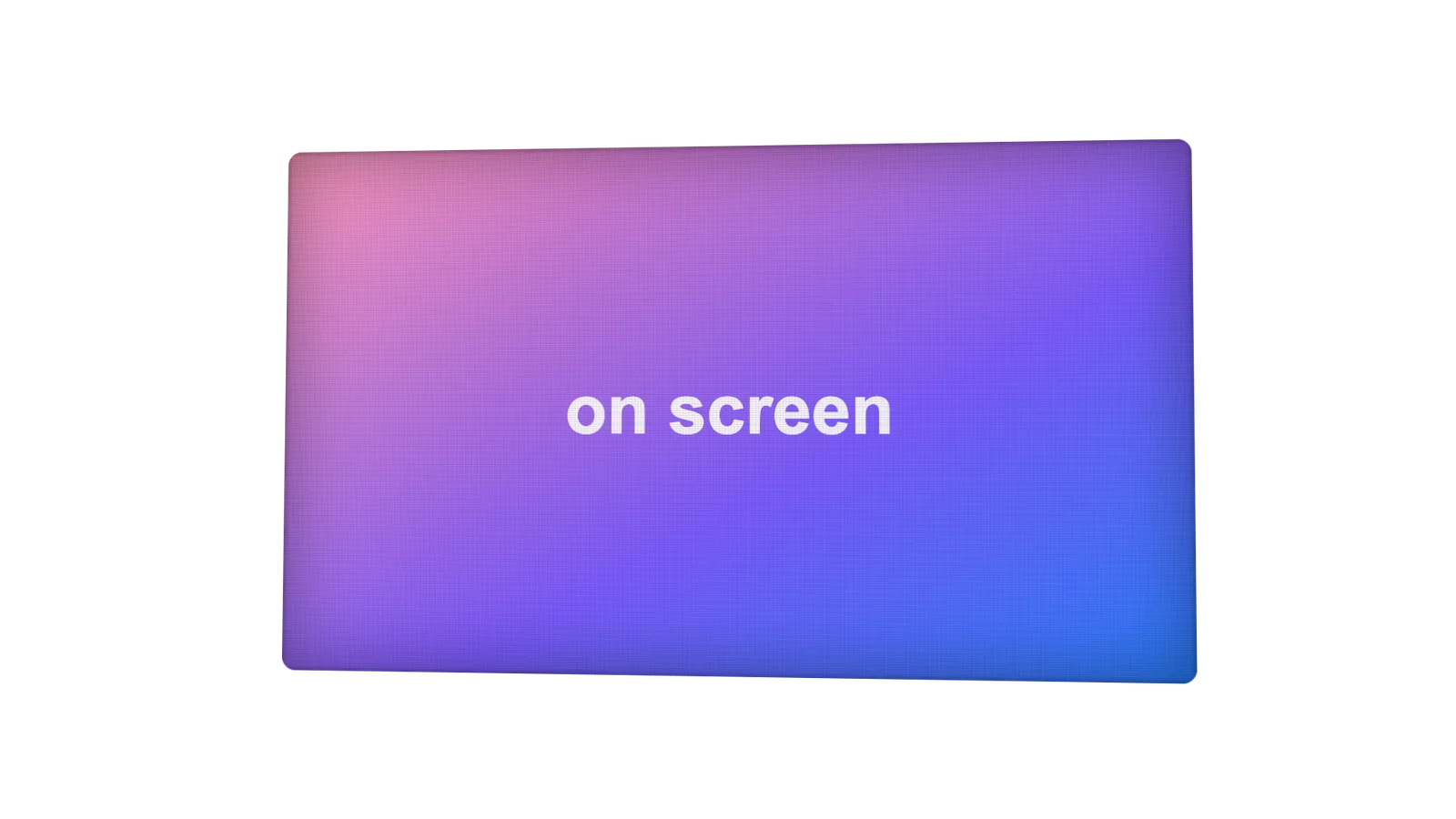
Component published by HeyGen (HyperFrames) under the Apache-2.0 license.
Modified by PalateKit
Version modifiée de « On-Screen Display Effect » (HeyGen (HyperFrames), Apache-2.0) : traduction française et fiche par PalateKit.
–
No ratings yet
Loading reviews…
Add the yt-screen-warp3d class to the media container and a yt-screen-fx div as its last child, then call ytScreenOn(tl, target, at).
Yes: the line and grid opacities are in the .yt-screen-fx CSS, and the angle in the perspective transform of .yt-screen-warp3d.