
Every premium and members-only resource for $9.99/month, as a no-commitment subscription. See the plans

PalateKit

Menu

Request a resource

Describe the resource you are missing in one sentence. We will email you when it is published.

0 / 280

Unlock PalateKit

Unlock everything

Plan

Paying means accepting our terms of sale.

Secure payment by Stripe. Receipts and invoices sent by email.

Welcome back

Sign in to install, download or save this resource. A free account is enough for free resources.

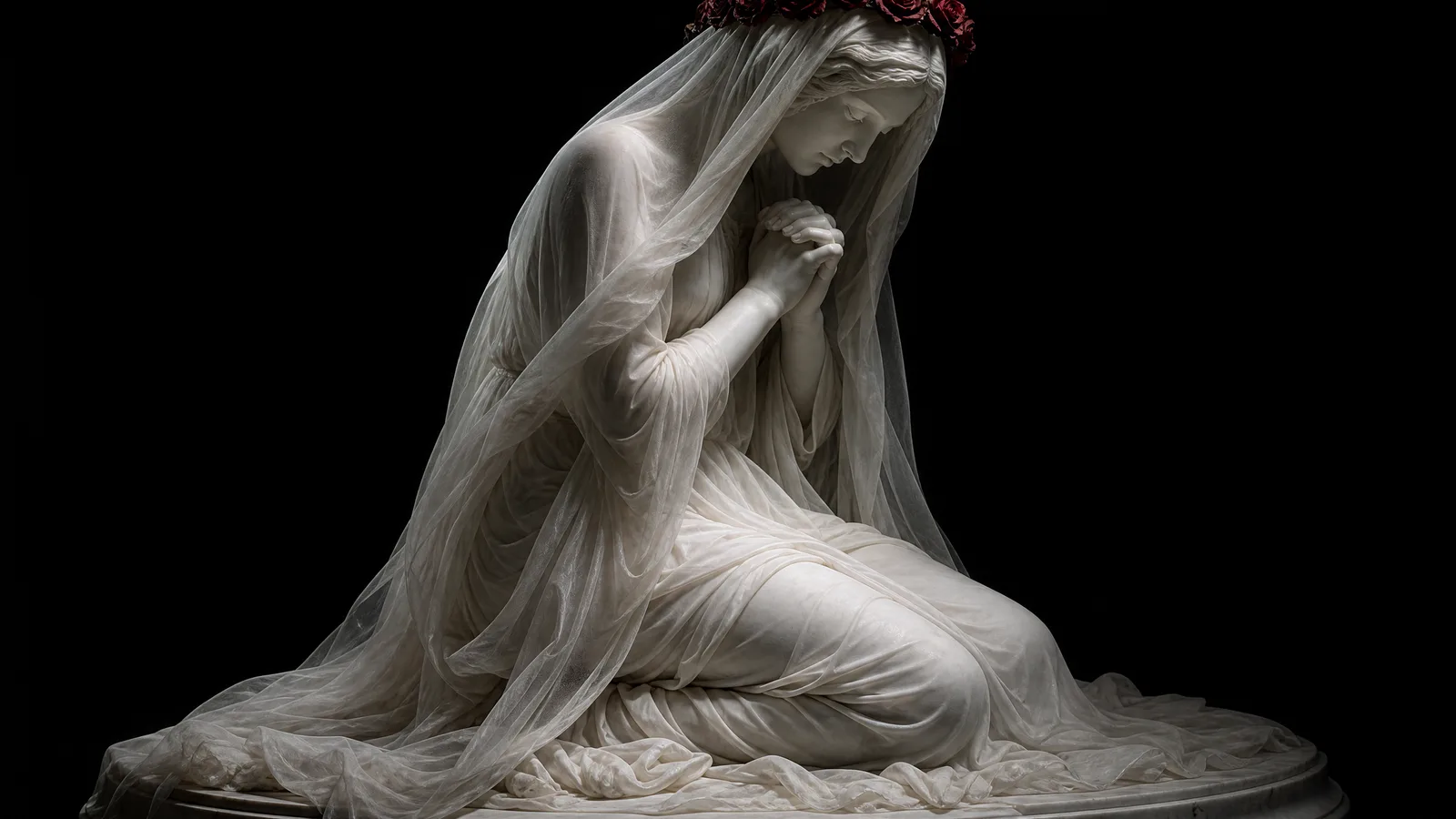
Kneeling marble statue with a crown of red roses v1.0.0

Use this resource to create an art photo of a marble statue with dramatic lighting

New

  • 436 downloads
  • 111 likes
  • 188 saves

Free

Install with the CLI

In a terminal, from the folder you want:

npx --yes palatekit@latest install marble-statue-rose-crown

First time: connect the CLI with

npx --yes palatekit@latest login

The prompt describes a classical kneeling statue, a long, almost silky veil, a crown of red roses with a strong contrast and chiaroscuro lighting from above on a black background. You get a sculptural image, ideal for a sober and dramatic mood.

Mostly picked by

Updated November 2, 2026

White marble statue of a kneeling veiled woman crowned with red roses against a black background.

Details

Generates with
GPT Image 2
Licence
CC-BY-4.0

Similar resources

View all

What you get

  • prompt.txt: the full prompt, ready to paste
  • A preview of the result generated with GPT Image 2
  • Style, framing and lighting directions you can copy as they are

Good fit for

  • Mood visuals for a luxury, art or jewelry brand
  • Book, magazine or album covers
  • Studying chiaroscuro lighting

Not for

  • Bright, colorful commercial visuals
  • Images with text

Tags

  • sculpture
  • marble
  • chiaroscuro
  • art
  • roses

About

You say

"Generate a photo of a kneeling veiled marble statue with a crown of red roses, dramatic light on a black background."
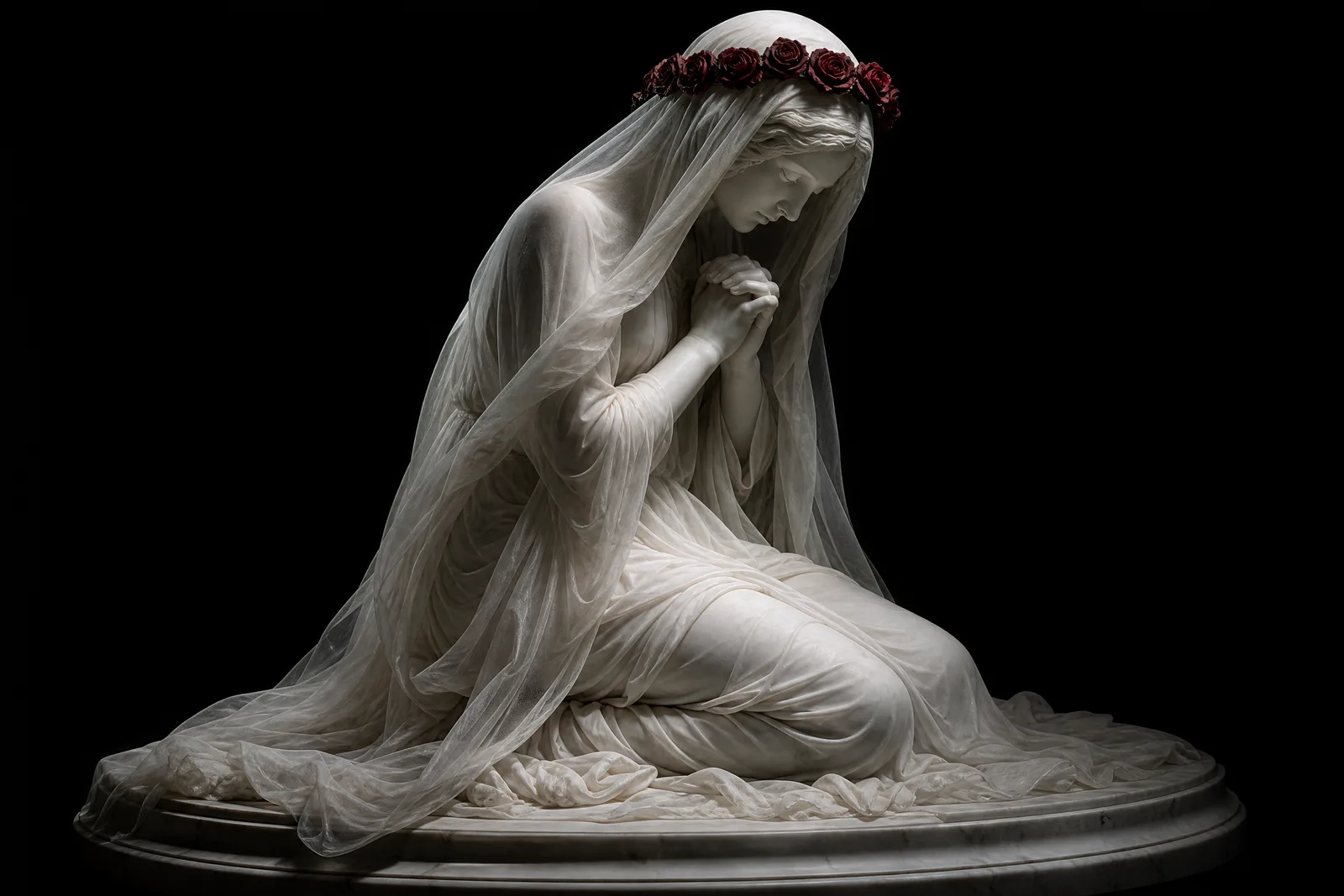
White marble statue of a kneeling veiled woman crowned with red roses against a black background.

Prompt published by Dreamkeeper on X under the CC-BY-4.0 license.

Show more

Prerequisites

You bring
Access to GPT Image 2

How to use it

  1. Paste the prompt into GPT Image 2.
  2. Change the flower color or the material (marble, bronze) to vary the result.
  3. Generate, then adjust one detail at a time (light, framing, colors).

Content preview

Files

  • LICENSE1.4 KB
  • marble-statue-rose-crown.md0.7 KB
  • NOTICE-PALATEKIT.md0.5 KB

Origin and licence

Modified by PalateKit

Author
Dreamkeeper
Source
github.com/YouMind-OpenLab/awesome-gpt-image-2/blob/f06c0dd7fdfd593473ebdd932316bc9718d9ec3f/README.md
Licence
CC-BY-4.0

Notice

Version modifiée de « Social Media Post - Marble Statue of Kneeling Woman with Rose Crown » (Dreamkeeper, CC-BY-4.0) : traduction française et fiche par PalateKit.

User reviews

–

No ratings yet

Loading reviews…

Delete your review?

Your rating and comment will be removed from the page.

Frequently asked questions

How do I change the flower?

Replace "red roses" with another flower or color in the sentence about the crown.

Which background should I pick?

Black strengthens the contrast. You can try a dark gray, but keep the lighting coming from above.