Every premium and members-only resource for $9.99/month, as a no-commitment subscription. See the plans

PalateKit

Menu

Request a resource

Describe the resource you are missing in one sentence. We will email you when it is published.

0 / 280

Unlock PalateKit

Unlock everything

Plan

Paying means accepting our terms of sale.

Secure payment by Stripe. Receipts and invoices sent by email.

Welcome back

Sign in to install, download or save this resource. A free account is enough for free resources.

Cinematic scene with doors to many worlds v1.0.0

Use this resource to create a cinematic thumbnail or hook image

New

  • 38 downloads
  • 142 likes
  • 186 saves

Free

Install with the CLI

In a terminal, from the folder you want:

npx --yes palatekit@latest install multi-door-worlds-thumbnail

First time: connect the CLI with

npx --yes palatekit@latest login

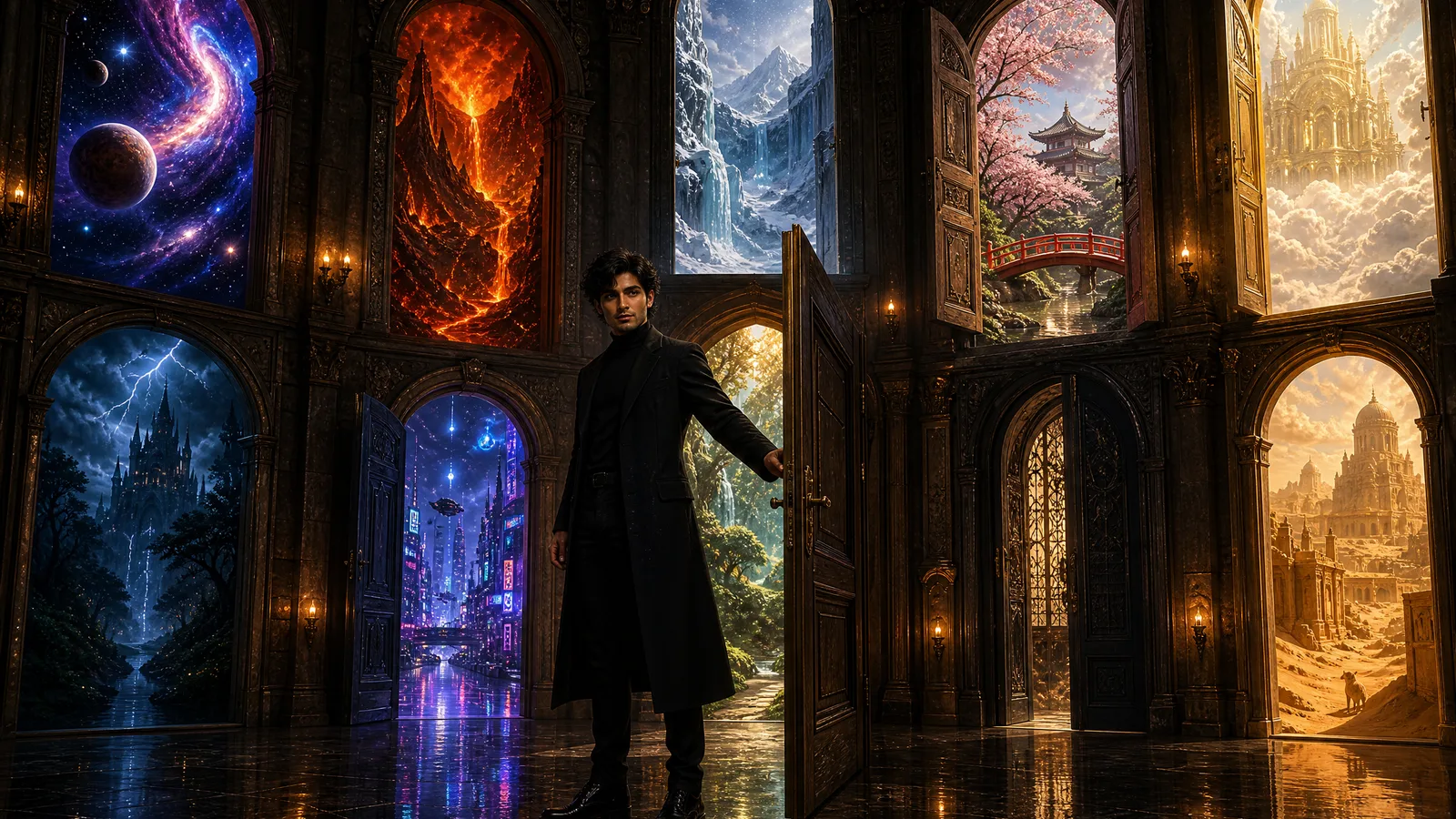
The prompt describes a figure in black at the centre of a hall, surrounded by doors opening onto ten worlds: galaxy, frozen kingdom, volcanoes, cherry blossoms, gothic castle, cyberpunk city and more. You get a spectacular, readable image suited to a video thumbnail or cover.

Mostly picked by

Updated November 2, 2026

Man in black in a huge hall surrounded by doors opening onto different worlds.

Details

Generates with
GPT Image 2
Licence
CC-BY-4.0

Similar resources

View all

What you get

  • prompt.txt: the prompt (French translation in the French version)
  • A list of ten worlds ready to edit
  • Guidance on outfit, attitude and realism

Good fit for

  • YouTube thumbnail on an imaginative theme
  • Cover for a book, game or course
  • Launch visual for a channel

Not for

  • Plain, institutional images
  • Portraits of a specific real person

Tags

  • thumbnail
  • cinematic
  • fantasy
  • doors
  • cover

About

You say

"Use this prompt, but replace the worlds with real travel destinations."
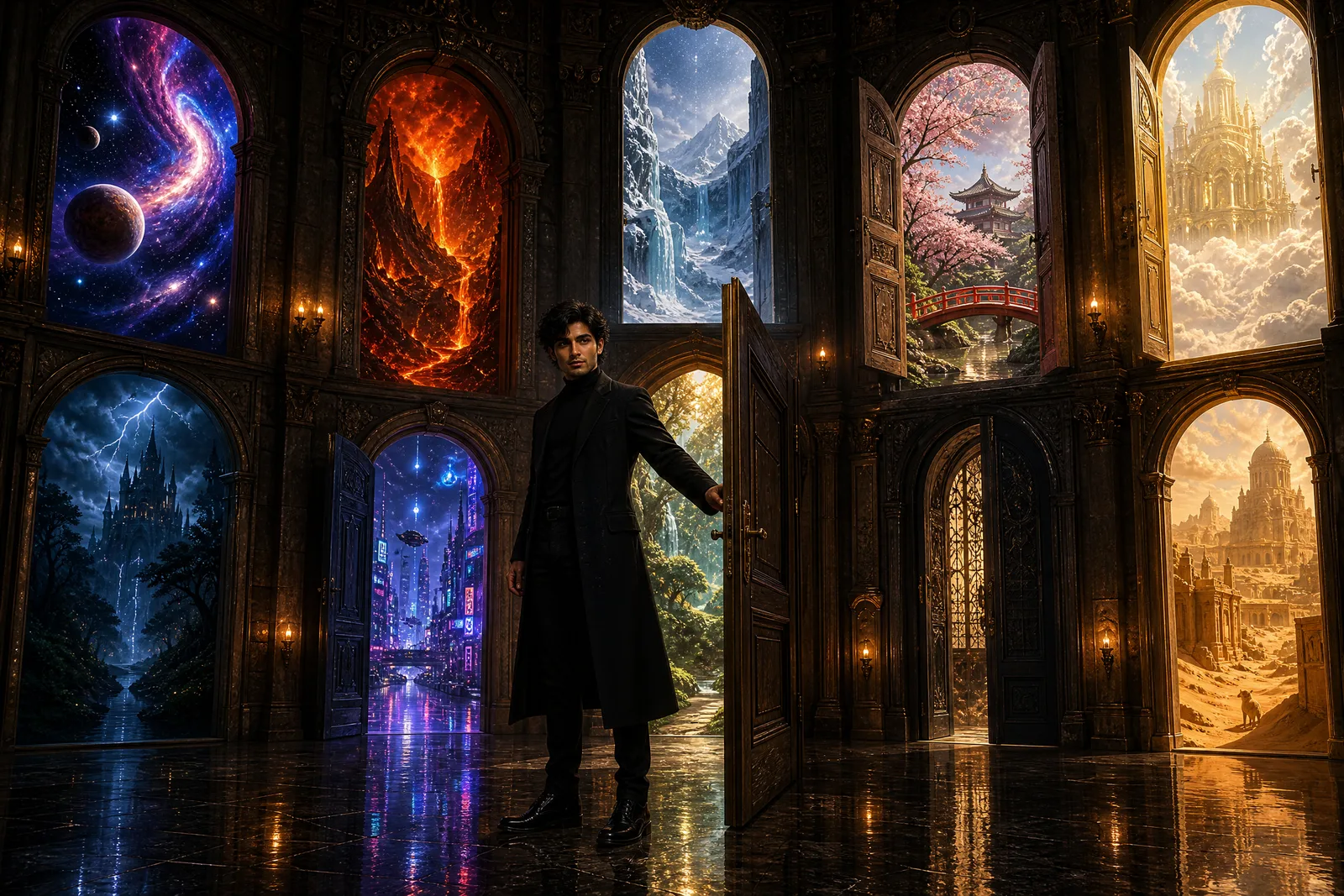
Man in black in a huge hall surrounded by doors opening onto different worlds.

Prompt published by HeisenLegacy under the CC-BY-4.0 license, translated by PalateKit.

Show more

Prerequisites

You bring
The worlds or theme to illustrate (optional)

How to use it

  1. Pick which worlds to keep or replace.
  2. Paste the prompt into your image generation tool.
  3. Generate in 16:9 for a thumbnail, then add your title.

Content preview

Files

  • LICENSE1.4 KB
  • multi-door-worlds-thumbnail.md2.5 KB
  • NOTICE-PALATEKIT.md0.5 KB

Origin and licence

Modified by PalateKit

Author
HeisenLegacy
Source
github.com/YouMind-OpenLab/awesome-gpt-image-2/blob/f06c0dd7fdfd593473ebdd932316bc9718d9ec3f/README.md
Licence
CC-BY-4.0

Notice

Version modifiée de « YouTube Thumbnail - Cinematic Multi-Door Fantasy Scene Prompt for GPT Image 2 » (HeisenLegacy, CC-BY-4.0) : traduction française et fiche par PalateKit.

User reviews

–

No ratings yet

Loading reviews…

Delete your review?

Your rating and comment will be removed from the page.

Frequently asked questions

Can I change the character?

Yes, edit the character description at the start of the prompt.

Which format should I use?

The prompt sets no format; specify 16:9 for a thumbnail.