Every premium and members-only resource for $9.99/month, as a no-commitment subscription. See the plans

PalateKit

Menu

Request a resource

Describe the resource you are missing in one sentence. We will email you when it is published.

0 / 280

Unlock PalateKit

Unlock everything

Plan

Paying means accepting our terms of sale.

Secure payment by Stripe. Receipts and invoices sent by email.

Welcome back

Sign in to install, download or save this resource. A free account is enough for free resources.

PalateKit Pick

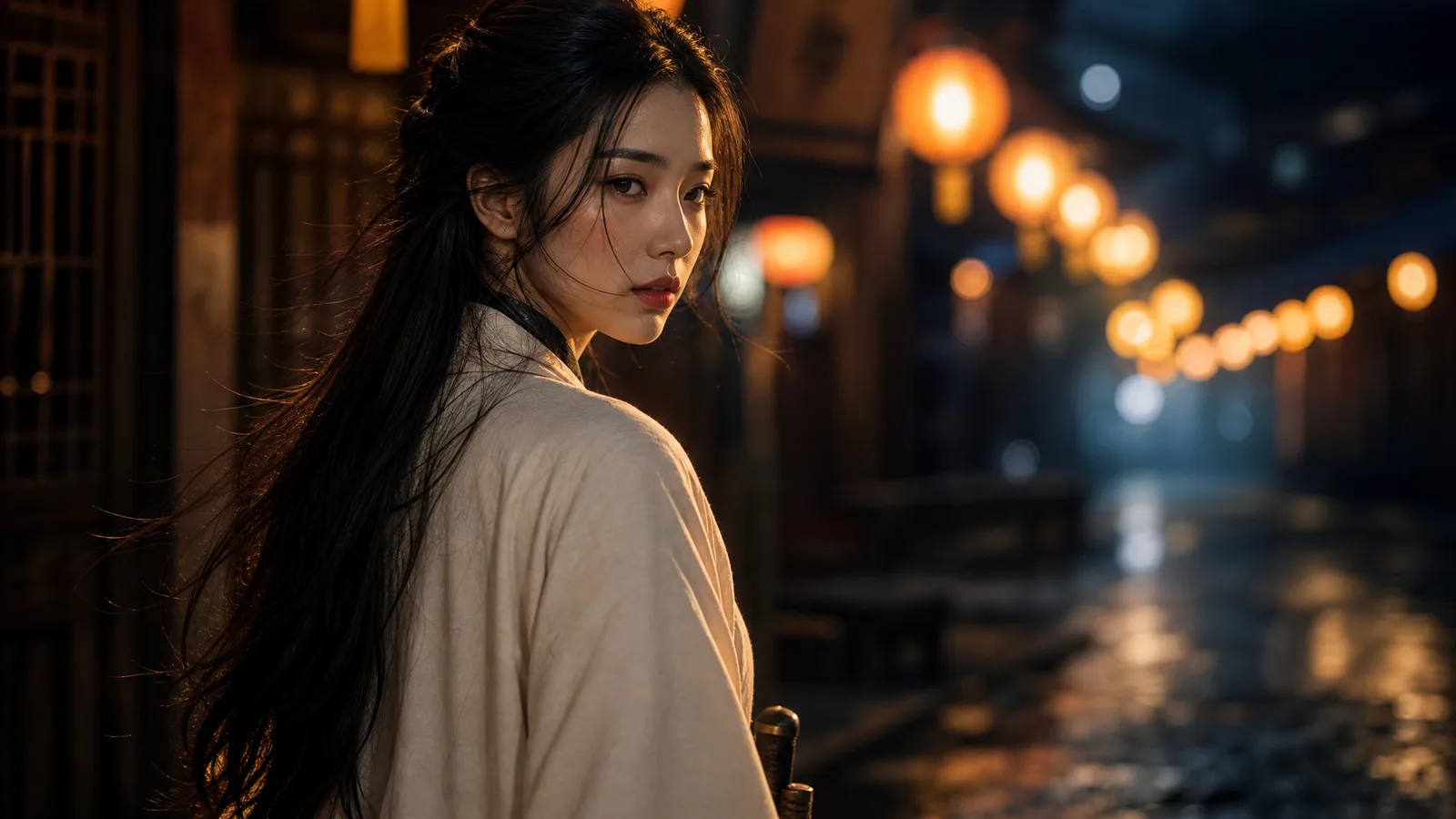
Swordswoman in a lantern-lit night market, ultrawide v1.0.0

Use this resource to create an ultrawide cinematic image with a precisely framed composition

New

  • 267 downloads
  • 113 likes
  • 57 saves

Free

Install with the CLI

In a terminal, from the folder you want:

npx --yes palatekit@latest install night-market-swordswoman

First time: connect the CLI with

npx --yes palatekit@latest login

The prompt is split into sections: composition with percentage positions, character, costume, pose, setting, lighting, rendering, plus a hex color palette and a list of negatives. You get a 2.2:1 image where warm lantern light contrasts with the blue night. It is also a good template for structuring your own prompts.

Mostly picked by

Updated November 2, 2026

Young swordswoman in a white robe turning back over her shoulder in a lantern-lit night market.

Details

Generates with
GPT Image 2
Licence
CC-BY-4.0

Similar resources

View all

What you get

  • prompt.txt: the full prompt, ready to paste
  • A preview of the result generated with GPT Image 2
  • Style, framing and lighting directions you can copy as they are

Good fit for

  • Cover visuals for a story, game or channel
  • Learning to structure a prompt by sections
  • Preparing a film or series shot

Not for

  • Images that need readable text
  • Scenes with several characters

Tags

  • cinematic
  • composition
  • lanterns
  • palette
  • portrait

About

You say

"Generate an ultrawide image, a character in a white robe turning in a night market, warm light against cold blue."
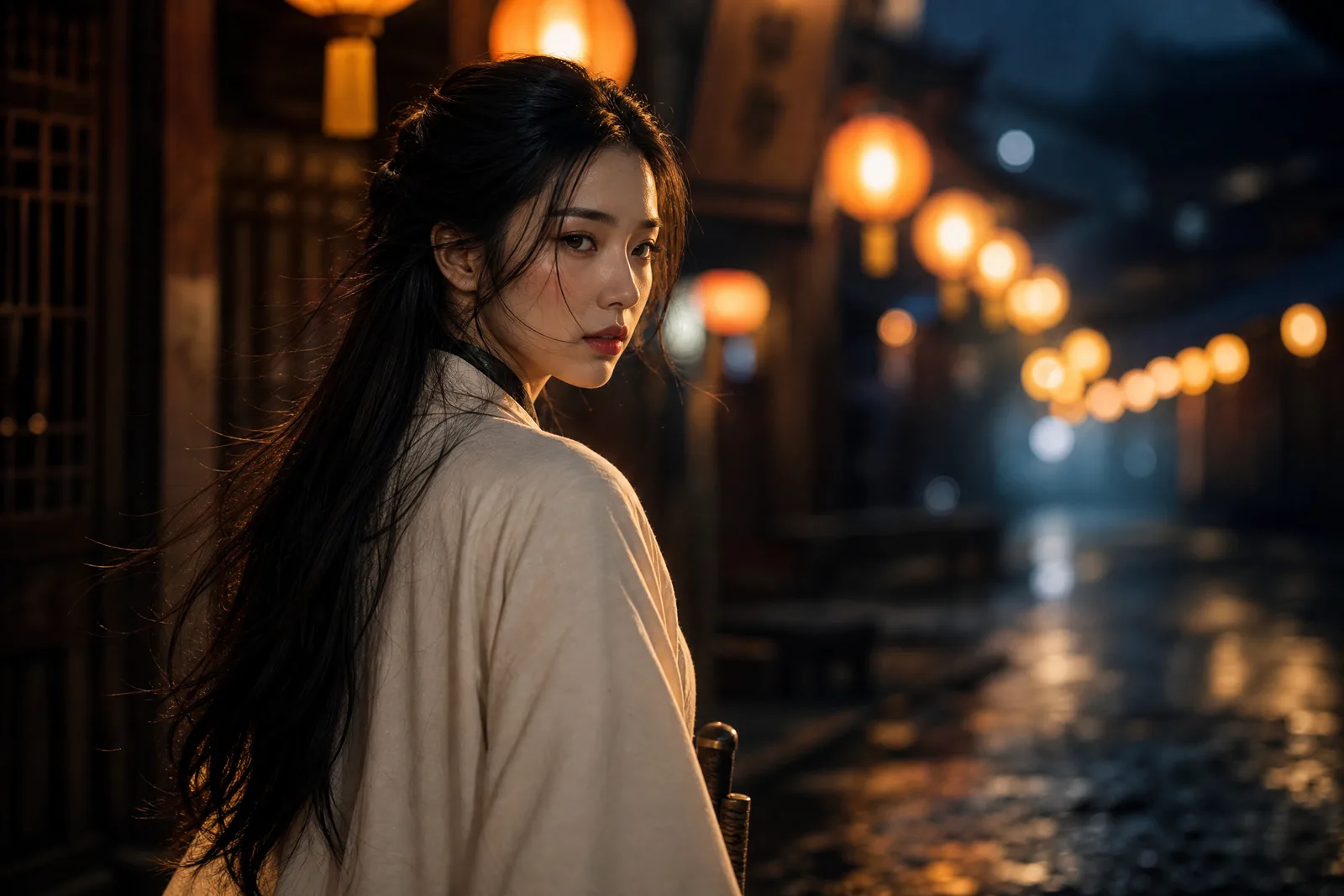
Young swordswoman in a white robe turning back over her shoulder in a lantern-lit night market.

Prompt published by AI art gallery on X under the CC-BY-4.0 license.

Show more

Prerequisites

You bring
Access to GPT Image 2 and Your palette if you want to change it

How to use it

  1. Paste the prompt into GPT Image 2.
  2. Keep the sections and edit the character, outfit or palette for your project.
  3. Generate, then adjust one detail at a time (light, framing, colors).

Content preview

Files

  • LICENSE1.4 KB
  • night-market-swordswoman.md2.7 KB
  • NOTICE-PALATEKIT.md0.5 KB

Origin and licence

Modified by PalateKit

Author
AI art gallery
Source
github.com/YouMind-OpenLab/awesome-gpt-image-2/blob/f06c0dd7fdfd593473ebdd932316bc9718d9ec3f/README.md
Licence
CC-BY-4.0

Notice

Version modifiée de « Profile / Avatar - Cinematic Night Market Swordswoman » (AI art gallery, CC-BY-4.0) : traduction française et fiche par PalateKit.

User reviews

–

No ratings yet

Loading reviews…

Delete your review?

Your rating and comment will be removed from the page.

Frequently asked questions

What are the percentages for?

They tell the model where to place the face and elements in the frame, for a more controlled composition.

Can I change the palette?

Yes, replace the hex codes with those of your brand or mood.