Every premium and members-only resource for $9.99/month, as a no-commitment subscription. See the plans

PalateKit

Menu

Request a resource

Describe the resource you are missing in one sentence. We will email you when it is published.

0 / 280

Unlock PalateKit

Unlock everything

Plan

Paying means accepting our terms of sale.

Secure payment by Stripe. Receipts and invoices sent by email.

Welcome back

Sign in to install, download or save this resource. A free account is enough for free resources.

Photo to watercolor transformation in split view v1.0.0

Use this resource to turn a photo into a storybook watercolor illustration

New

  • 285 downloads
  • 23 likes
  • 53 saves

Free

Install with the CLI

In a terminal, from the folder you want:

npx --yes palatekit@latest install photo-to-watercolor-split

First time: connect the CLI with

npx --yes palatekit@latest login

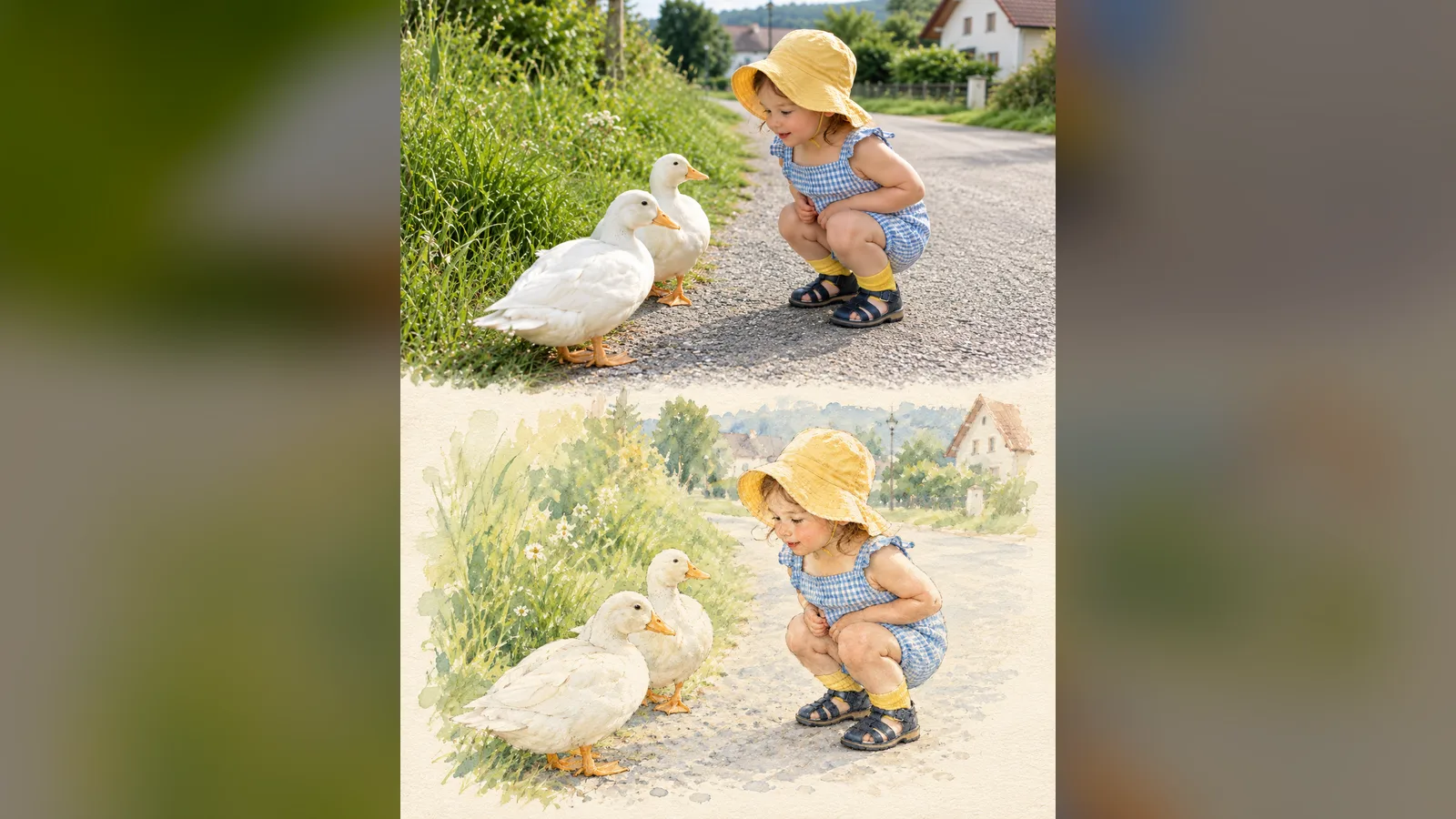
This prompt takes your reference photo and creates a double image: the photographic scene on top and, below, the same scene painted in watercolor on cream paper. It contains two complete examples (a child with geese, a dog) to adapt to your own subject.

Mostly picked by

Updated November 2, 2026

Split image: a photo of a child in a yellow hat facing geese on top, the same scene as a watercolor on cream paper below.

Details

Generates with
GPT Image 2
Licence
CC-BY-4.0

Similar resources

View all

What you get

  • Both complete prompts
  • A precise frame: washes, fine pencil, textured paper, generous empty space
  • An example split-view result

Good fit for

  • Illustrating a picture book, tale or blog article
  • Making gentle cards or posters from family photos
  • Showing a before/after style in educational content

Not for

  • Highly detailed or technical illustrations
  • Subjects where exact likeness is essential

Tags

  • watercolor
  • illustration
  • transformation
  • photo
  • storybook

About

You say

"Attach my photo of a cat on a balcony and apply this prompt: watercolor version in the lower half."
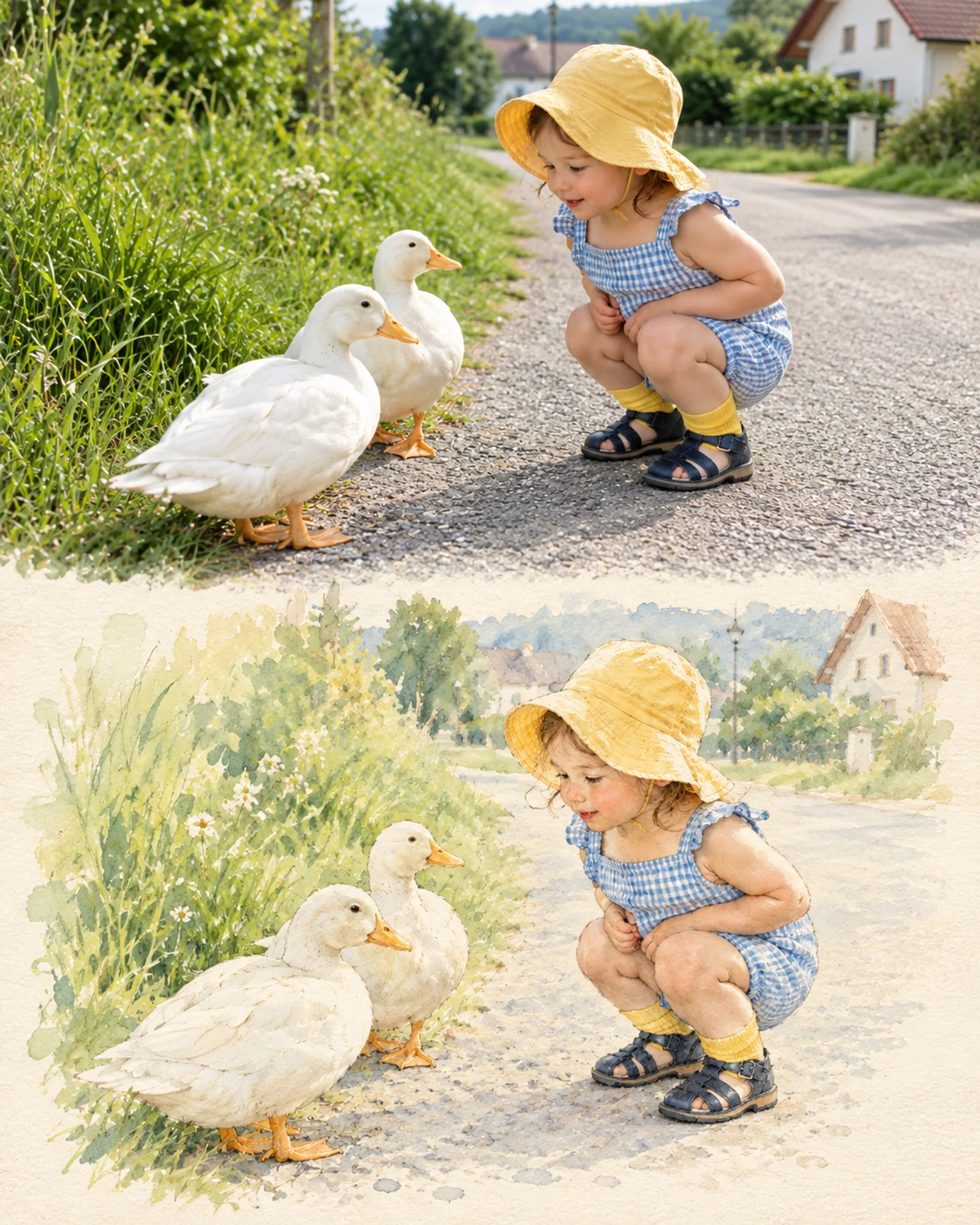
Split image: a photo of a child in a yellow hat facing geese on top, the same scene as a watercolor on cream paper below.

Prompt published by Taaruk under the CC-BY-4.0 license.

Show more

Prerequisites

You bring
A reference photo and The description of the subject and its colors

How to use it

  1. Attach your reference photo.
  2. Replace the subject description with yours.
  3. Generate in GPT Image 2 in vertical 4:5.

Content preview

Files

  • LICENSE1.4 KB
  • NOTICE-PALATEKIT.md0.5 KB
  • photo-to-watercolor-split.md1.9 KB

Origin and licence

Modified by PalateKit

Author
Taaruk
Source
github.com/YouMind-OpenLab/awesome-gpt-image-2/blob/f06c0dd7fdfd593473ebdd932316bc9718d9ec3f/README.md
Licence
CC-BY-4.0

Notice

Version modifiée de « Infographic / Edu Visual - Photorealistic to Watercolor Transformation Prompts » (Taaruk, CC-BY-4.0) : traduction française et fiche par PalateKit.

User reviews

–

No ratings yet

Loading reviews…

Delete your review?

Your rating and comment will be removed from the page.

Frequently asked questions

Where do I paste this prompt?

Straight into the image prompt field of GPT Image 2. Replace the items in braces or brackets before you generate.

Will the result match the example exactly?

No, generation varies on every run. Try two or three times and keep the best image.