Every premium and members-only resource for $9.99/month, as a no-commitment subscription. See the plans

PalateKit

Menu

Request a resource

Describe the resource you are missing in one sentence. We will email you when it is published.

0 / 280

Unlock PalateKit

Unlock everything

Plan

Paying means accepting our terms of sale.

Secure payment by Stripe. Receipts and invoices sent by email.

Welcome back

Sign in to install, download or save this resource. A free account is enough for free resources.

Realistic wall calendar with your portrait v1.0.0

Use this resource to create the visual of a personalized wall calendar

New

  • 562 downloads
  • 245 likes
  • 239 saves

Free

Install with the CLI

In a terminal, from the folder you want:

npx --yes palatekit@latest install realistic-wall-calendar-portrait

First time: connect the CLI with

npx --yes palatekit@latest login

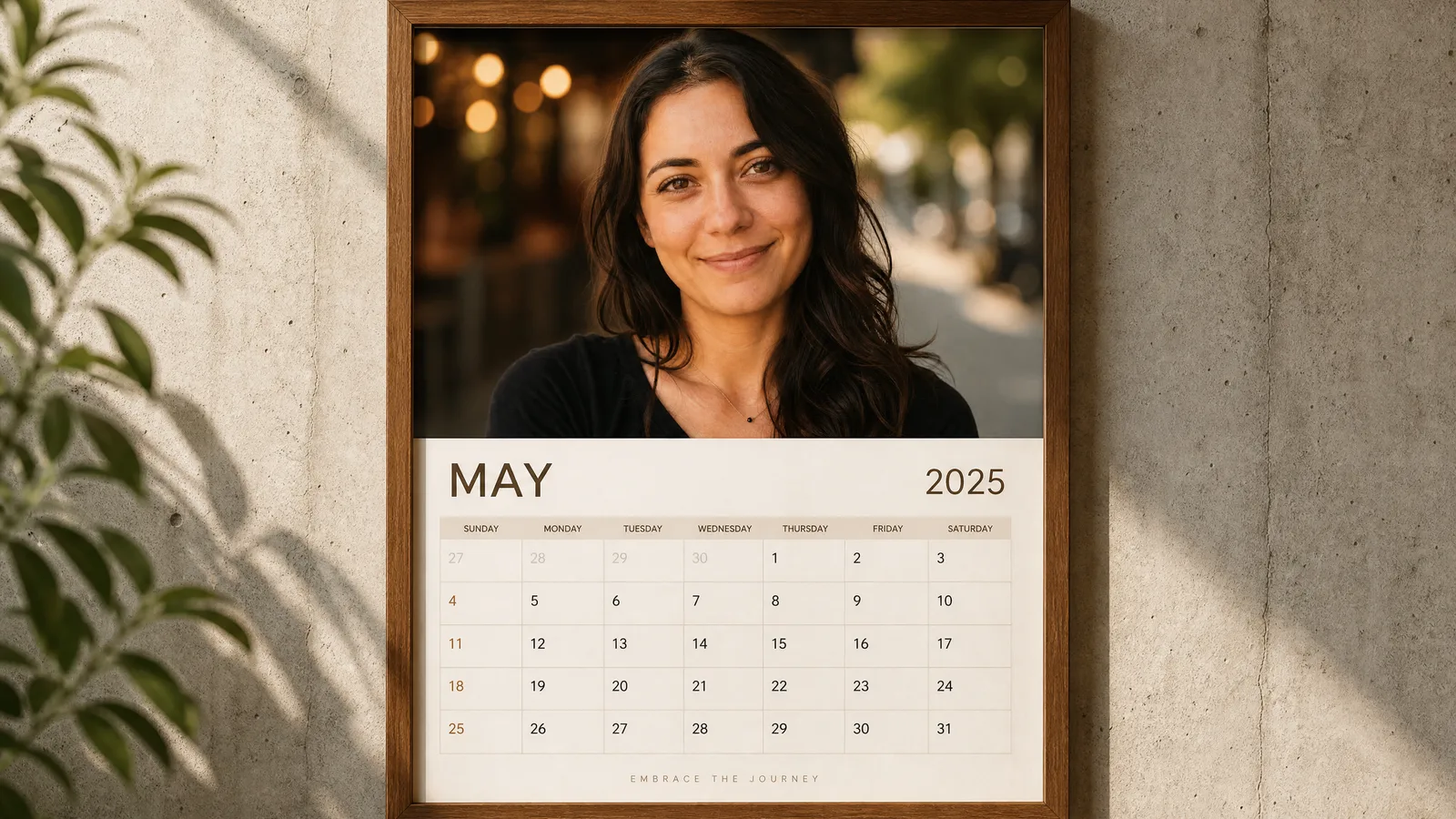
This prompt creates a realistic calendar hanging on a concrete wall in a warm wooden frame. The top half shows your uploaded portrait in a cinematic style, the bottom half a clean date grid. It suits greeting cards, gifts or year-end content.

Mostly picked by

Updated November 2, 2026

Wall calendar in a wooden frame on a concrete wall with a cinematic portrait on top

Details

Generates with
GPT Image 2
Licence
CC-BY-4.0

Similar resources

View all

What you get

  • The original prompt (prompt.txt)
  • A two-part layout: portrait and date grid
  • A restrained beige and brown palette

Good fit for

  • Creating a personalized gift for customers or followers
  • Publishing year-end content on social media
  • Mocking up a calendar merchandise product

Not for

  • Getting an always-correct date grid: check the generated text
  • Using photos of other people without permission

Tags

  • calendar
  • portrait
  • mockup
  • gift

About

You say

"Make a January wall calendar with my uploaded profile photo."
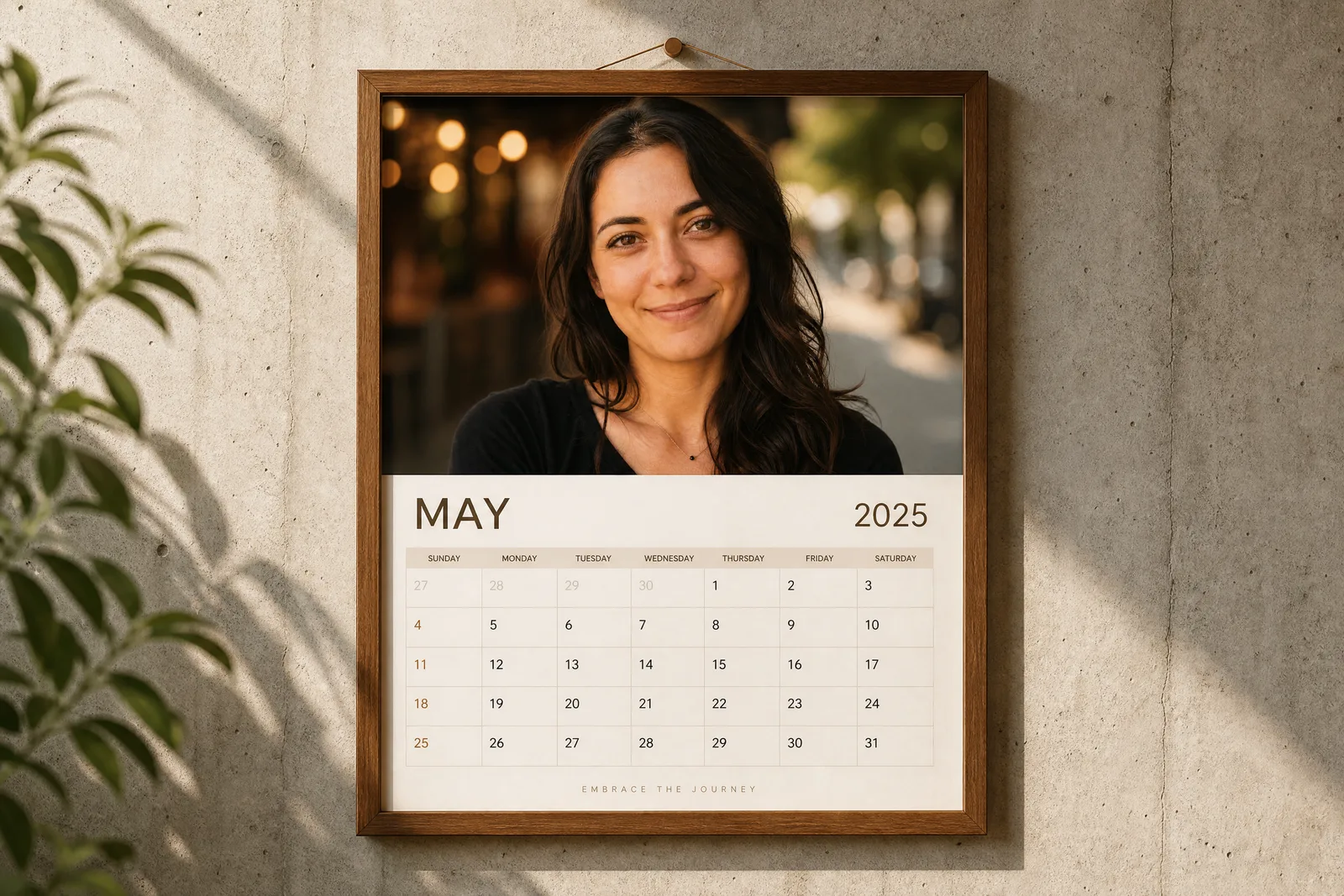
Wall calendar in a wooden frame on a concrete wall with a cinematic portrait on top

Prompt published by Aniya Intelligence under the CC-BY-4.0 license.

Show more

Prerequisites

You bring
A portrait photo to upload and The month and year wanted

How to use it

  1. Copy the prompt into your image generation tool
  2. Replace the variables and fields with your own elements
  3. Generate, then tweak the details until you get the result you want

Content preview

Files

  • LICENSE1.4 KB
  • NOTICE-PALATEKIT.md0.5 KB
  • realistic-wall-calendar-portrait.md0.7 KB

Origin and licence

Modified by PalateKit

Author
Aniya Intelligence
Source
github.com/YouMind-OpenLab/awesome-gpt-image-2/blob/f06c0dd7fdfd593473ebdd932316bc9718d9ec3f/README.md
Licence
CC-BY-4.0

Notice

Version modifiée de « Social Media Post - Realistic Wall Calendar with Portrait » (Aniya Intelligence, CC-BY-4.0) : traduction française et fiche par PalateKit.

User reviews

–

No ratings yet

Loading reviews…

Delete your review?

Your rating and comment will be removed from the page.

Frequently asked questions

Are the dates reliable?

Not always: image models sometimes get numbers wrong. State the month and year, then check the result.

Do I need to upload a photo?

Yes, the prompt uses the portrait photo you upload.