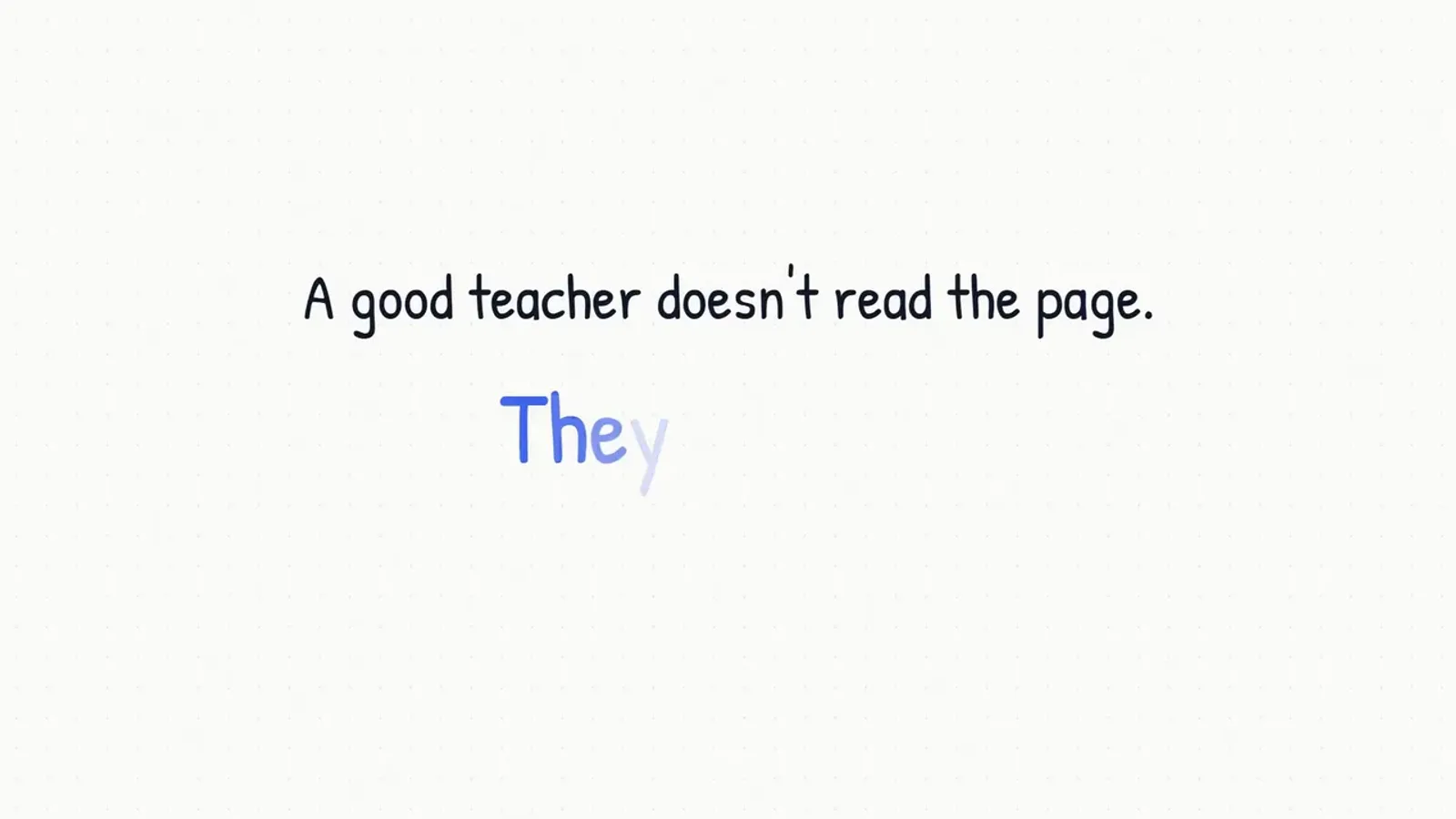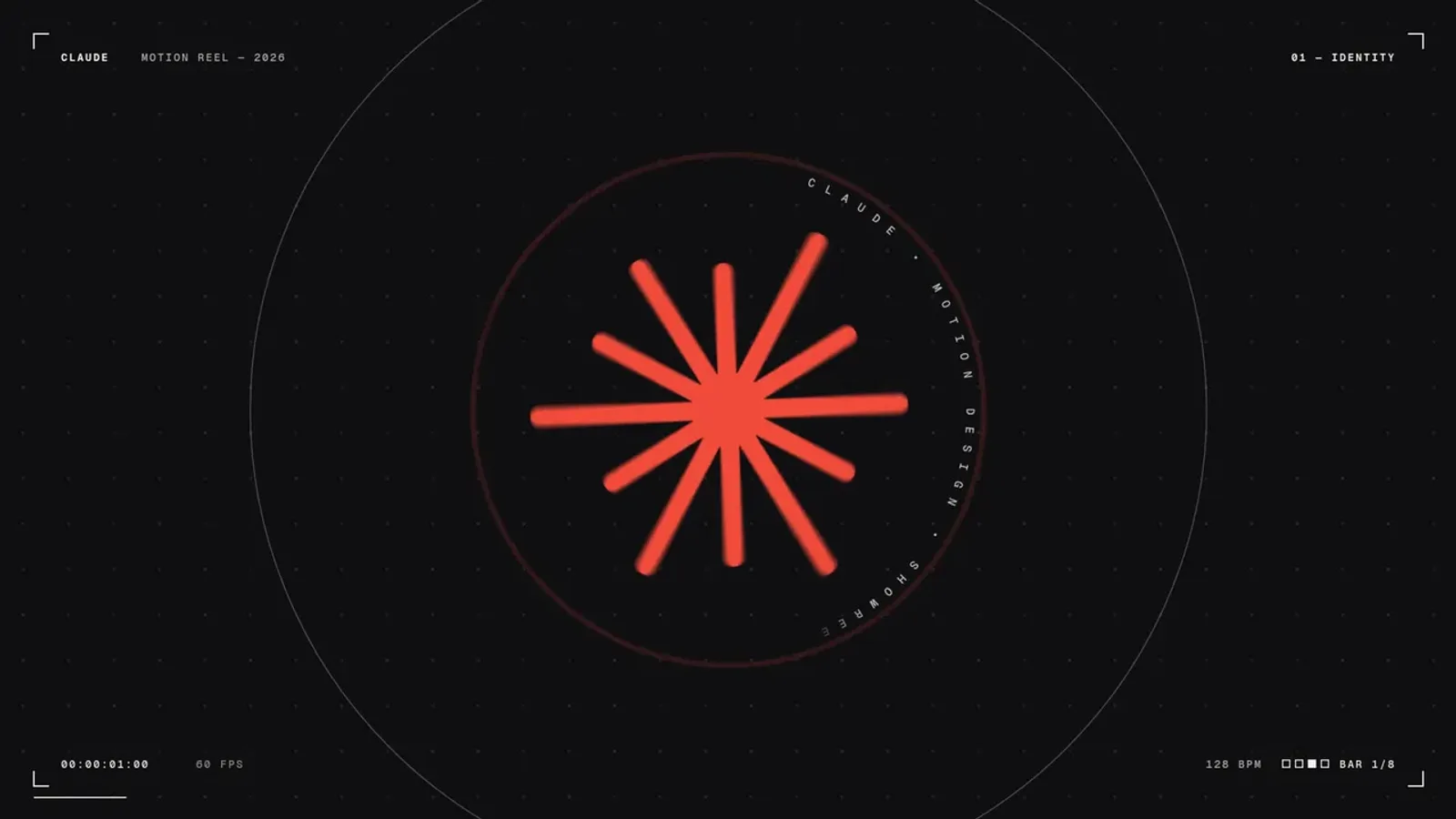
Every premium and members-only resource for $9.99/month, as a no-commitment subscription. See the plans

PalateKit

Menu

Request a resource

Describe the resource you are missing in one sentence. We will email you when it is published.

0 / 280

Unlock PalateKit

Unlock everything

Plan

Paying means accepting our terms of sale.

Secure payment by Stripe. Receipts and invoices sent by email.

Welcome back

Sign in to install, download or save this resource. A free account is enough for free resources.

24-second showreel on a single topic, sound synced to the cuts v1.0.0

Use this resource to create a 24-second showreel focused on one topic

New

  • 388 downloads
  • 142 likes
  • 222 saves

Free

Install with the CLI

In a terminal, from the folder you want:

npx --yes palatekit@latest install topic-showreel-sound-synced-to-cuts

First time: connect the CLI with

npx --yes palatekit@latest login

Paste this prompt into Claude, replacing the topic and the brand colors: it makes a 24-second motion design showreel devoted to that topic alone, with sound synced to the cuts. The video on this page shows an example on engineering. You get a video to refine by talking to it.

Mostly picked by

Updated November 2, 2026

Similar resources

View all

What you get

  • The complete prompt, ready to paste into Claude Code: timed scene-by-scene plan, colors, fonts, rhythm, sound, build method and pre-render checks
  • The list of elements to replace with your own (text, figures, colors…), at the top of the prompt
  • @polydao's original prompt (prompt-original.md file)
  • 1 video made with the original prompt, shown on this page

Good fit for

  • Make a showreel focused on a single theme
  • Enforce a brand's colors
  • Sync the sound to the edit from the first version

Not for

  • A classic video edit without an AI agent
  • A result identical to the example: every generation differs

Tags

  • product UI
  • kinetic type
  • music
  • showreel
  • sound

About

You say

"Make a 24-second showreel only about cybersecurity, in blue and white, sound synced to the cuts."
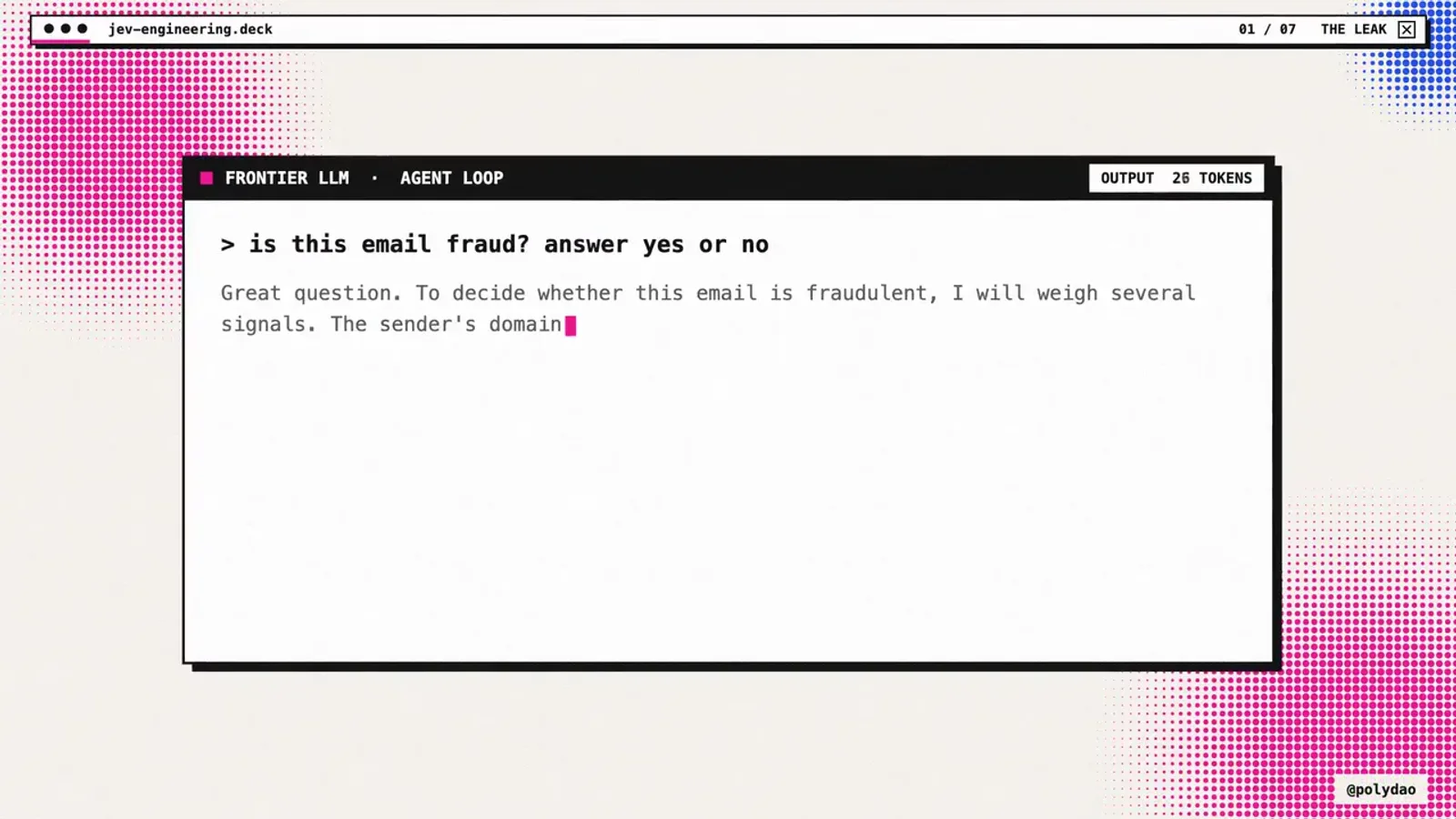
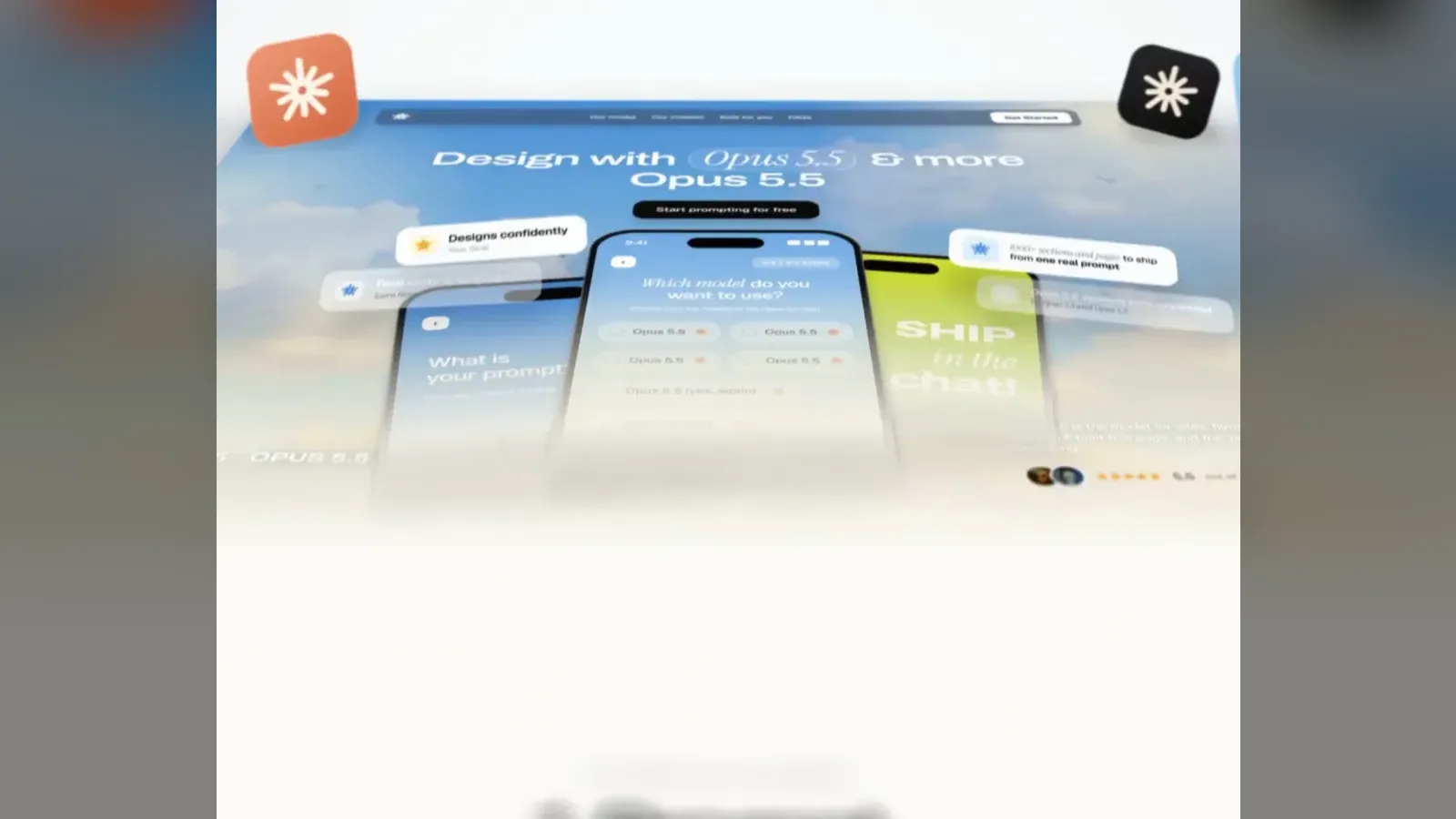
Animated showreel on engineering, with kinetic type and interface, sound synced to the cuts.

Prompt posted on X by @polydao, found on Prompt Motion. Videos by @polydao. No license published: rights reserved to the authors, shared with attribution.

Show more

Prerequisites

You bring
Access to Claude or a coding agent and Your topic, texts or product if the prompt asks for them
External costs
Claude subscription or API credits for Opus 5.5 Billed by the provider, on your account.

How to use it

  1. Copy the prompt.
  2. Paste it into Claude (Opus 5.5, like the example videos) or your coding agent.
  3. Let the agent write and render the animation, then ask for tweaks.

Content preview

Files

  • LICENSE0.4 KB
  • NOTICE-PALATEKIT.md0.6 KB
  • prompt-original.md0.3 KB
  • topic-showreel-sound-synced-to-cuts.md5.3 KB

Origin and licence

Modified by PalateKit

Author
@polydao
Source
prompt-motion.com/polydao-7a572b
Licence
All rights reserved to the authors

Notice

Prompt de @polydao et vidéos de leurs auteurs (aucune licence publiée, droits réservés), repris avec attribution : traduction française et fiche par PalateKit.

User reviews

–

No ratings yet

Loading reviews…

Delete your review?

Your rating and comment will be removed from the page.

Frequently asked questions

Which model made the videos?

Claude Opus 5.5, according to the authors. Other models give different results.

Can I reuse the example videos?

No: they belong to their authors. Use the prompt to make your own video.