

 Free
Rules, agents & hooks
Rules: accessible front end
- 321321 downloads
- 120120 likes
- 108108 saves
Works with
- Claude Code
- Codex
- Cursor
- and 2 more
Every premium and members-only resource for $9.99/month, as a no-commitment subscription. See the plans
PalateKit Pick
Use this resource to stop your agent from destroying work or data
New
$4.99
Lifetime access to this resource, with its updates.
In a terminal, from the folder you want:
npx --yes palatekit@latest install destructive-command-guardFirst time: connect the CLI with
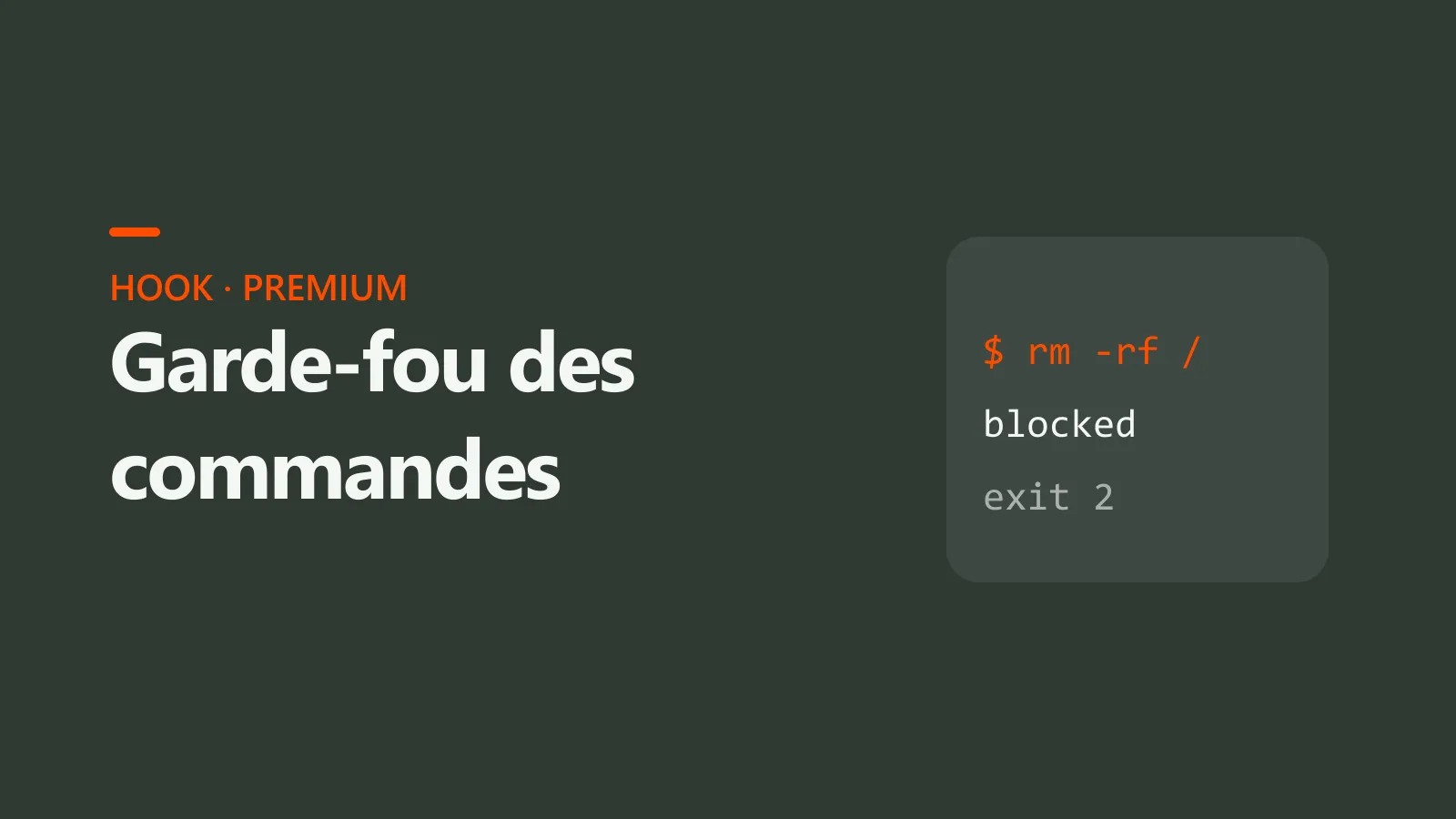
npx --yes palatekit@latest loginBefore every Bash command, the hook checks it against a list of dangerous patterns. On a match it blocks the command and sends the reason back to the agent, which must explain it and wait for your approval. git push --force-with-lease stays allowed.
Mostly picked by
Updated November 2, 2026
FreeRules, agents & hooks
 Free
Rules, agents & hooks
 Free
Rules, agents & hooks
 Free
Rules, agents & hooks
 Free
Rules, agents & hooks
 Free
Rules, agents & hooks
 Free
Rules, agents & hooks
 Free
You say
The agent tries "git reset --hard": the command is blocked and it asks for your approval.
Hook written and tested by PalateKit.
–
No ratings yet
Loading reviews…
Yes: they live in the RULES array at the top of the file.
No: the check takes a few milliseconds.
