Every premium and members-only resource for $9.99/month, as a no-commitment subscription. See the plans

PalateKit

Menu

Request a resource

Describe the resource you are missing in one sentence. We will email you when it is published.

0 / 280

Unlock PalateKit

Unlock everything

Plan

Paying means accepting our terms of sale.

Secure payment by Stripe. Receipts and invoices sent by email.

Welcome back

Sign in to install, download or save this resource. A free account is enough for free resources.

Article cover images in 5 dimensions v1.0.0

Use this resource to create the cover image for a blog post or newsletter article

New

  • 597 downloads
  • 240 likes
  • 220 saves

$4.99

Lifetime access to this resource, with its updates.

Install with the CLI

In a terminal, from the folder you want:

npx --yes palatekit@latest install cover-image-five-dimensions

With no option, the skill goes to ~/.agents/skills/; add --agent claude-code (or codex, cursor…) to target an agent.

First time: connect the CLI with

npx --yes palatekit@latest login

The agent analyzes your article, suggests a cover type, palette, rendering style, text level and mood, then asks you to confirm. It writes a complete prompt to a file and hands it to the image tool of your environment. You get a cover in 16:9, 2.35:1 or square, and a folder that keeps the prompt so you can redo it.

Updated November 2, 2026

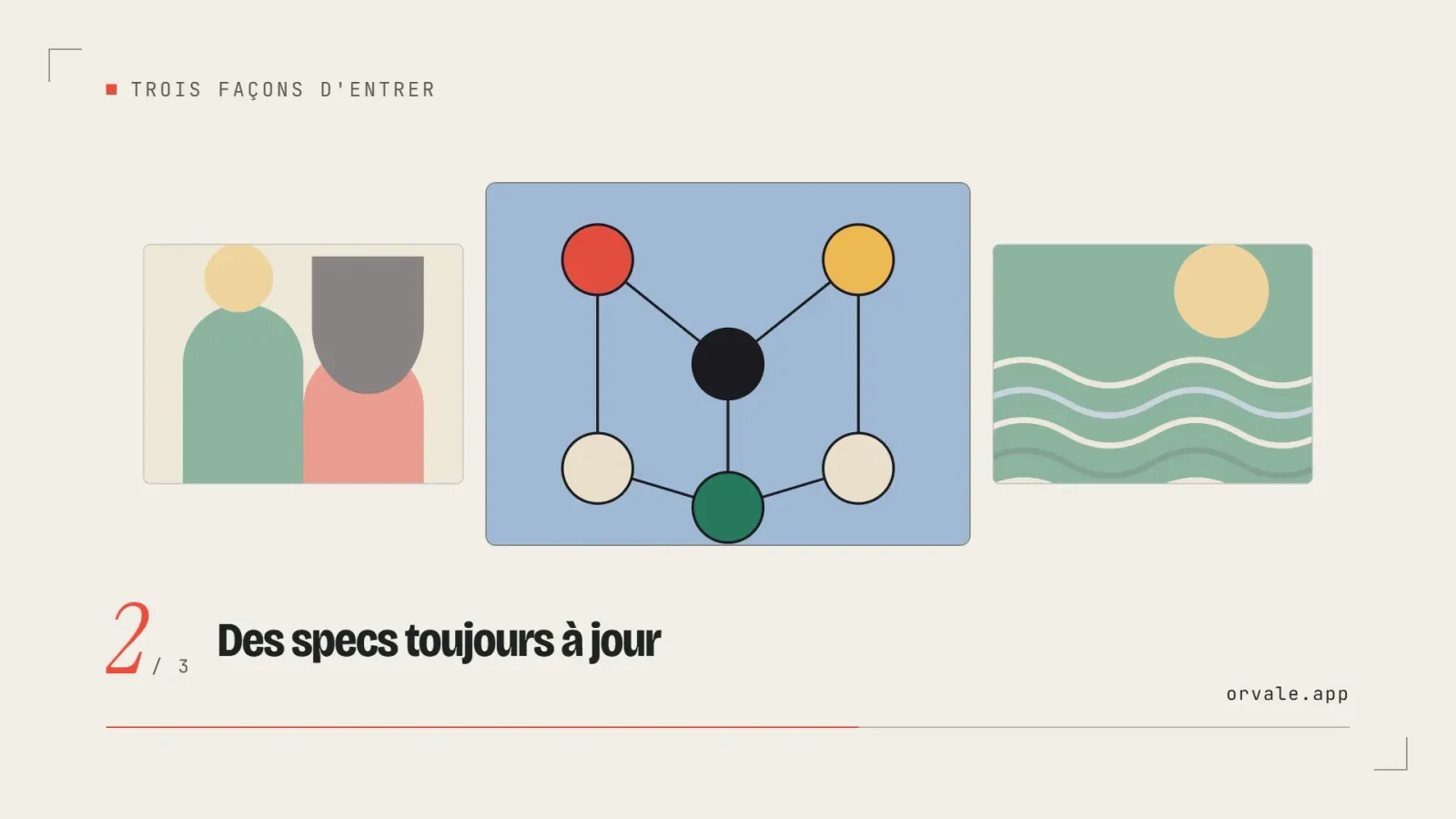
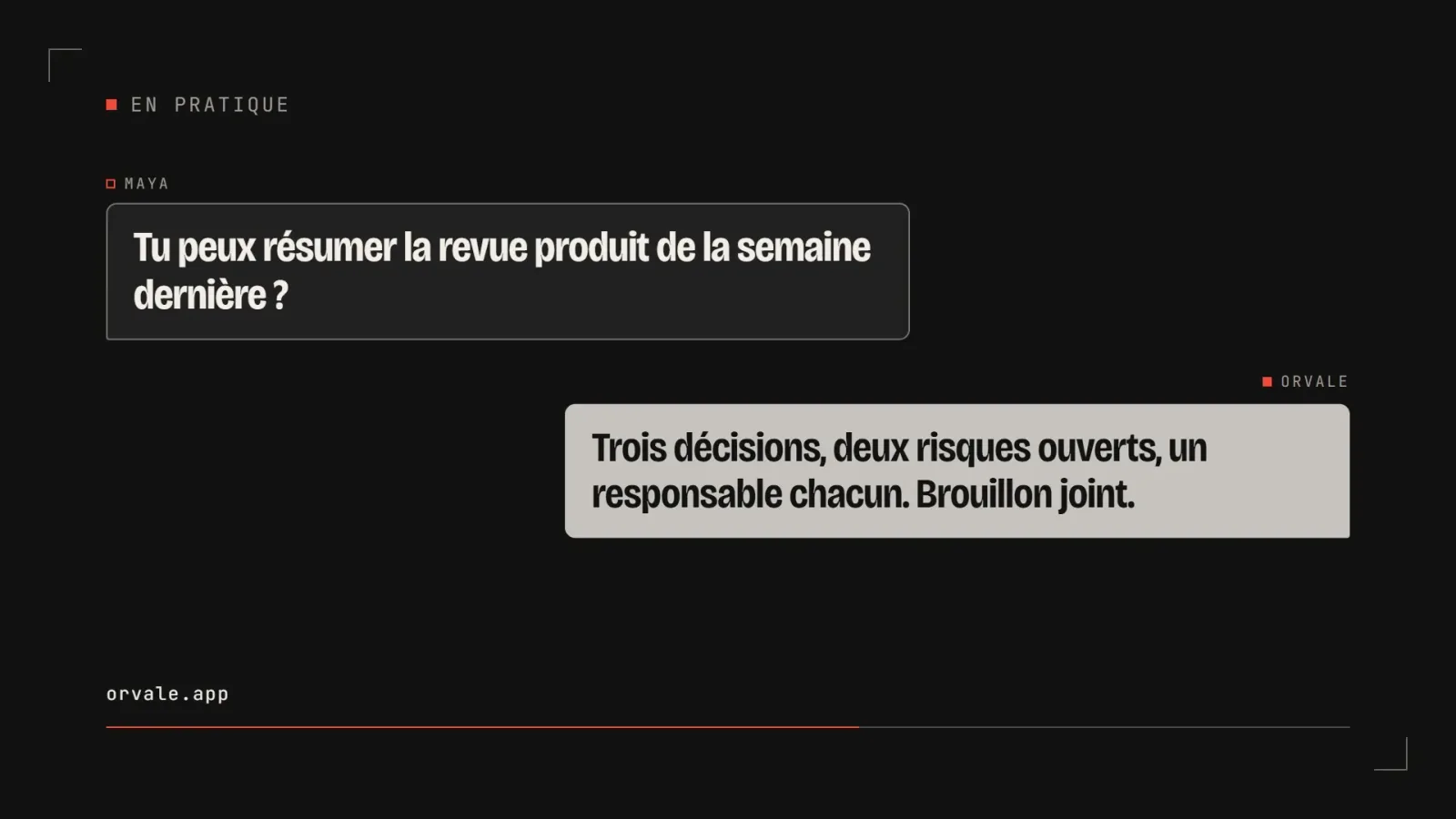
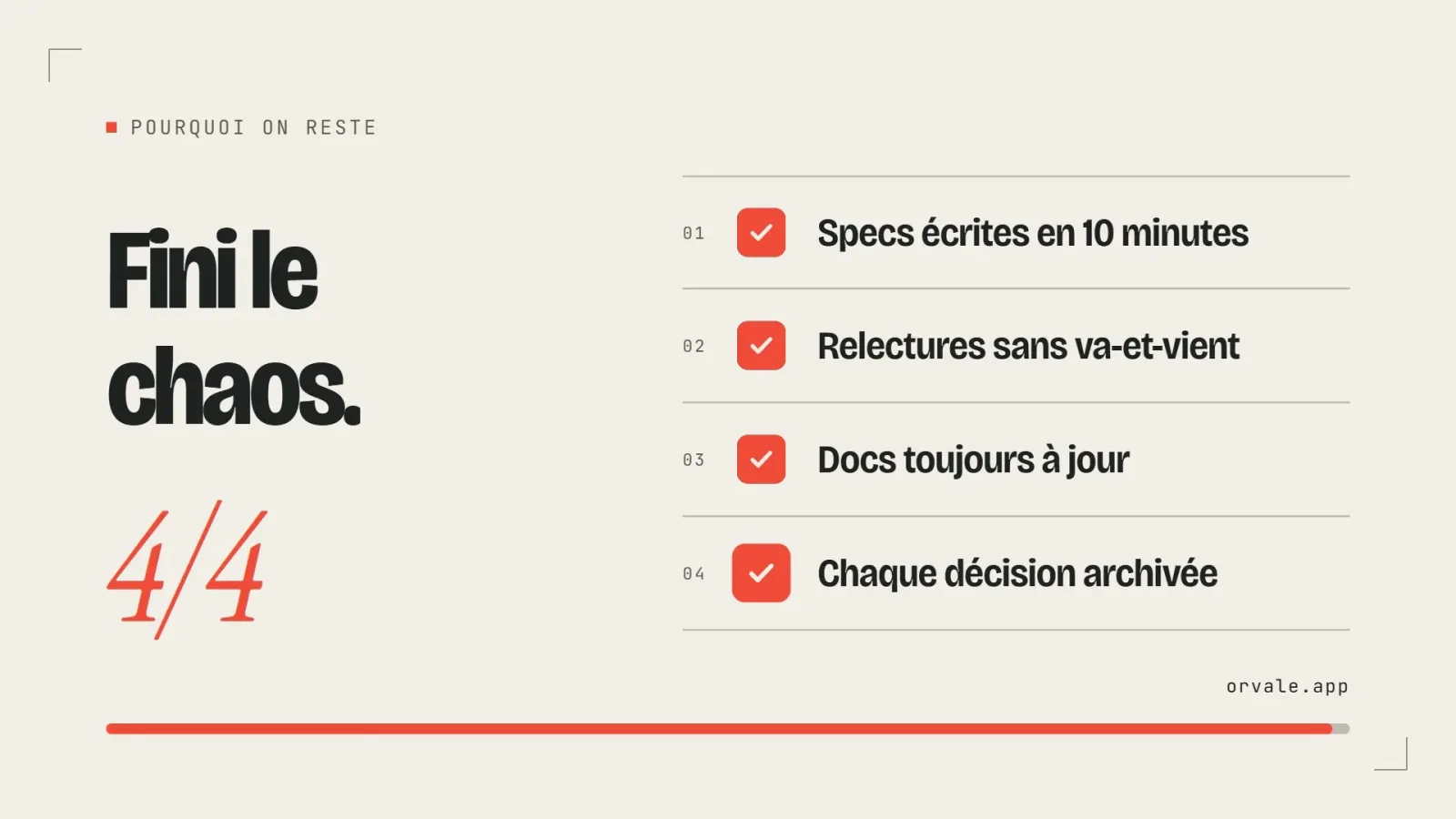
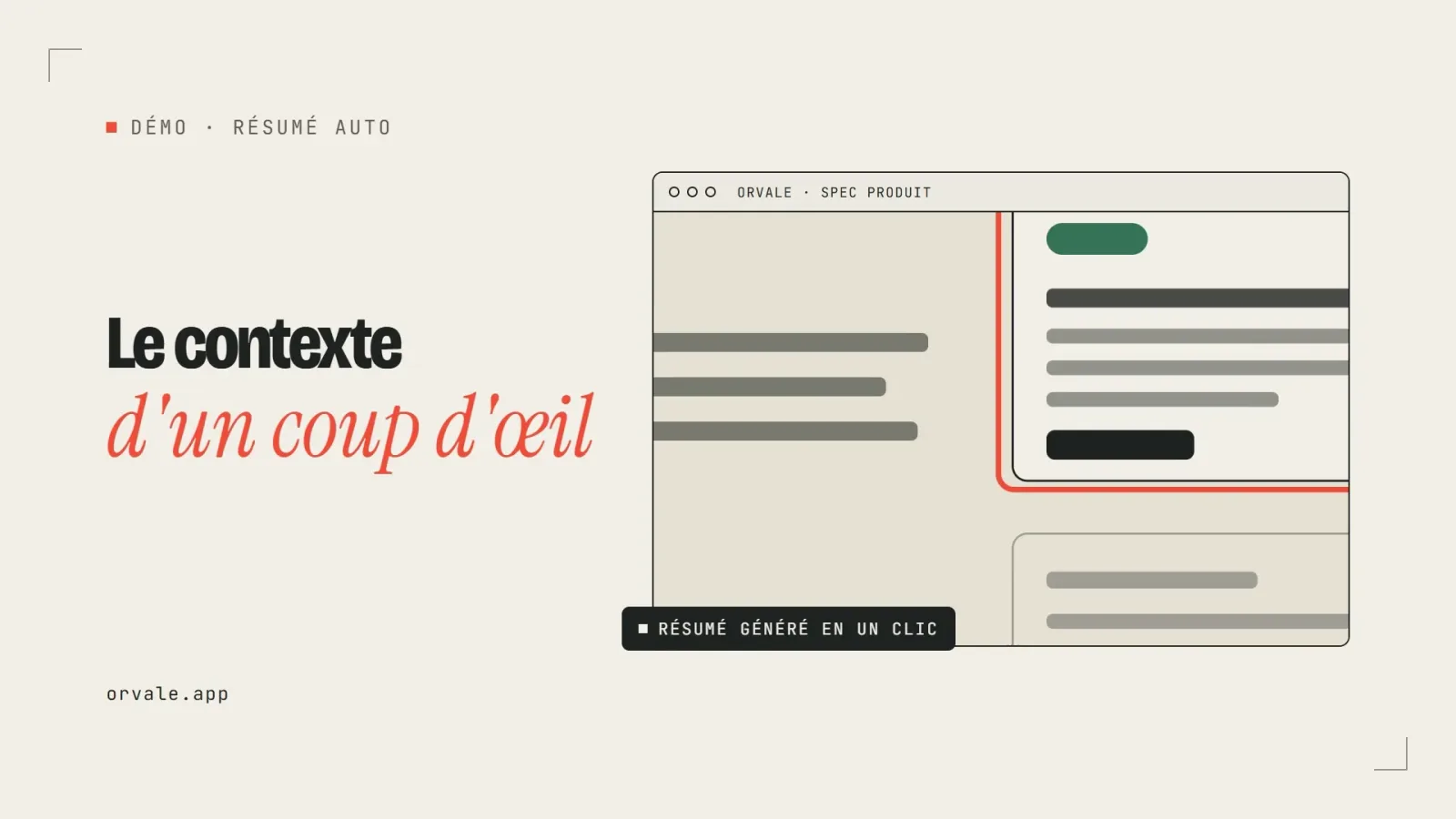
Grid of article covers in different palettes and rendering styles

Details

Generates with
Your agent's model
Uses
  • An image generation tool available in the agent
Licence
MIT

Similar resources

View all
  • Free

    Video

    App window with zoom

    • 365365 downloads
    • 125125 likes
    • 188188 saves
    Works with
    • Claude Code
    • Codex
    • Cursor
    • and 3 more
    + HyperFrames
  • Free

    Video

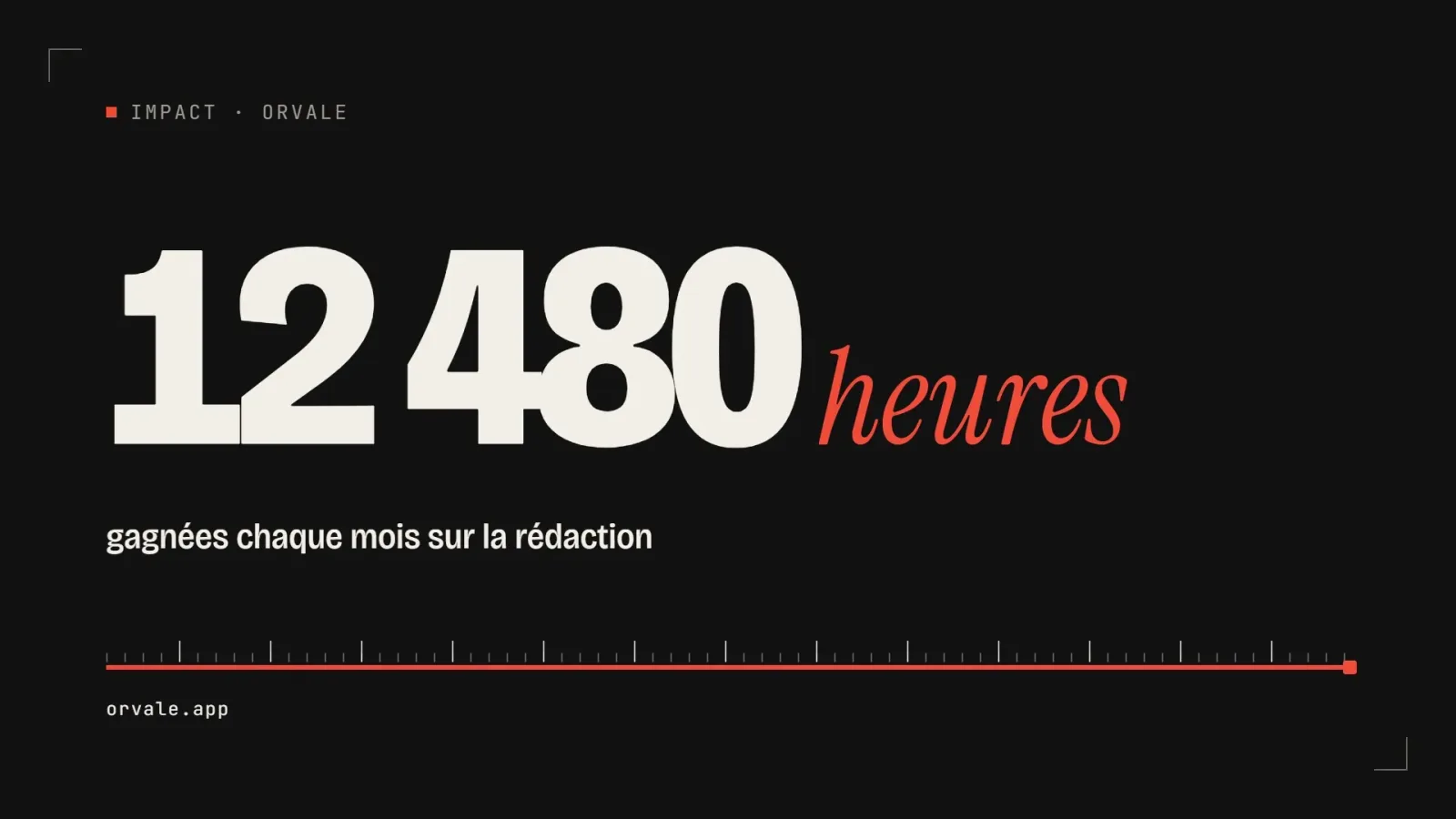
    One big number

    • 463463 downloads
    • 223223 likes
    • 100100 saves
    Works with
    • Claude Code
    • Codex
    • Cursor
    • and 3 more
    + HyperFrames
  • PRO

    Video

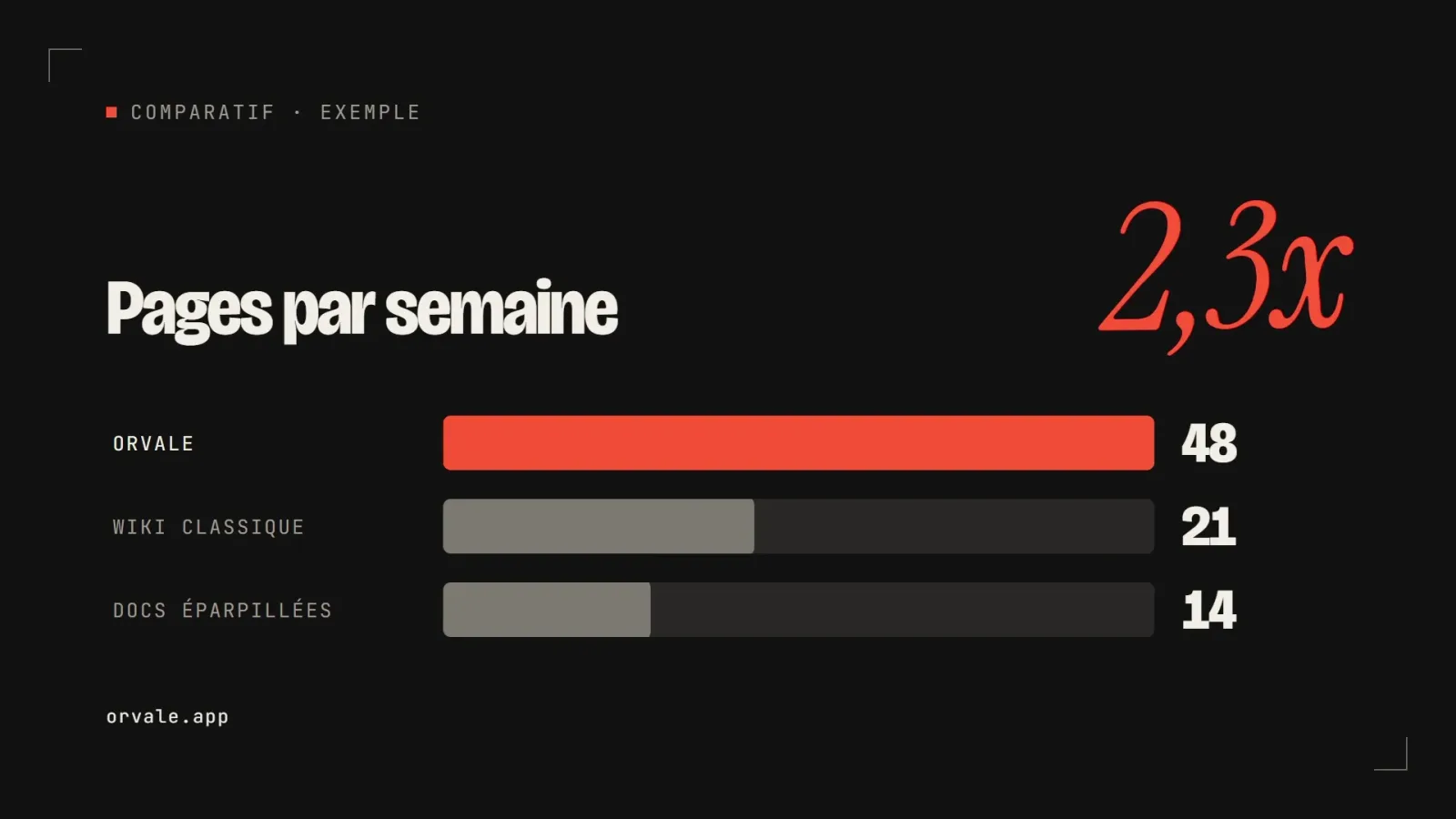
    Three bars head to head

    • 348348 downloads
    • 133133 likes
    • 182182 saves
    Works with
    • Claude Code
    • Codex
    • Cursor
    • and 3 more
    + HyperFrames
  • PRO

    Video

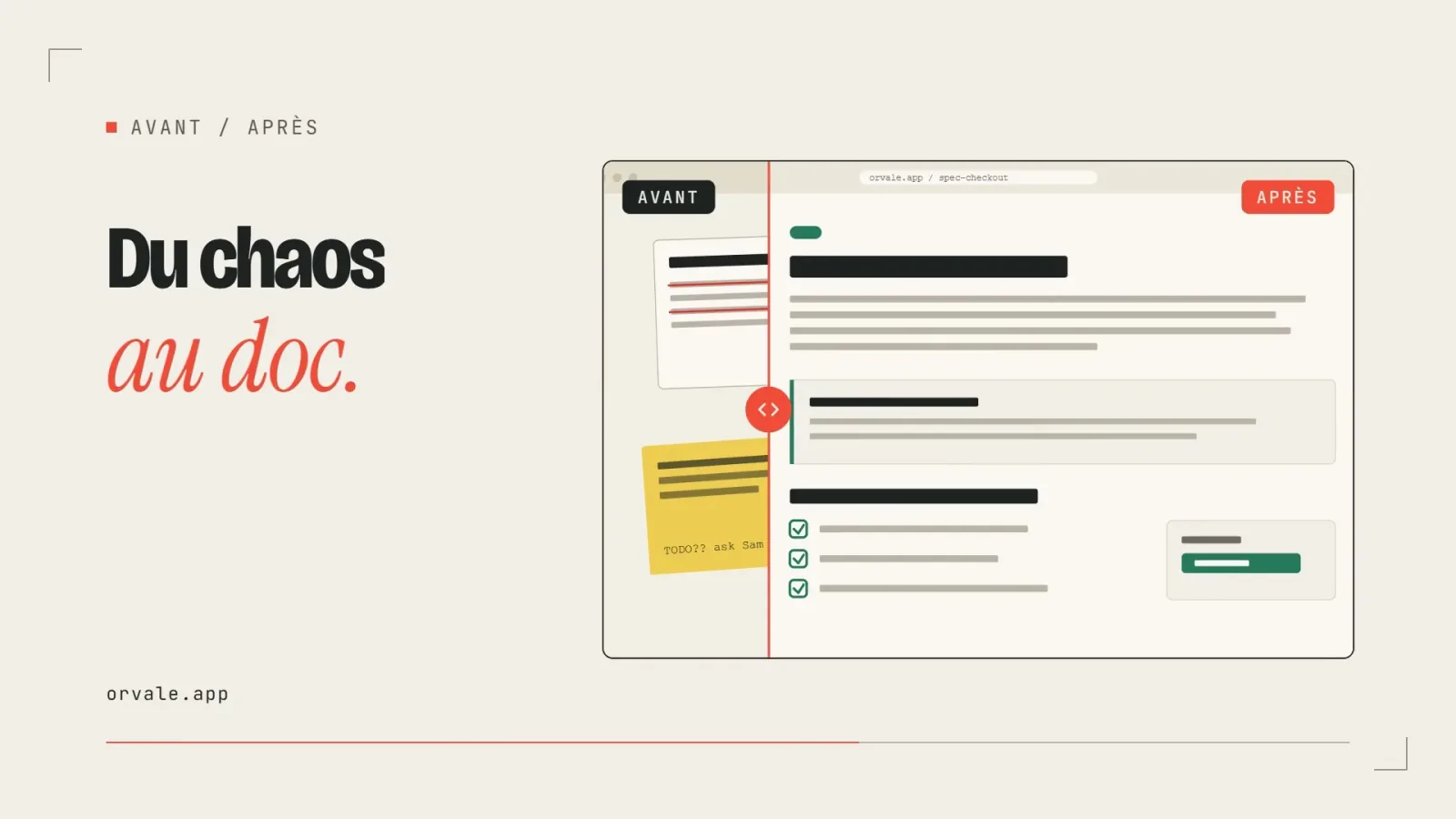
    Before / after slider

    • 322322 downloads
    • 248248 likes
    • 238238 saves
    Works with
    • Claude Code
    • Codex
    • Cursor
    • and 3 more
    + HyperFrames
  • PRO

    Video

    Three-card carousel

    • 418418 downloads
    • 157157 likes
    • 101101 saves
    Works with
    • Claude Code
    • Codex
    • Cursor
    • and 3 more
    + HyperFrames
  • PRO

    Video

    Chat exchange

    • 564564 downloads
    • 127127 likes
    • 161161 saves
    Works with
    • Claude Code
    • Codex
    • Cursor
    • and 3 more
    + HyperFrames
  • PRO

    Video

    Checklist ticking off

    • 442442 downloads
    • 233233 likes
    • 160160 saves
    Works with
    • Claude Code
    • Codex
    • Cursor
    • and 3 more
    + HyperFrames

What you get

  • SKILL.md: 5-step workflow, options, confirmation and composition rules
  • A gallery of 6 types, 11 palettes and 7 rendering styles, each described in its own file
  • Guides for text level, font and mood, plus style presets
  • A prompt template and handling of reference images

Good fit for

  • Dressing blog posts with consistent covers
  • Carrying one visual identity across a whole series of content
  • Starting from reference images to reuse a style

Not for

  • Vector diagrams or infographics: the skill produces raster images
  • Generating the image without an image tool: you need a backend available in your agent

Tags

  • cover
  • article
  • image
  • palette
  • blog

About

You say

"Create a 16:9 cover for my article about remote work, soft palette, hand-drawn rendering, title only."
Grid of article covers in different palettes and rendering styles

Skill published by jimliu under the MIT license.

Show more

Prerequisites

You bring
The text or topic of the article and An image generation tool reachable from your agent
Dependencies
An image generation tool available in the agent

How to use it

  1. Install the skill, then give the article file or paste its text.
  2. Confirm the suggested type, palette, rendering, font and aspect.
  3. Collect the cover and the prompt file, then rerun with one dimension changed if needed.

Content preview

Files

  • LICENSE1.1 KB
  • NOTICE-PALATEKIT.md0.4 KB
  • references/auto-selection.md2.8 KB
  • references/base-prompt.md5.4 KB
  • references/compatibility.md2.4 KB
  • references/config/first-time-setup.md6 KB
  • references/config/preferences-schema.md9 KB
  • references/config/watermark-guide.md2.2 KB
  • references/dimensions/font.md4.8 KB
  • references/dimensions/mood.md4.4 KB
  • references/dimensions/text.md3.2 KB
  • references/palettes/cool.md0.8 KB
  • references/palettes/dark.md0.8 KB
  • references/palettes/duotone.md1.4 KB
  • references/palettes/earth.md0.7 KB
  • references/palettes/elegant.md0.7 KB
  • references/palettes/macaron.md0.8 KB
  • references/palettes/mono.md0.7 KB
  • references/palettes/pastel.md0.7 KB
  • references/palettes/retro.md0.9 KB
  • references/palettes/vivid.md0.8 KB
  • references/palettes/warm.md0.7 KB
  • references/renderings/chalk.md1.1 KB
  • references/renderings/digital.md1.1 KB
  • references/renderings/flat-vector.md1.3 KB
  • references/renderings/hand-drawn.md1.1 KB
  • references/renderings/painterly.md1.1 KB
  • references/renderings/pixel.md1 KB
  • references/renderings/screen-print.md1.5 KB
  • references/style-presets.md1.5 KB
  • references/types.md1.4 KB
  • references/visual-elements.md3.3 KB
  • references/workflow/confirm-options.md5.2 KB
  • references/workflow/prompt-template.md11.3 KB
  • references/workflow/reference-images.md4.6 KB
  • SKILL.md17.8 KB

Origin and licence

Modified by PalateKit

Author
jimliu
Source
github.com/jimliu/baoyu-skills/tree/1567581c26ec29f4216c6e6835415bf30343b0e3/skills/baoyu-cover-image
Licence
MIT

Notice

Version modifiée de « baoyu-cover-image » (jimliu, MIT) : traduction française et fiche par PalateKit.

User reviews

–

No ratings yet

Loading reviews…

Delete your review?

Your rating and comment will be removed from the page.

Frequently asked questions

Which tool produces the image?

The skill writes the prompt, then calls the image tool of your environment (for example the one in Codex or Cursor). If none is available, it tells you and asks how to continue.

Can I skip the questions?

Yes, with the --quick option or by setting quick_mode to true in the EXTEND.md preferences file. The Codex reference file is not included; the skill works with the other image tools.