Every premium and members-only resource for $9.99/month, as a no-commitment subscription. See the plans

PalateKit

Menu

Request a resource

Describe the resource you are missing in one sentence. We will email you when it is published.

0 / 280

Unlock PalateKit

Unlock everything

Plan

Paying means accepting our terms of sale.

Secure payment by Stripe. Receipts and invoices sent by email.

Welcome back

Sign in to install, download or save this resource. A free account is enough for free resources.

FLUX 3 Video: Keyframes and Continuation v1.0.0

Use this resource to build a FLUX 3 video from supplied images or an existing clip

New

  • 378 downloads
  • 140 likes
  • 185 saves
  • Black Forest Labs key required

Free

Install with the CLI

In a terminal, from the folder you want:

npx --yes palatekit@latest install flux-3-keyframes-continuation

With no option, the skill goes to ~/.agents/skills/; add --agent claude-code (or codex, cursor…) to target an agent.

First time: connect the CLI with

npx --yes palatekit@latest login

The agent maps your images or clip to the right FLUX 3 request mode: opening frame, opening and closing frames, storyboard, pinned timestamps, or continuation. It writes the prompt that suits each case and offers a method for chaining clips without drift. You get a conditioning plan, the invariants to preserve and the final prompt.

Updated November 2, 2026

Outline of a video built from ordered keyframes and then continued from its last frame.

Details

Generates with
FLUX 3
Uses
  • Black Forest Labs
Licence
MIT

Similar resources

View all
  • Free

    Video

    App window with zoom

    • 365365 downloads
    • 125125 likes
    • 188188 saves
    Works with
    • Claude Code
    • Codex
    • Cursor
    • and 3 more
    + HyperFrames
  • Free

    Video

    One big number

    • 463463 downloads
    • 223223 likes
    • 100100 saves
    Works with
    • Claude Code
    • Codex
    • Cursor
    • and 3 more
    + HyperFrames
  • PRO

    Video

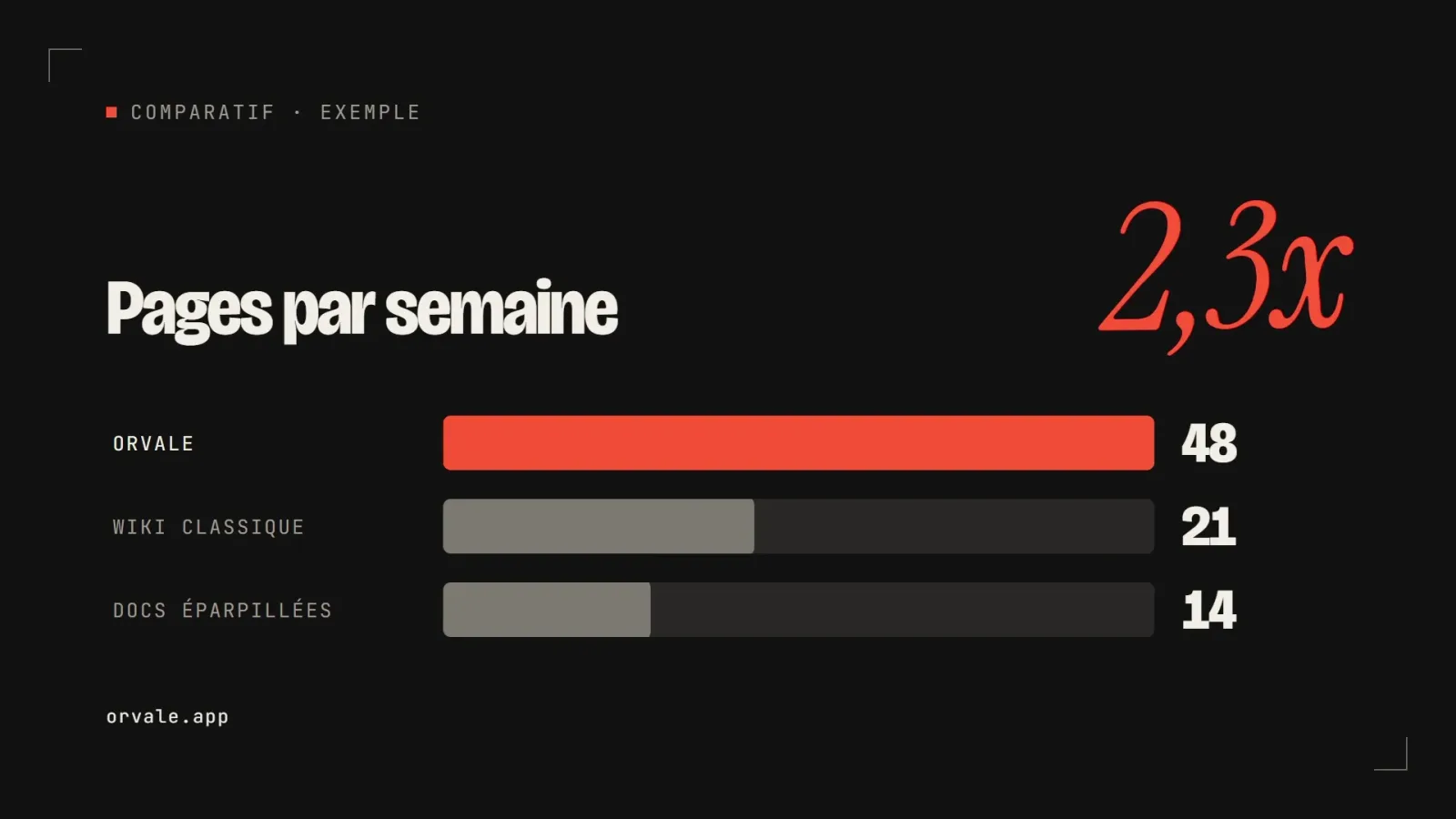
    Three bars head to head

    • 348348 downloads
    • 133133 likes
    • 182182 saves
    Works with
    • Claude Code
    • Codex
    • Cursor
    • and 3 more
    + HyperFrames
  • PRO

    Video

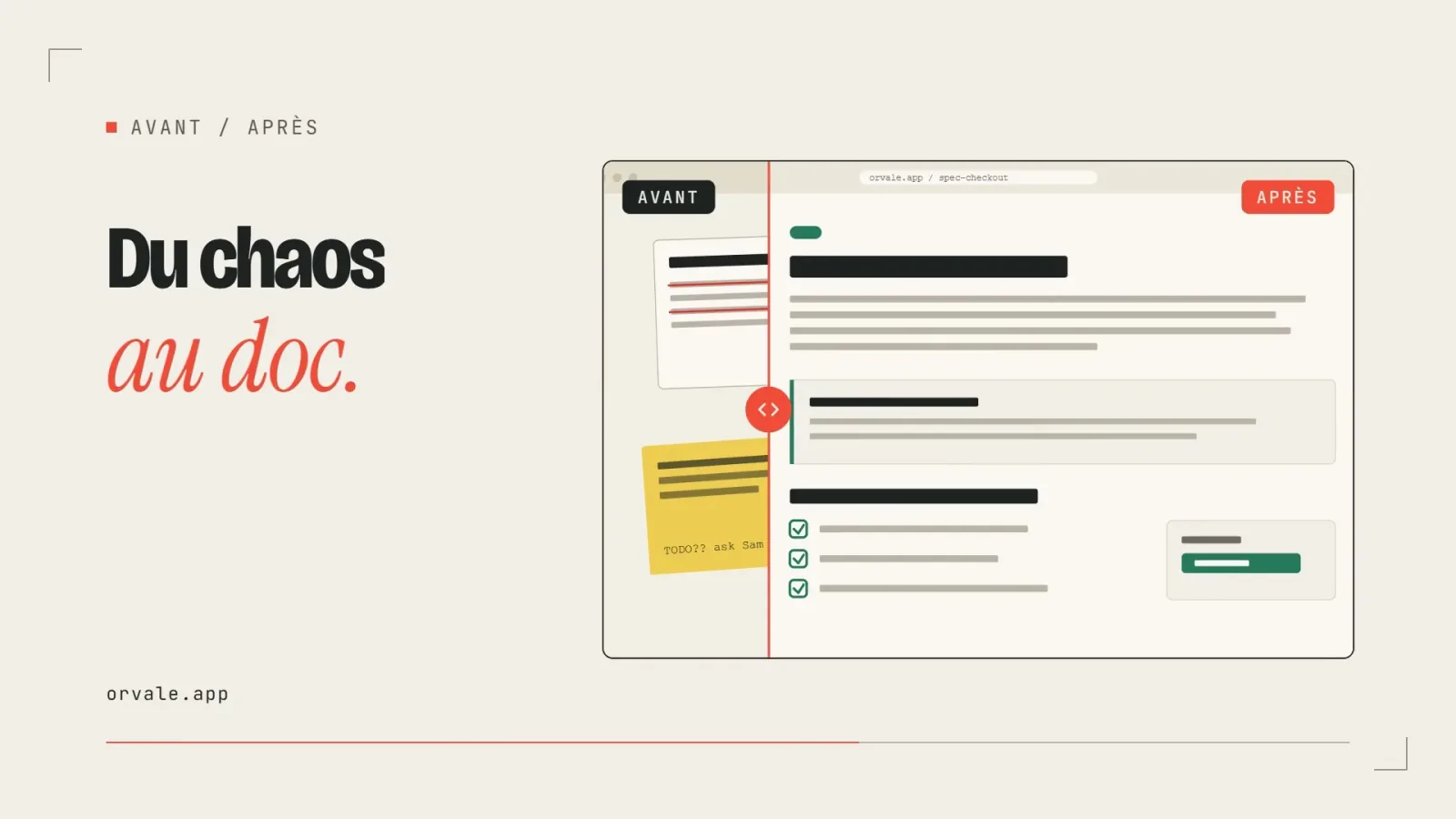
    Before / after slider

    • 322322 downloads
    • 248248 likes
    • 238238 saves
    Works with
    • Claude Code
    • Codex
    • Cursor
    • and 3 more
    + HyperFrames
  • PRO

    Video

    Three-card carousel

    • 418418 downloads
    • 157157 likes
    • 101101 saves
    Works with
    • Claude Code
    • Codex
    • Cursor
    • and 3 more
    + HyperFrames
  • PRO

    Video

    Chat exchange

    • 564564 downloads
    • 127127 likes
    • 161161 saves
    Works with
    • Claude Code
    • Codex
    • Cursor
    • and 3 more
    + HyperFrames
  • PRO

    Video

    Checklist ticking off

    • 442442 downloads
    • 233233 likes
    • 160160 saves
    Works with
    • Claude Code
    • Codex
    • Cursor
    • and 3 more
    + HyperFrames

What you get

  • SKILL.md: a table of modes and requests
  • Prompt rules for each shape (one image, two, storyboard, pinned moments, continuation)
  • Two example prompts
  • A method to chain clips and repair drift

Good fit for

  • Animating a brand image or product visual while keeping the original pixels
  • Turning a storyboard of images into one smooth clip
  • Extending a short clip beyond a single generation

Not for

  • Generating video from text alone
  • Videos that do not use FLUX 3
  • Using an image as mere subject inspiration (it always appears on screen)

Tags

  • video
  • flux
  • image to video
  • storyboard
  • continuation

About

You say

"Here are three product visuals. Build an 8-second clip that connects them in order."
Outline of a video built from ordered keyframes and then continued from its last frame.

Skill published by Black Forest Labs under the MIT license.

Show more

Prerequisites

You bring
Your source images or clips and A Black Forest Labs API key
External costs
Black Forest Labs account and credits required Billed by the provider, on your account.

How to use it

  1. Provide your images or clip and say what each one should do.
  2. The agent picks the mode and writes the prompt, invariants and pin map.
  3. Send the request to FLUX 3, check each seam, then extend if needed.

Content preview

Files

  • LICENSE1.1 KB
  • NOTICE-PALATEKIT.md0.4 KB
  • SKILL.md3.3 KB

Origin and licence

Modified by PalateKit

Author
black-forest-labs
Source
github.com/black-forest-labs/skills/tree/8907d515b0ac270a988ec7a239add81ee13d6cba/skills/flux-3-keyframes-continuation
Licence
MIT

Notice

Version modifiée de « flux-3-keyframes-continuation » (black-forest-labs, MIT) : traduction française et fiche par PalateKit.

User reviews

–

No ratings yet

Loading reviews…

Delete your review?

Your rating and comment will be removed from the page.

Frequently asked questions

Do I need access to FLUX 3?

Yes. The skill prepares the request and the prompt, but the video is produced by the Black Forest Labs API with your key.

Where are the exact field limits?

In the Black Forest Labs API reference (docs.bfl.ai), linked at the end of the skill. These limits may change.