Every premium and members-only resource for $9.99/month, as a no-commitment subscription. See the plans

PalateKit

Menu

Request a resource

Describe the resource you are missing in one sentence. We will email you when it is published.

0 / 280

Unlock PalateKit

Unlock everything

Plan

Paying means accepting our terms of sale.

Secure payment by Stripe. Receipts and invoices sent by email.

Welcome back

Sign in to install, download or save this resource. A free account is enough for free resources.

PalateKit Pick

Interface polish: radii, shadows, animation, icons v1.0.0

Use this resource to polish the visual details and animations of a web interface

New

  • 585 downloads
  • 152 likes
  • 126 saves

$4.99

Lifetime access to this resource, with its updates.

Install with the CLI

In a terminal, from the folder you want:

npx --yes palatekit@latest install interface-polish-details

With no option, the skill goes to ~/.agents/skills/; add --agent claude-code (or codex, cursor…) to target an agent.

First time: connect the CLI with

npx --yes palatekit@latest login

The agent reviews the interface against nineteen precise principles: concentric radii, optical alignment, layered shadows, interruptible animations, icons and tabular numbers. It proposes or applies fixes in the project's own styling system. You get a report per principle with before, after and severity.

Mostly picked by

Updated November 2, 2026

Nested buttons and cards with concentric radii, layered shadows and aligned numbers.

Details

Generates with
Your agent's model
Licence
MIT

Similar resources

View all
  • Free

    Video

    App window with zoom

    • 365365 downloads
    • 125125 likes
    • 188188 saves
    Works with
    • Claude Code
    • Codex
    • Cursor
    • and 3 more
    + HyperFrames
  • Free

    Video

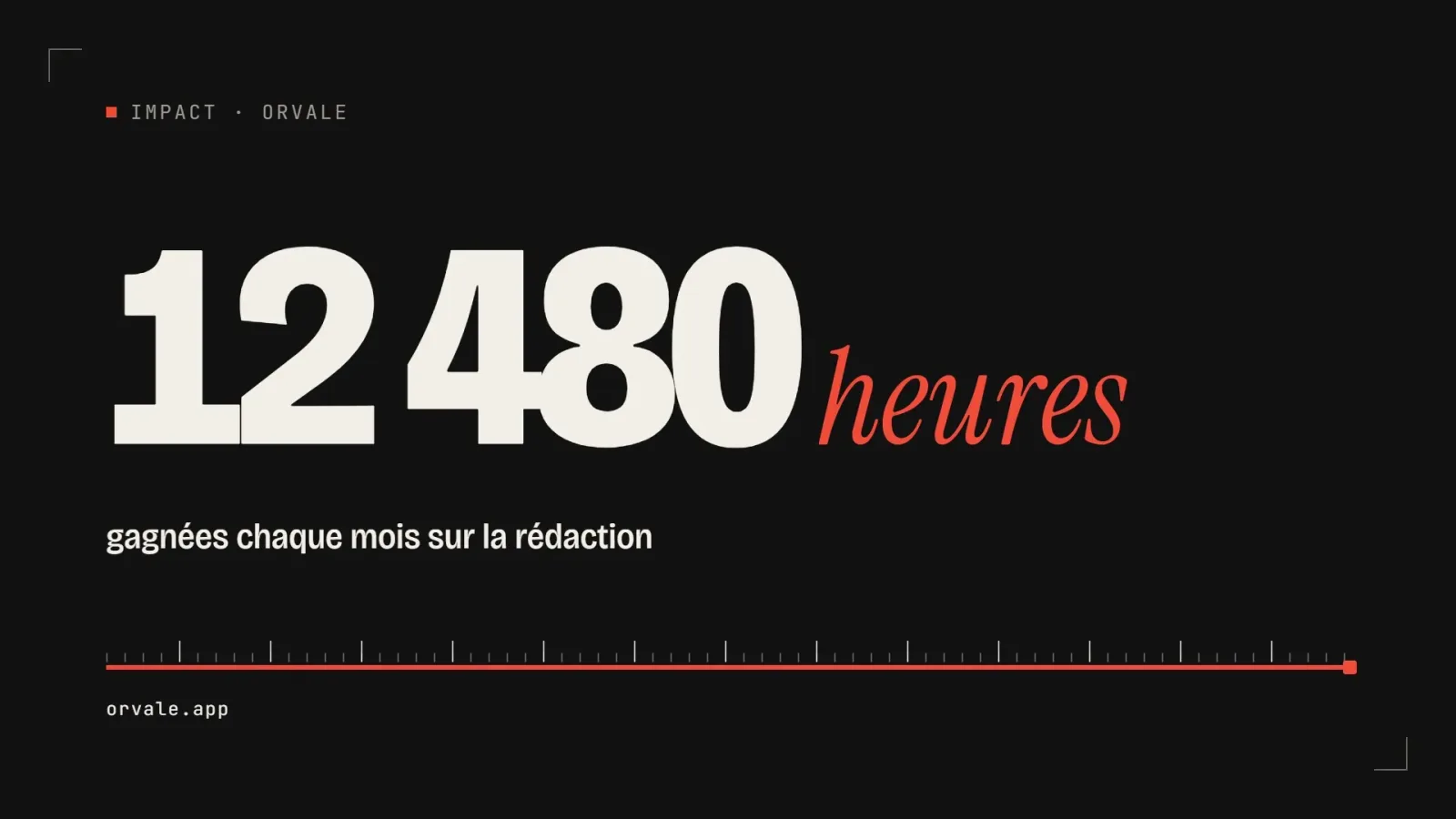
    One big number

    • 463463 downloads
    • 223223 likes
    • 100100 saves
    Works with
    • Claude Code
    • Codex
    • Cursor
    • and 3 more
    + HyperFrames
  • PRO

    Video

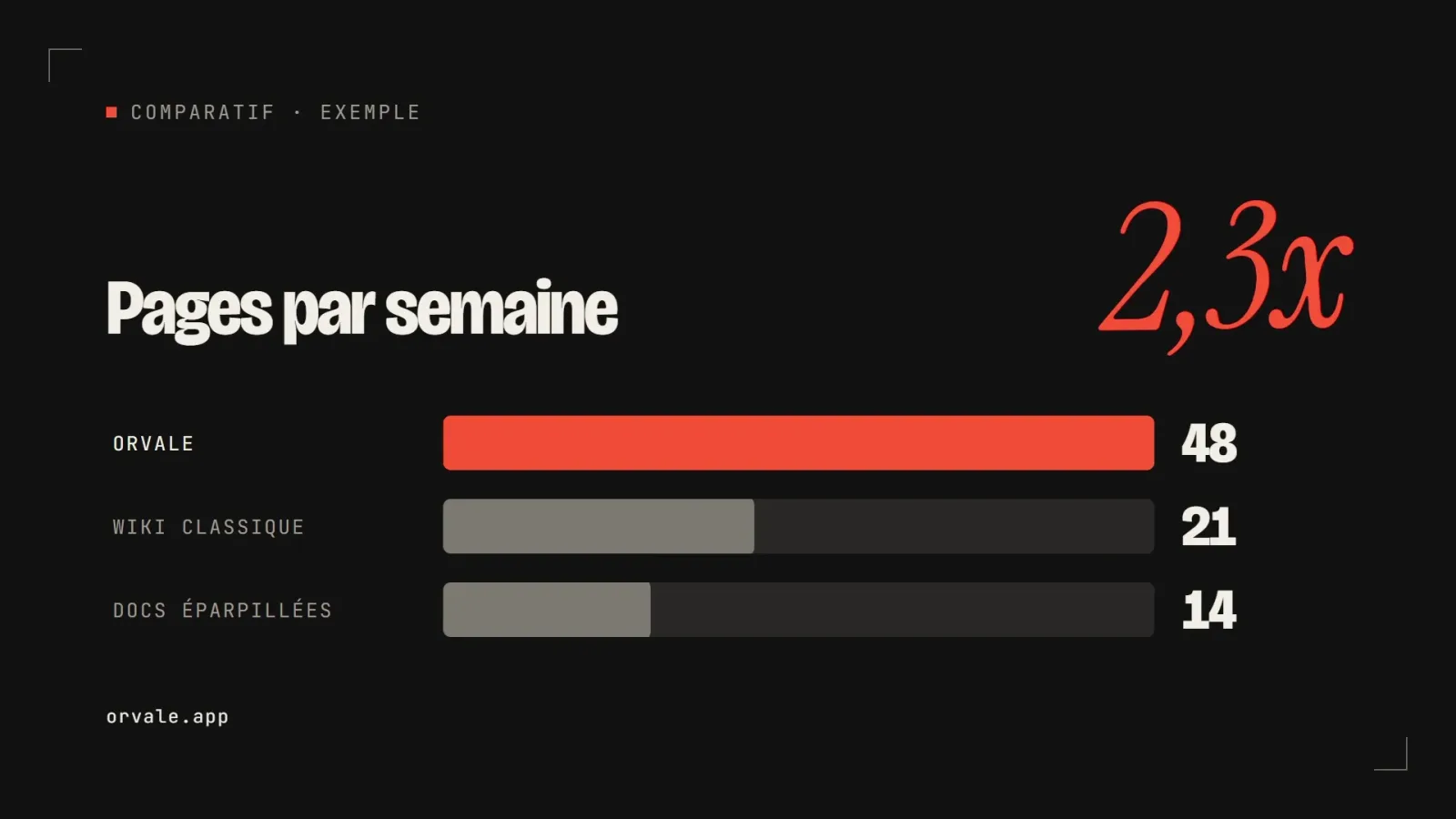
    Three bars head to head

    • 348348 downloads
    • 133133 likes
    • 182182 saves
    Works with
    • Claude Code
    • Codex
    • Cursor
    • and 3 more
    + HyperFrames
  • PRO

    Video

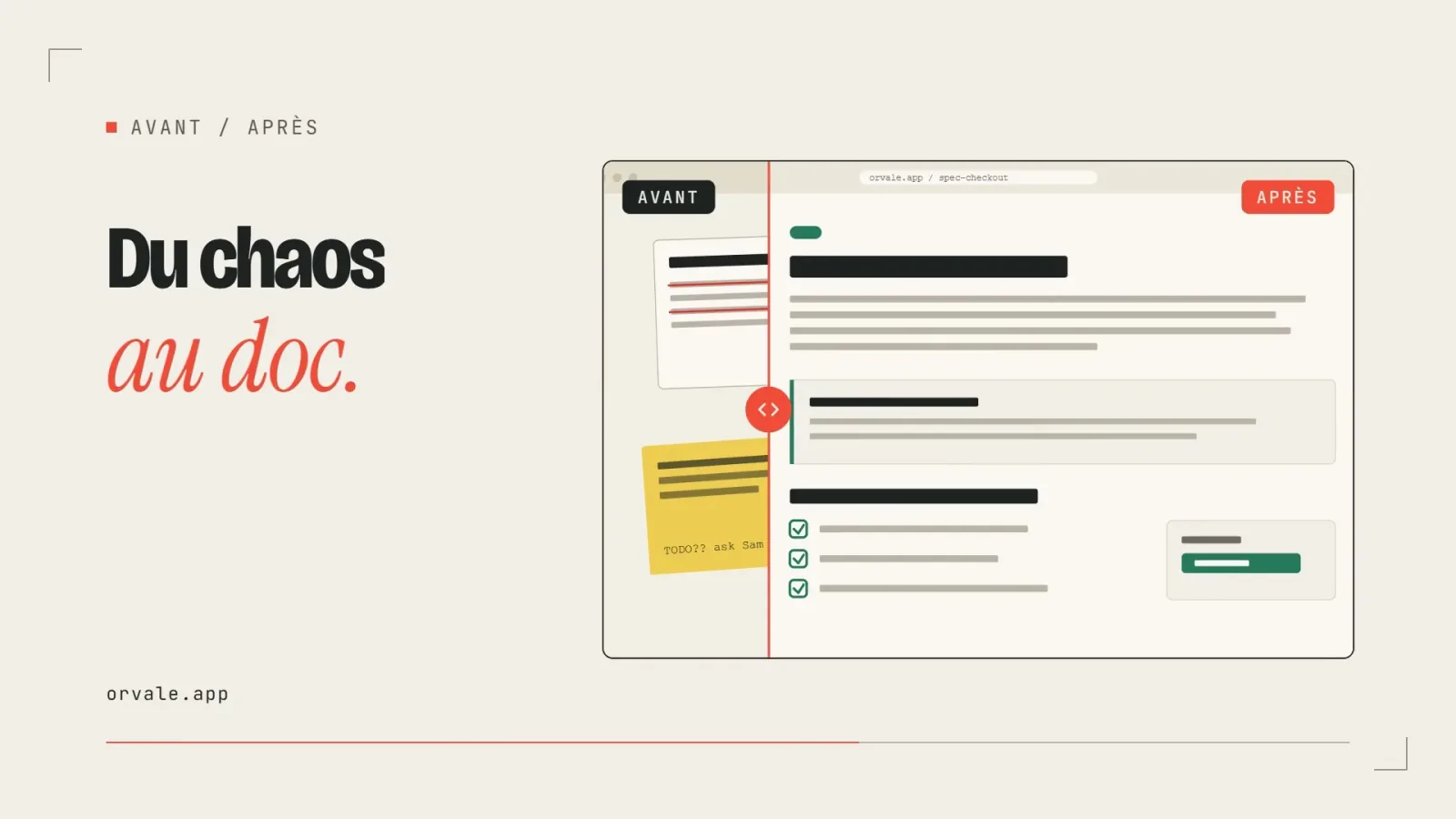
    Before / after slider

    • 322322 downloads
    • 248248 likes
    • 238238 saves
    Works with
    • Claude Code
    • Codex
    • Cursor
    • and 3 more
    + HyperFrames
  • PRO

    Video

    Three-card carousel

    • 418418 downloads
    • 157157 likes
    • 101101 saves
    Works with
    • Claude Code
    • Codex
    • Cursor
    • and 3 more
    + HyperFrames
  • PRO

    Video

    Chat exchange

    • 564564 downloads
    • 127127 likes
    • 161161 saves
    Works with
    • Claude Code
    • Codex
    • Cursor
    • and 3 more
    + HyperFrames
  • PRO

    Video

    Checklist ticking off

    • 442442 downloads
    • 233233 likes
    • 160160 saves
    Works with
    • Claude Code
    • Codex
    • Cursor
    • and 3 more
    + HyperFrames

What you get

  • SKILL.md: principles, common mistakes and review format (quick or full)
  • typography.md, surfaces.md and icons.md: text, radii, shadows, image outlines, icon strokes
  • animations.md and performance.md: enter and exit motion, press feedback, transitions and will-change

Good fit for

  • A coded mockup that "feels off" without an obvious reason
  • A product or launch page to refine before going live
  • A component review (cards, buttons, menus) before delivery

Not for

  • Creating a visual identity or choosing a palette
  • Designing the structure of a page
  • Flashy animation: the skill argues for restraint

Tags

  • polish
  • animation
  • css
  • shadows
  • icons

About

You say

"Run a full review of my pricing page: radii, shadows, animation and icons, then fix everything of medium severity or higher."
Nested buttons and cards with concentric radii, layered shadows and aligned numbers.

Skill published by jakubkrehel under the MIT license.

Show more

Prerequisites

You bring
The code or URL of the interface to review and The review mode you want: quick or full

How to use it

  1. Copy the skill folder into your agent's skills folder.
  2. Ask for a quick or full review of a page or component.
  3. Read the table of fixes and approve the changes.

Content preview

Files

  • animations.md12.8 KB
  • icons.md2.3 KB
  • LICENSE1 KB
  • NOTICE-PALATEKIT.md0.4 KB
  • performance.md3.1 KB
  • SKILL.md11.7 KB
  • surfaces.md7.3 KB
  • typography.md4.7 KB

Origin and licence

Modified by PalateKit

Author
jakubkrehel
Source
github.com/jakubkrehel/make-interfaces-feel-better/tree/35545ea1512ad59fa463e6b1f95ca9c052981fe6/skills/make-interfaces-feel-better
Licence
MIT

Notice

Version modifiée de « make-interfaces-feel-better » (jakubkrehel, MIT) : traduction française et fiche par PalateKit.

User reviews

–

No ratings yet

Loading reviews…

Delete your review?

Your rating and comment will be removed from the page.

Frequently asked questions

Do I need an animation library?

No. If the project uses motion or framer-motion the skill adapts to it; otherwise it proposes plain CSS transitions with no dependency.

Are the values fixed?

The principles give precise values (for example a 0.96 press scale). The agent always writes fixes in the existing styling system and never adds a second one.