Every premium and members-only resource for $9.99/month, as a no-commitment subscription. See the plans

PalateKit

Menu

Request a resource

Describe the resource you are missing in one sentence. We will email you when it is published.

0 / 280

Unlock PalateKit

Unlock everything

Plan

Paying means accepting our terms of sale.

Secure payment by Stripe. Receipts and invoices sent by email.

Welcome back

Sign in to install, download or save this resource. A free account is enough for free resources.

Photo slideshow video with music v1.0.0

Use this resource to build a video from a folder of photos and a music track

New

  • 347 downloads
  • 169 likes
  • 105 saves

Free

Install with the CLI

In a terminal, from the folder you want:

npx --yes palatekit@latest install photo-slideshow-video

With no option, the skill goes to ~/.agents/skills/; add --agent claude-code (or codex, cursor…) to target an agent.

First time: connect the CLI with

npx --yes palatekit@latest login

The agent builds a Remotion project that gives each photo a different motion, links the images with a single transition and snaps slide changes to the music beat. It handles mixed-format photos with a blurred background, adds captions, dates and intro and outro cards, then checks still frames before rendering. You get an MP4 video and a project you can rerun when the folder changes.

Updated November 2, 2026

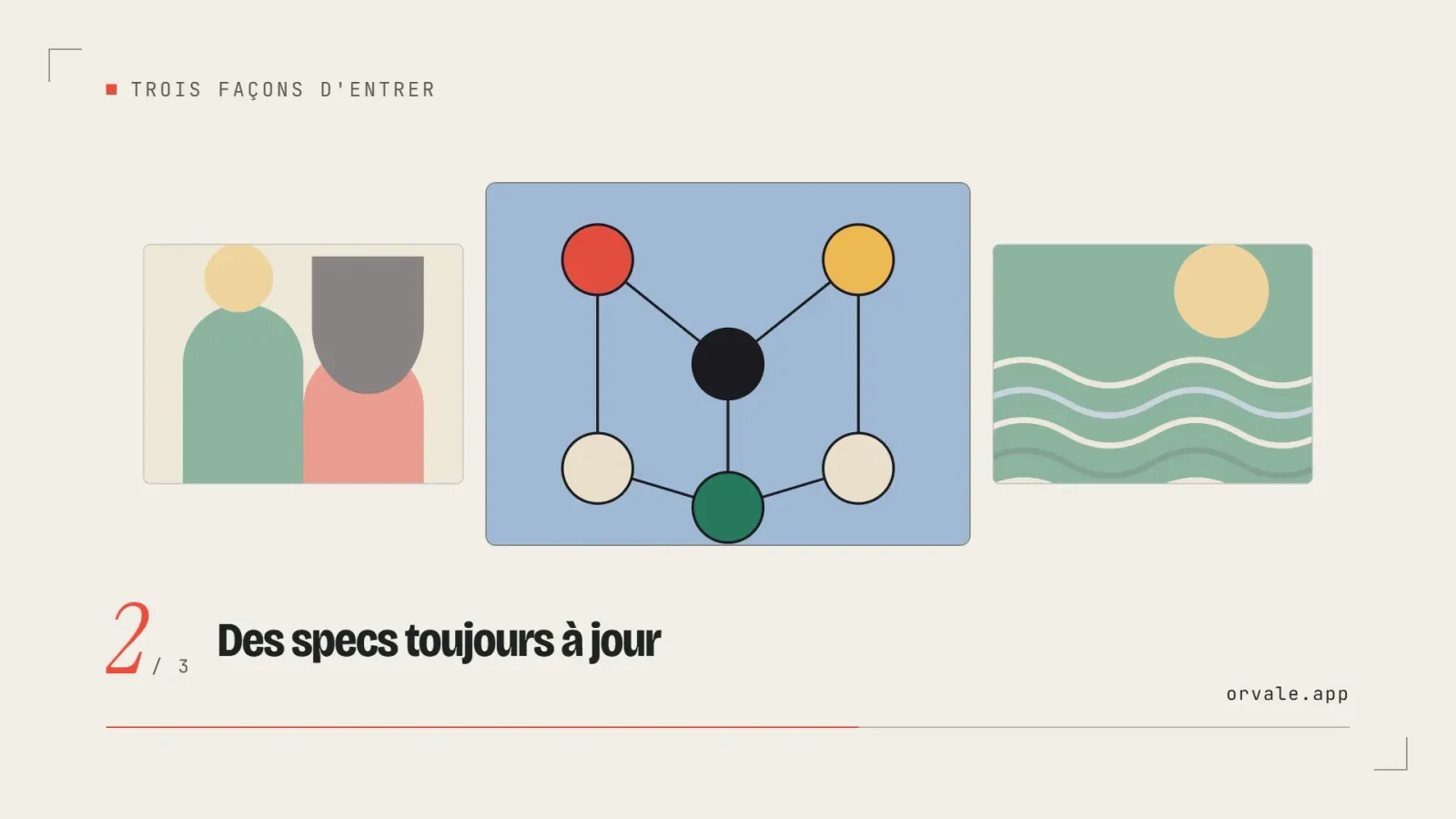
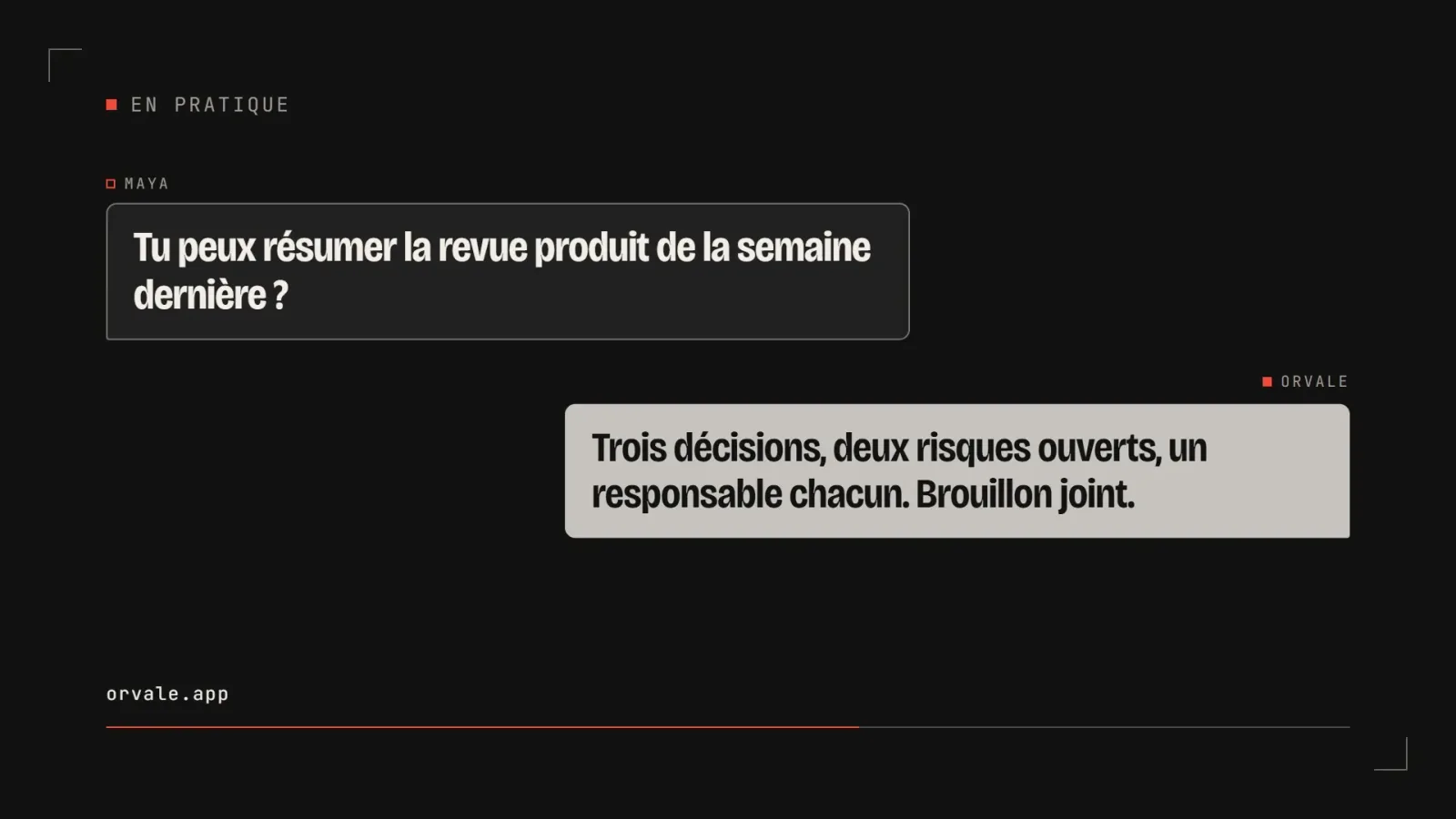
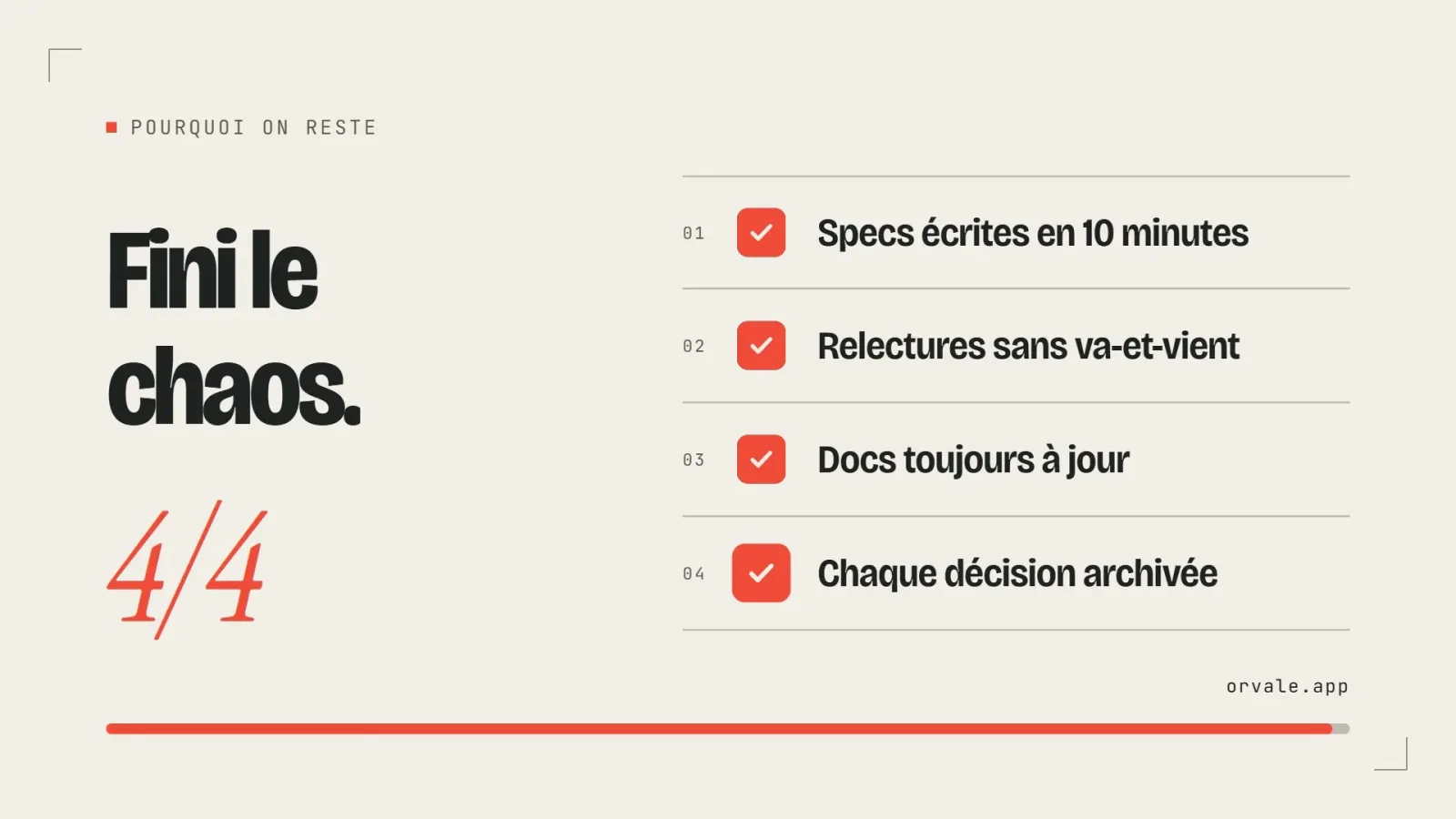
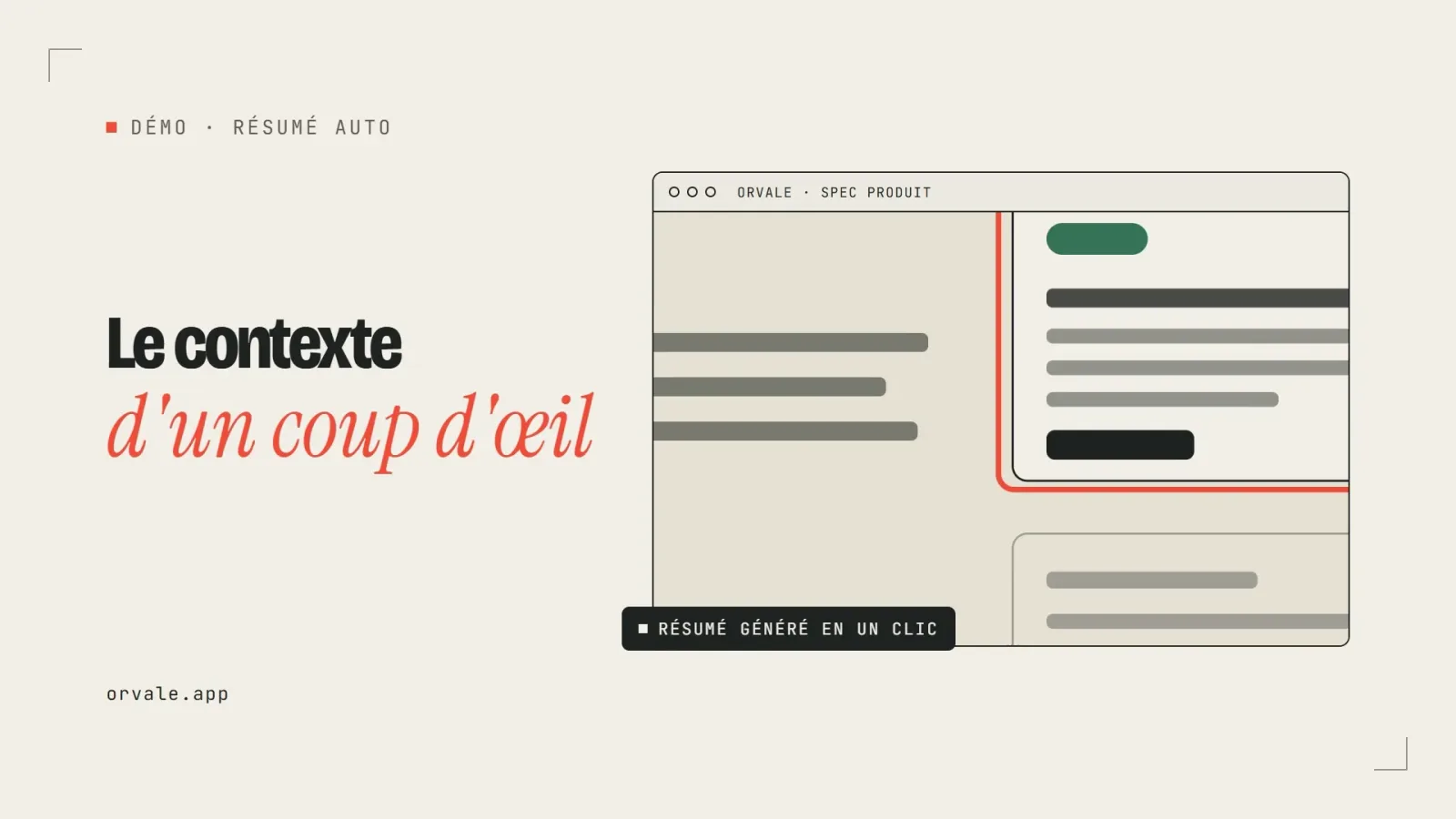
A sequence of photos with slow zoom, a caption at the bottom and a crossfade transition

Details

Generates with
Remotion
Uses
  • Node.js and Remotion
  • FFmpeg
  • Python with librosa (optional, for beat timing)
Licence
MIT

Similar resources

View all
  • Free

    Video

    App window with zoom

    • 365365 downloads
    • 125125 likes
    • 188188 saves
    Works with
    • Claude Code
    • Codex
    • Cursor
    • and 3 more
    + HyperFrames
  • Free

    Video

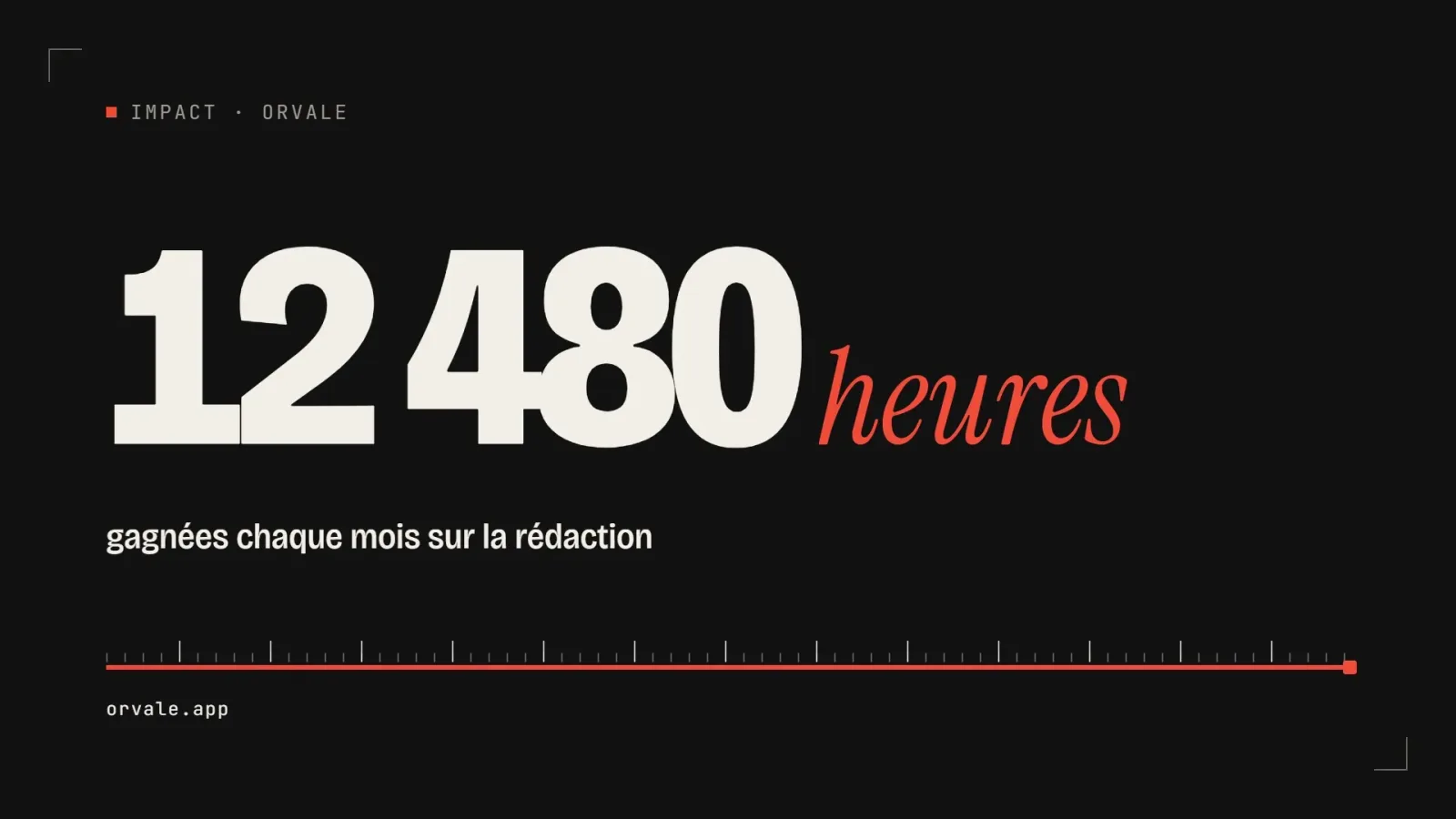
    One big number

    • 463463 downloads
    • 223223 likes
    • 100100 saves
    Works with
    • Claude Code
    • Codex
    • Cursor
    • and 3 more
    + HyperFrames
  • PRO

    Video

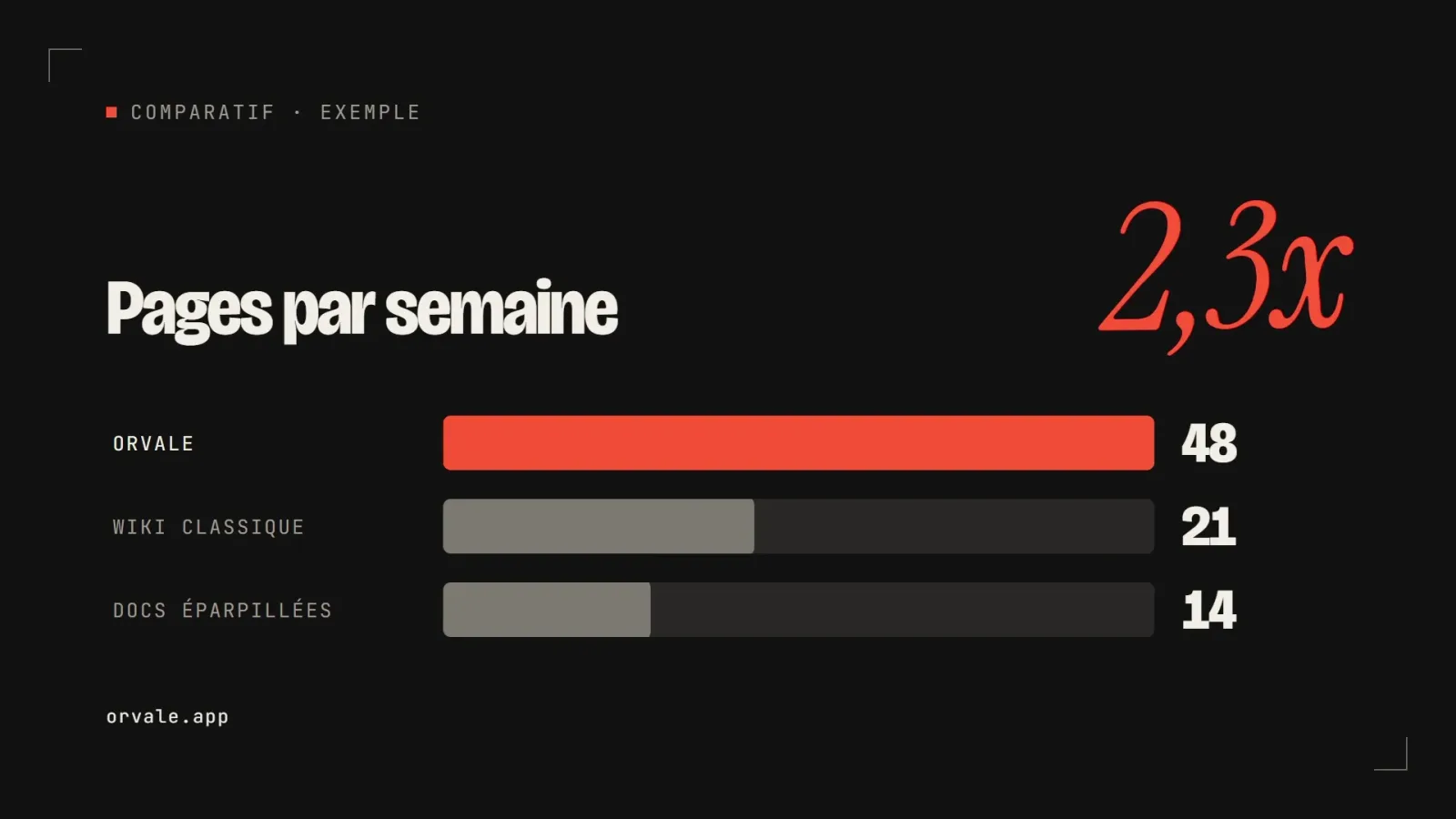
    Three bars head to head

    • 348348 downloads
    • 133133 likes
    • 182182 saves
    Works with
    • Claude Code
    • Codex
    • Cursor
    • and 3 more
    + HyperFrames
  • PRO

    Video

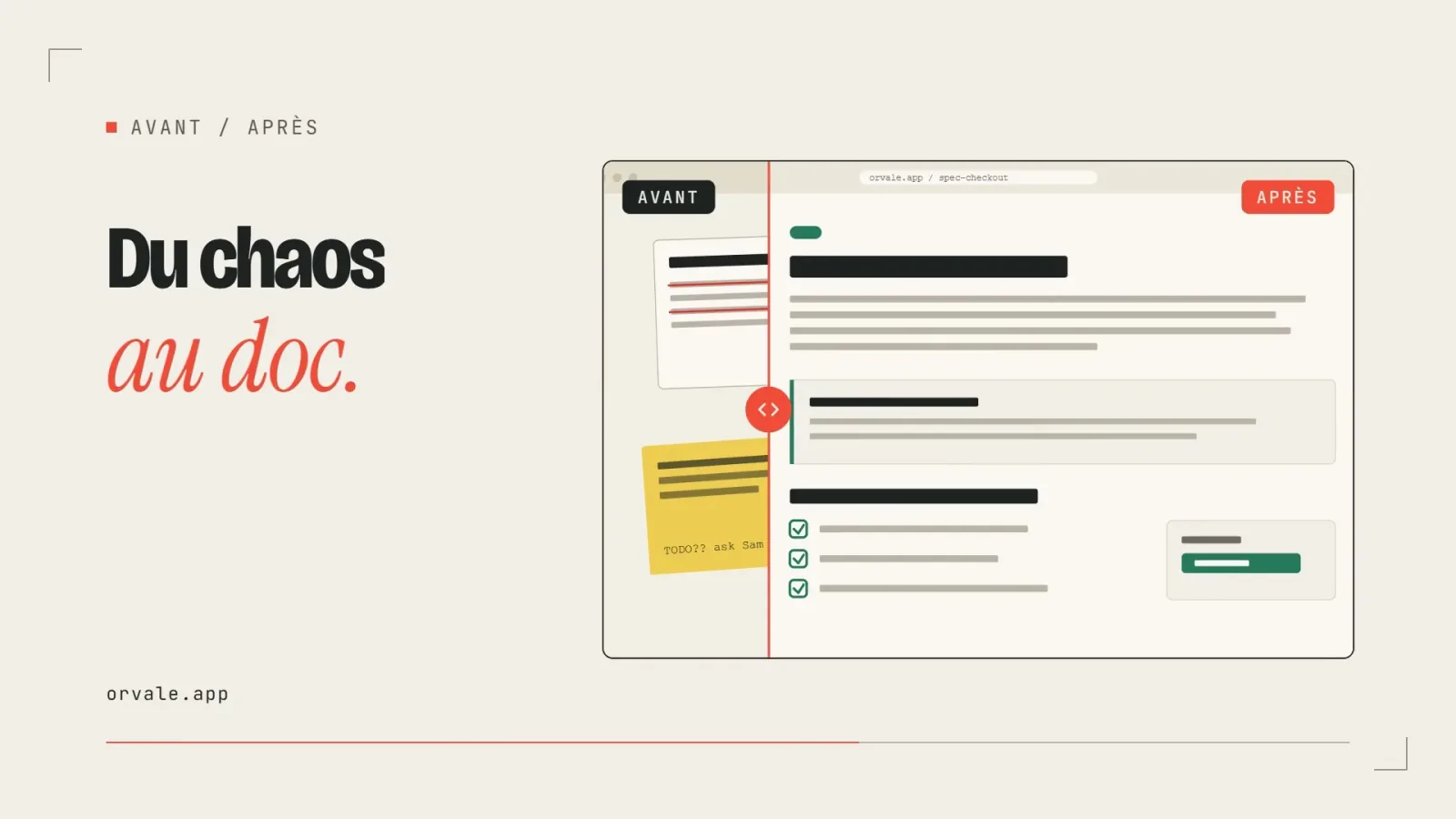
    Before / after slider

    • 322322 downloads
    • 248248 likes
    • 238238 saves
    Works with
    • Claude Code
    • Codex
    • Cursor
    • and 3 more
    + HyperFrames
  • PRO

    Video

    Three-card carousel

    • 418418 downloads
    • 157157 likes
    • 101101 saves
    Works with
    • Claude Code
    • Codex
    • Cursor
    • and 3 more
    + HyperFrames
  • PRO

    Video

    Chat exchange

    • 564564 downloads
    • 127127 likes
    • 161161 saves
    Works with
    • Claude Code
    • Codex
    • Cursor
    • and 3 more
    + HyperFrames
  • PRO

    Video

    Checklist ticking off

    • 442442 downloads
    • 233233 likes
    • 160160 saves
    Works with
    • Claude Code
    • Codex
    • Cursor
    • and 3 more
    + HyperFrames

What you get

  • SKILL.md: motion rules, transitions, timing, mixed formats and render checks
  • A Ken Burns guide with a complete Remotion component
  • Guides on music syncing and image formats (16:9, 9:16, 1:1)
  • A folder-to-video guide, including an FFmpeg-only path

Good fit for

  • Making a memories video or a year-in-review
  • Presenting a product catalog as a short social video
  • Reusing one template across several photo folders

Not for

  • Editing video made of filmed footage
  • People who do not want to install Remotion and Node.js

Tags

  • slideshow
  • video
  • photos
  • remotion
  • music

About

You say

"Make a 30-second vertical 9:16 video from the photos in the travel folder, with a crossfade transition, synced to my music."
A sequence of photos with slow zoom, a caption at the bottom and a crossfade transition

Skill published by iart-ai under the MIT license.

Show more

Prerequisites

You bring
A folder of photos and A royalty-free music track (optional)
Dependencies
Node.js and Remotion, FFmpeg, and Python with librosa (optional, for beat timing)

How to use it

  1. Install the skill and put your photos and music in a folder.
  2. Ask for the video, stating the format, duration and captions you want.
  3. Approve the still frames it proposes, then run the final MP4 render.

Content preview

Files

  • LICENSE1 KB
  • NOTICE-PALATEKIT.md0.4 KB
  • references/aspect-and-layout.md3.8 KB
  • references/ken-burns.md5 KB
  • references/templating-folder.md6.9 KB
  • references/timing-and-audio.md4 KB
  • SKILL.md11.2 KB

Origin and licence

Modified by PalateKit

Author
iart-ai
Source
github.com/iart-ai/ecommerce-video-skills/tree/2bd0dd19c9b2df5230f5d8f7453861b9681e49b4/skills/photo-slideshow
Licence
MIT

Notice

Version modifiée de « photo-slideshow » (iart-ai, MIT) : traduction française et fiche par PalateKit.

User reviews

–

No ratings yet

Loading reviews…

Delete your review?

Your rating and comment will be removed from the page.

Frequently asked questions

Which tools are required?

Node.js and Remotion, plus FFmpeg. Beat detection uses Python with librosa, but a fallback without audio analysis is provided.

Are the scripts mentioned in the skill included?

No. The skill mentions small optional helper scripts that are not shipped; the folder-to-video guide gives the code to recreate them.