Every premium and members-only resource for $9.99/month, as a no-commitment subscription. See the plans

PalateKit

Menu

Request a resource

Describe the resource you are missing in one sentence. We will email you when it is published.

0 / 280

Unlock PalateKit

Unlock everything

Plan

Paying means accepting our terms of sale.

Secure payment by Stripe. Receipts and invoices sent by email.

Welcome back

Sign in to install, download or save this resource. A free account is enough for free resources.

Shot Composition and Camera Moves v1.0.0

Use this resource to compose a frame and plan its camera moves

New

  • 533 downloads
  • 214 likes
  • 200 saves

Free

Install with the CLI

In a terminal, from the folder you want:

npx --yes palatekit@latest install shot-composition-camera

With no option, the skill goes to ~/.agents/skills/; add --agent claude-code (or codex, cursor…) to target an agent.

First time: connect the CLI with

npx --yes palatekit@latest login

The agent follows a decision tree to set the grid, place a single focal point on a third, split elements into three depth layers and pick one camera move. It sets how elements enter and exit and the safe areas per aspect ratio. You get a composition plan with precise values, ready to hand to your animation tool.

Updated November 2, 2026

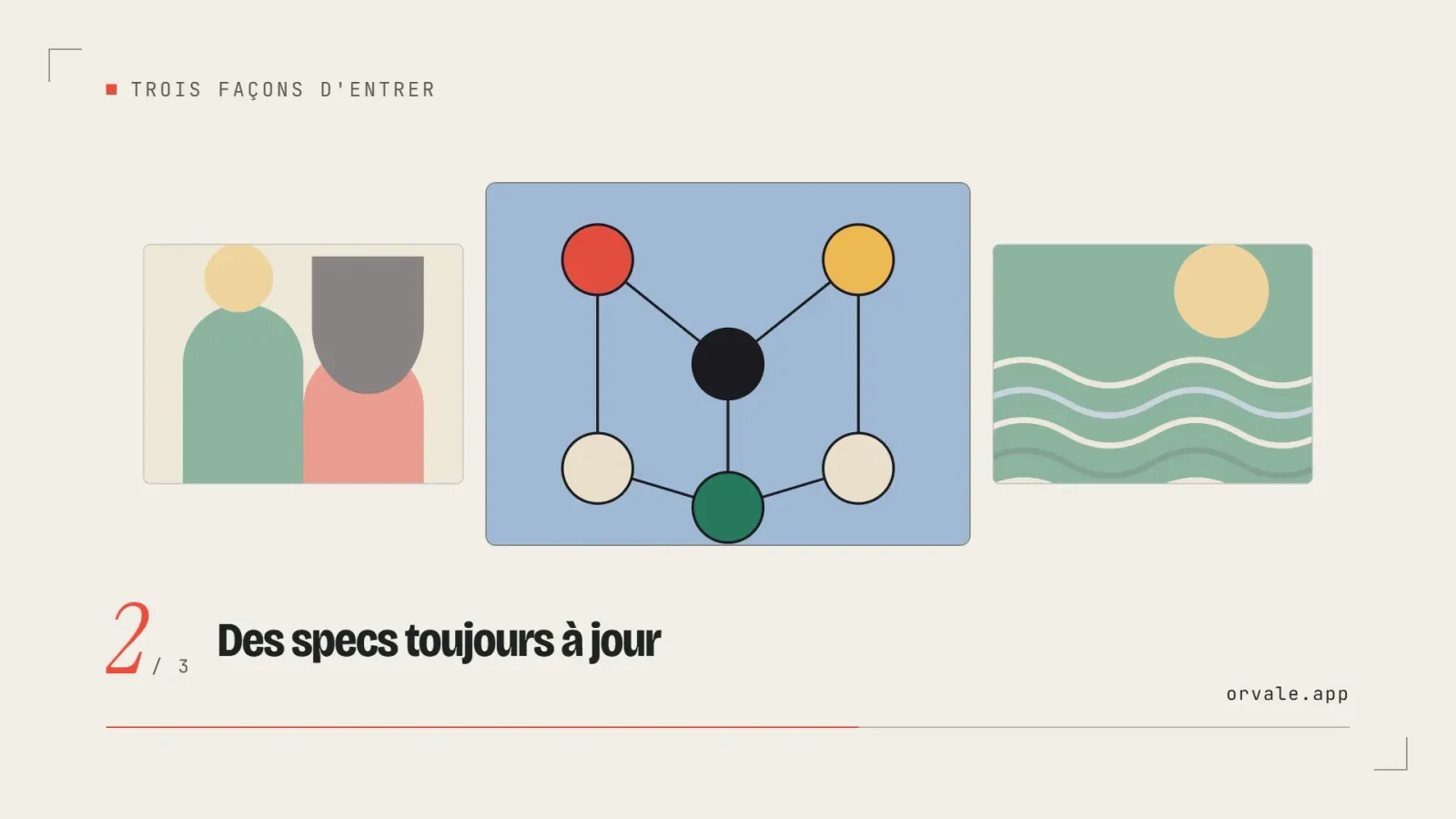
Frame split on a 12-column grid with a focal point on a third and three depth layers

Details

Generates with
Your agent's model
Licence
MIT

Similar resources

View all
  • Free

    Video

    App window with zoom

    • 365365 downloads
    • 125125 likes
    • 188188 saves
    Works with
    • Claude Code
    • Codex
    • Cursor
    • and 3 more
    + HyperFrames
  • Free

    Video

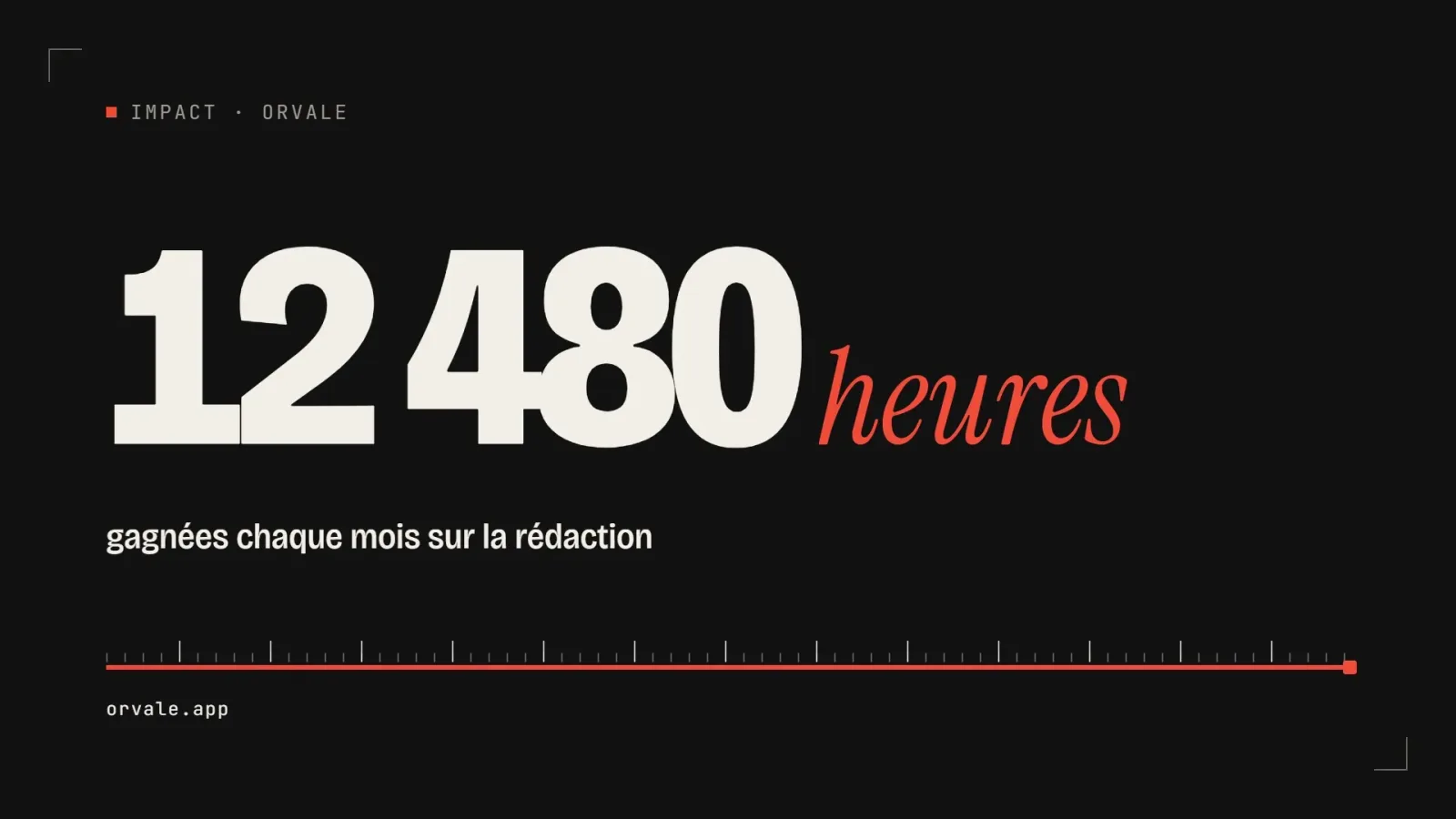
    One big number

    • 463463 downloads
    • 223223 likes
    • 100100 saves
    Works with
    • Claude Code
    • Codex
    • Cursor
    • and 3 more
    + HyperFrames
  • PRO

    Video

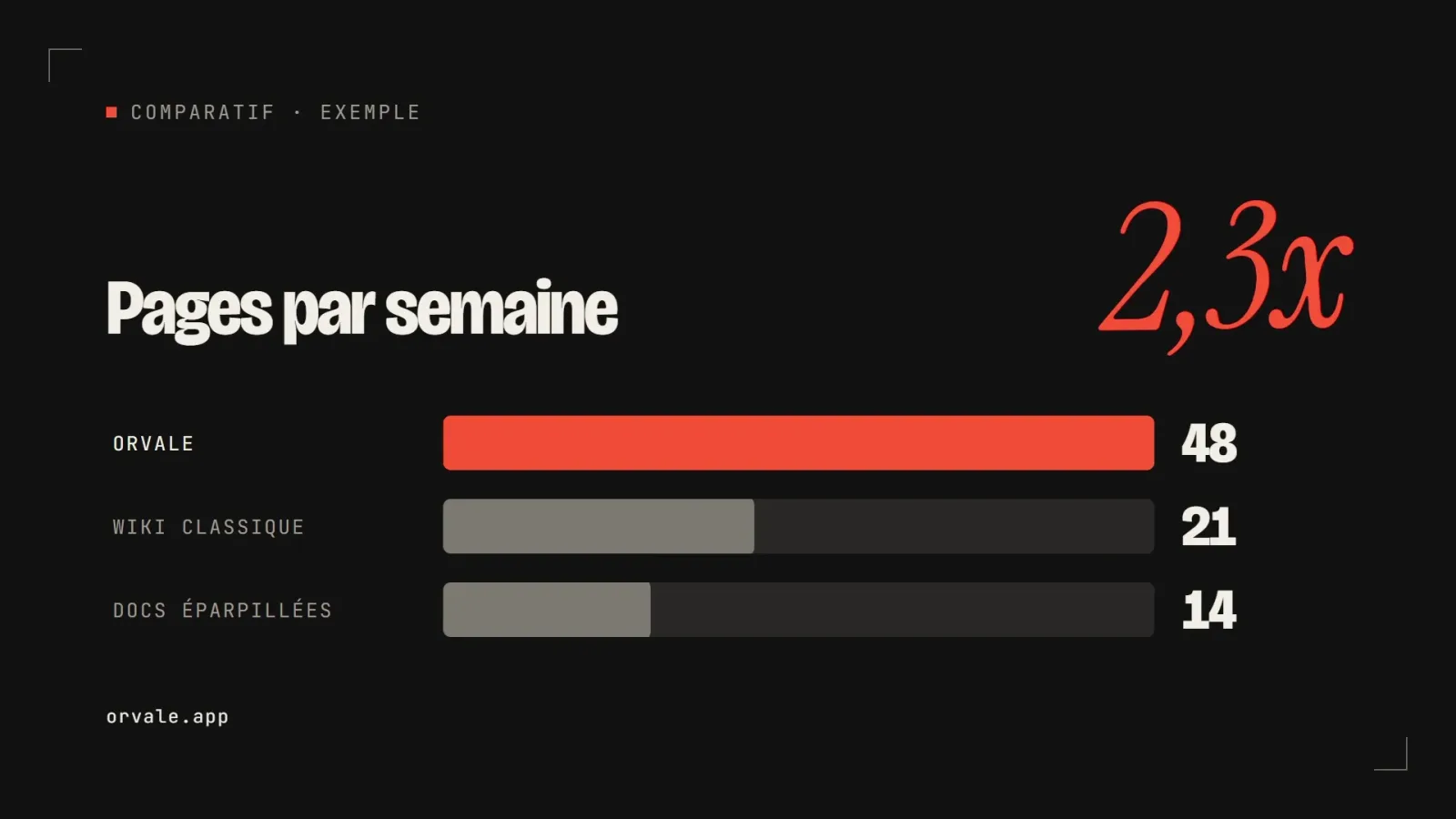
    Three bars head to head

    • 348348 downloads
    • 133133 likes
    • 182182 saves
    Works with
    • Claude Code
    • Codex
    • Cursor
    • and 3 more
    + HyperFrames
  • PRO

    Video

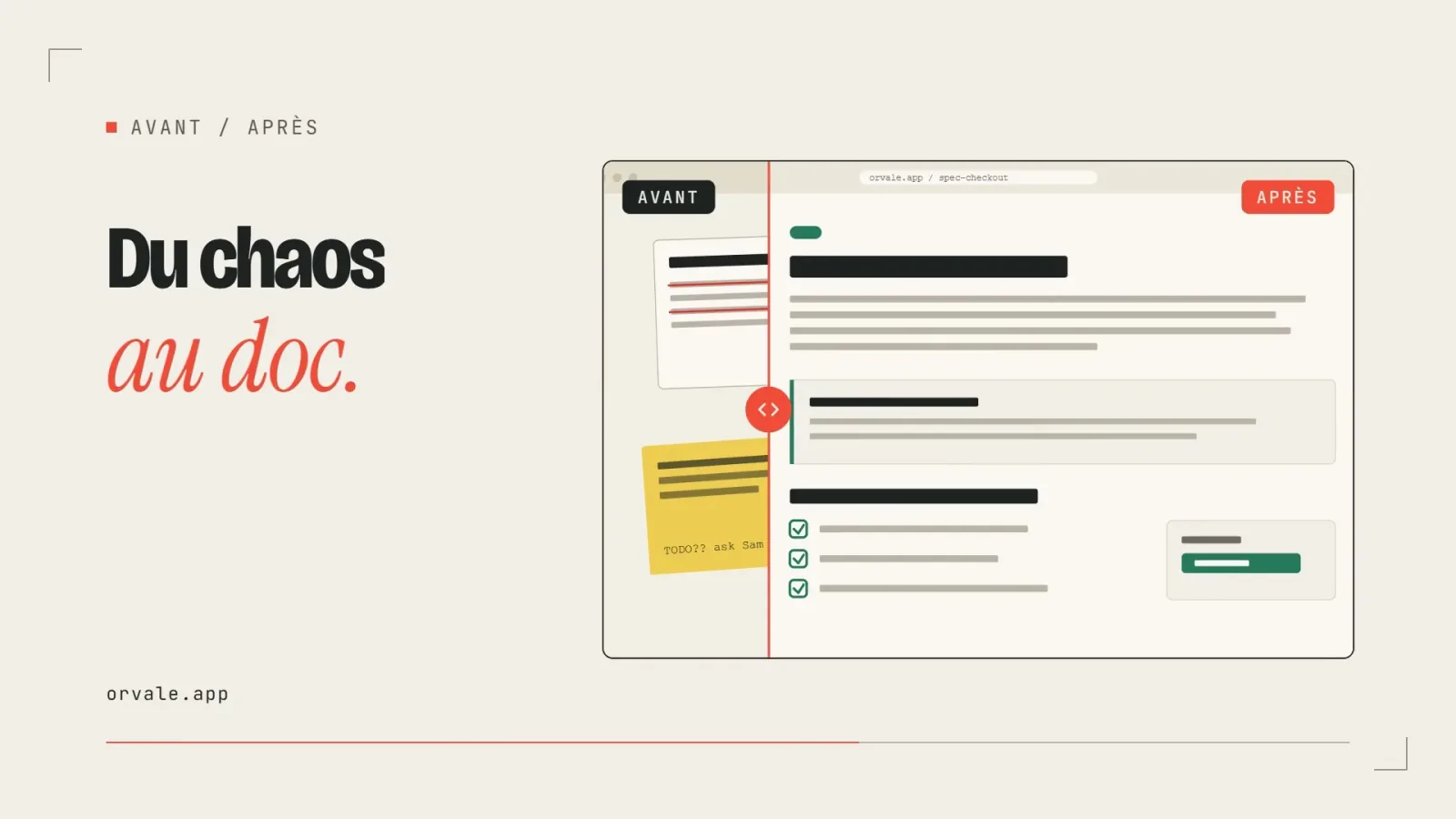
    Before / after slider

    • 322322 downloads
    • 248248 likes
    • 238238 saves
    Works with
    • Claude Code
    • Codex
    • Cursor
    • and 3 more
    + HyperFrames
  • PRO

    Video

    Three-card carousel

    • 418418 downloads
    • 157157 likes
    • 101101 saves
    Works with
    • Claude Code
    • Codex
    • Cursor
    • and 3 more
    + HyperFrames
  • PRO

    Video

    Chat exchange

    • 564564 downloads
    • 127127 likes
    • 161161 saves
    Works with
    • Claude Code
    • Codex
    • Cursor
    • and 3 more
    + HyperFrames
  • PRO

    Video

    Checklist ticking off

    • 442442 downloads
    • 233233 likes
    • 160160 saves
    Works with
    • Claude Code
    • Codex
    • Cursor
    • and 3 more
    + HyperFrames

What you get

  • SKILL.md: decision tree, seven-step method, examples, checklist
  • A reference file on grids, safe areas, parallax and camera moves
  • A numbered composition plan: frame, focal point, layers, camera, safe areas

Good fit for

  • You are preparing an animated hero or a video that must exist in 16:9 and 9:16
  • You want a parallax depth effect without making the scene confusing
  • Your frame lacks hierarchy and the eye does not know where to go

Not for

  • Producing the video file or the animation code itself
  • Editing filmed footage
  • Choosing brand colors and typography

Tags

  • composition
  • camera
  • parallax
  • motion
  • framing

About

You say

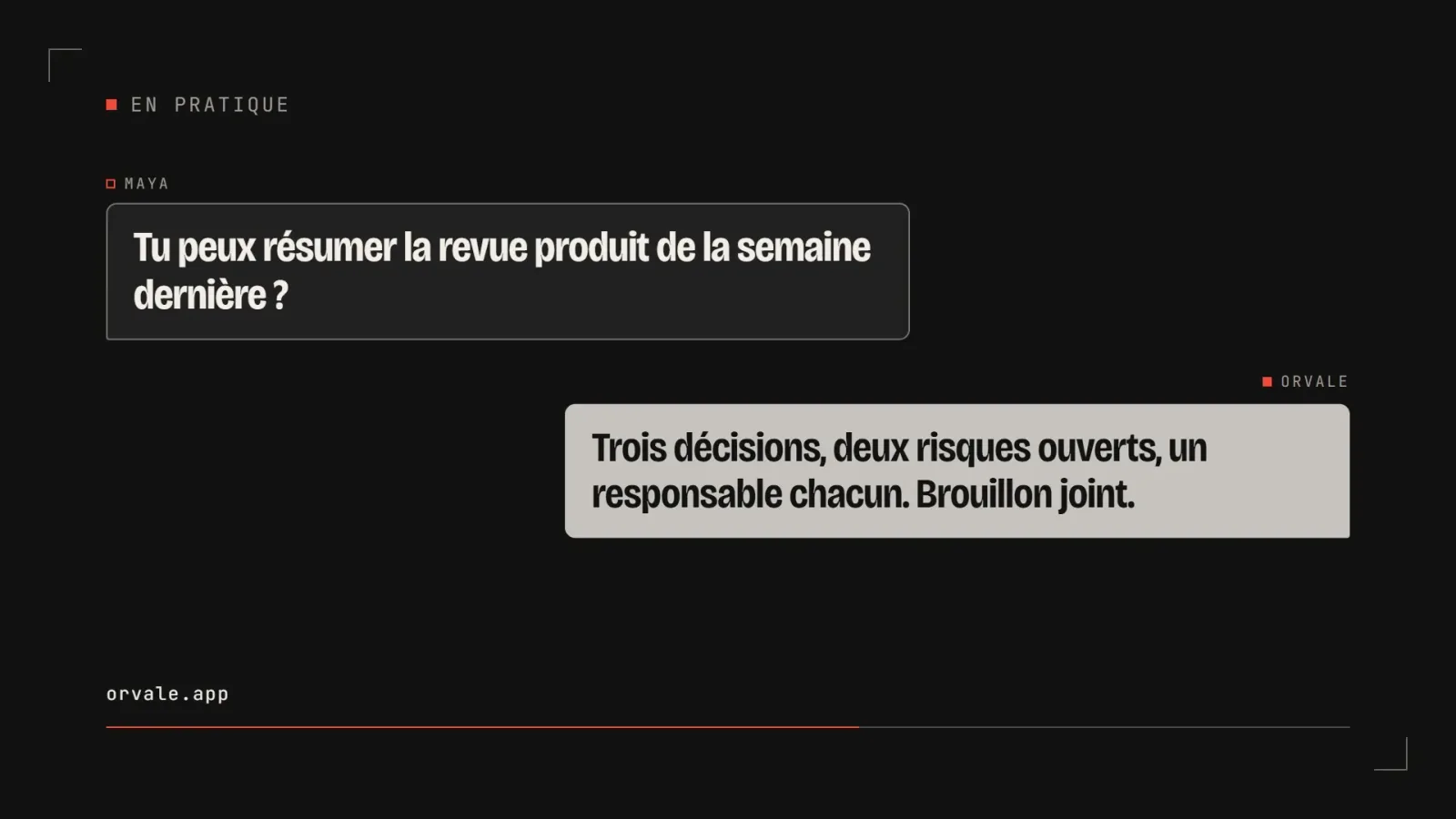
"Compose my app launch hero in 16:9 and adapt it to a 9:16 Reel, with a single camera move."
Frame split on a 12-column grid with a focal point on a third and three depth layers

Skill published by iart-ai under the MIT license.

Show more

Prerequisites

You bring
The subject of the shot and its main message and The target formats (16:9, 9:16, 1:1)

How to use it

  1. Describe the subject, the target formats and the motion personality you want.
  2. Let the agent propose the grid, focal point, layers and camera move.
  3. Hand the composition plan to your animation or editing tool.

Content preview

Files

  • LICENSE1.1 KB
  • NOTICE-PALATEKIT.md0.4 KB
  • references/camera-and-grids.md6.3 KB
  • SKILL.md12.9 KB

Origin and licence

Modified by PalateKit

Author
iart-ai
Source
github.com/iart-ai/motion-design-skills/tree/3c129f769d90a1328c209c386492333c9ac62312/skills/shot-composition
Licence
MIT

Notice

Version modifiée de « shot-composition » (iart-ai, MIT) : traduction française et fiche par PalateKit.

User reviews

–

No ratings yet

Loading reviews…

Delete your review?

Your rating and comment will be removed from the page.

Frequently asked questions

Do I need other skills?

No. It names animation-principles and motion-art-direction as companions, but the essential rules are restated in the text.

Does it produce an animation?

No, it produces a numbered plan. You then build the animation with the tool of your choice.