Every premium and members-only resource for $9.99/month, as a no-commitment subscription. See the plans

PalateKit

Menu

Request a resource

Describe the resource you are missing in one sentence. We will email you when it is published.

0 / 280

Unlock PalateKit

Unlock everything

Plan

Paying means accepting our terms of sale.

Secure payment by Stripe. Receipts and invoices sent by email.

Welcome back

Sign in to install, download or save this resource. A free account is enough for free resources.

Video prompts for Google Veo 3.1 v1.0.0

Use this resource to write prompts to generate video clips with Veo

New

  • 362 downloads
  • 209 likes
  • 140 saves

$4.99

Lifetime access to this resource, with its updates.

Install with the CLI

In a terminal, from the folder you want:

npx --yes palatekit@latest install veo-video-prompts

With no option, the skill goes to ~/.agents/skills/; add --agent claude-code (or codex, cursor…) to target an agent.

First time: connect the CLI with

npx --yes palatekit@latest login

The agent turns your idea into a directed-shot prompt for Veo: subject, action, camera, lighting, style and audio cues (dialogue, sound effects, ambience). It picks the right recipe (b-roll, product in motion, hook, ad, animated still), plans 8-second clips and reminds you to check the result and label AI video.

Mostly picked by

Updated November 2, 2026

No visual preview: a card will be drawn.

Details

Generates with
Veo 3.1
Licence
MIT

Similar resources

View all
  • Free

    Video

    App window with zoom

    • 365365 downloads
    • 125125 likes
    • 188188 saves
    Works with
    • Claude Code
    • Codex
    • Cursor
    • and 3 more
    + HyperFrames
  • Free

    Video

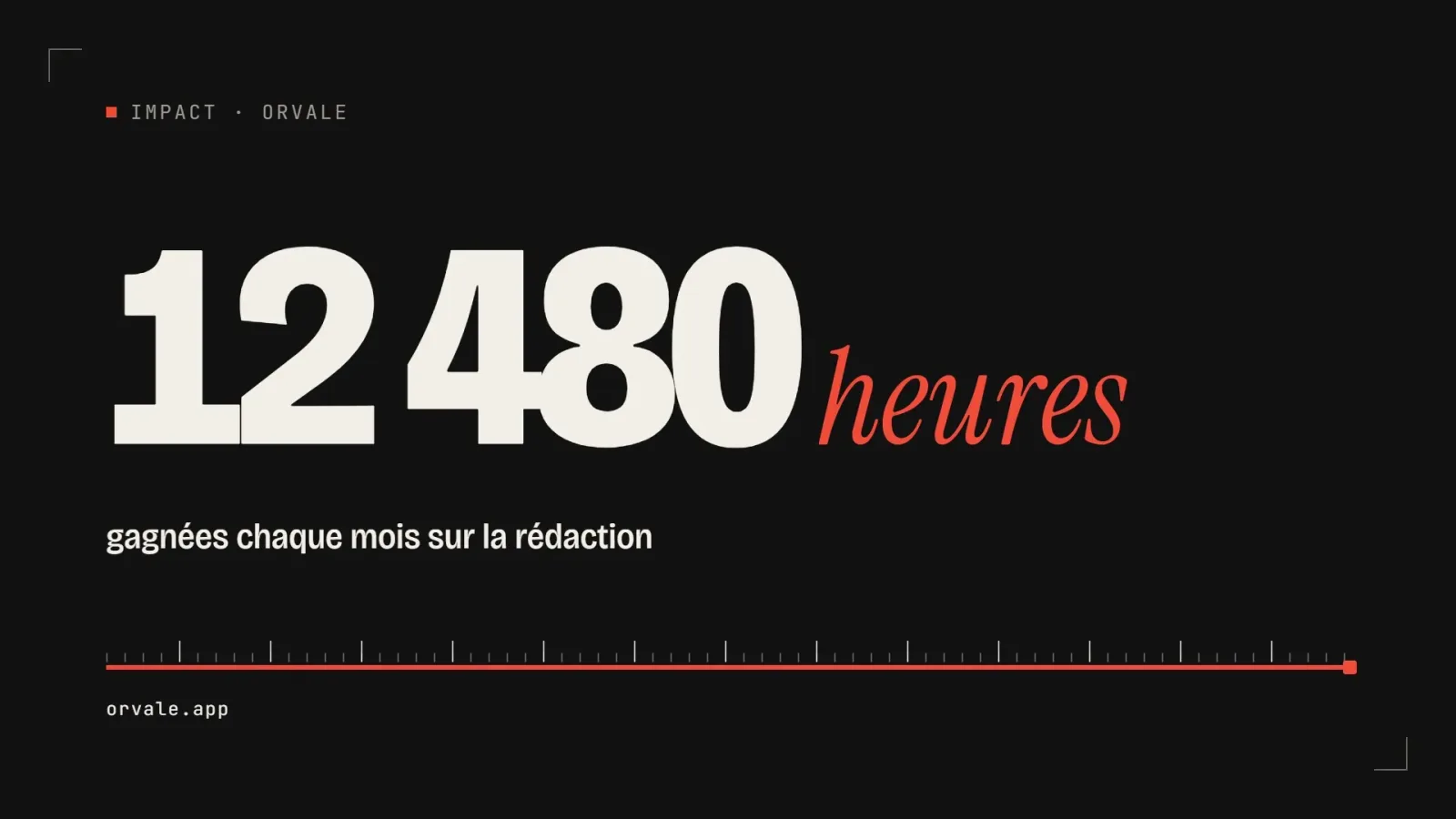
    One big number

    • 463463 downloads
    • 223223 likes
    • 100100 saves
    Works with
    • Claude Code
    • Codex
    • Cursor
    • and 3 more
    + HyperFrames
  • PRO

    Video

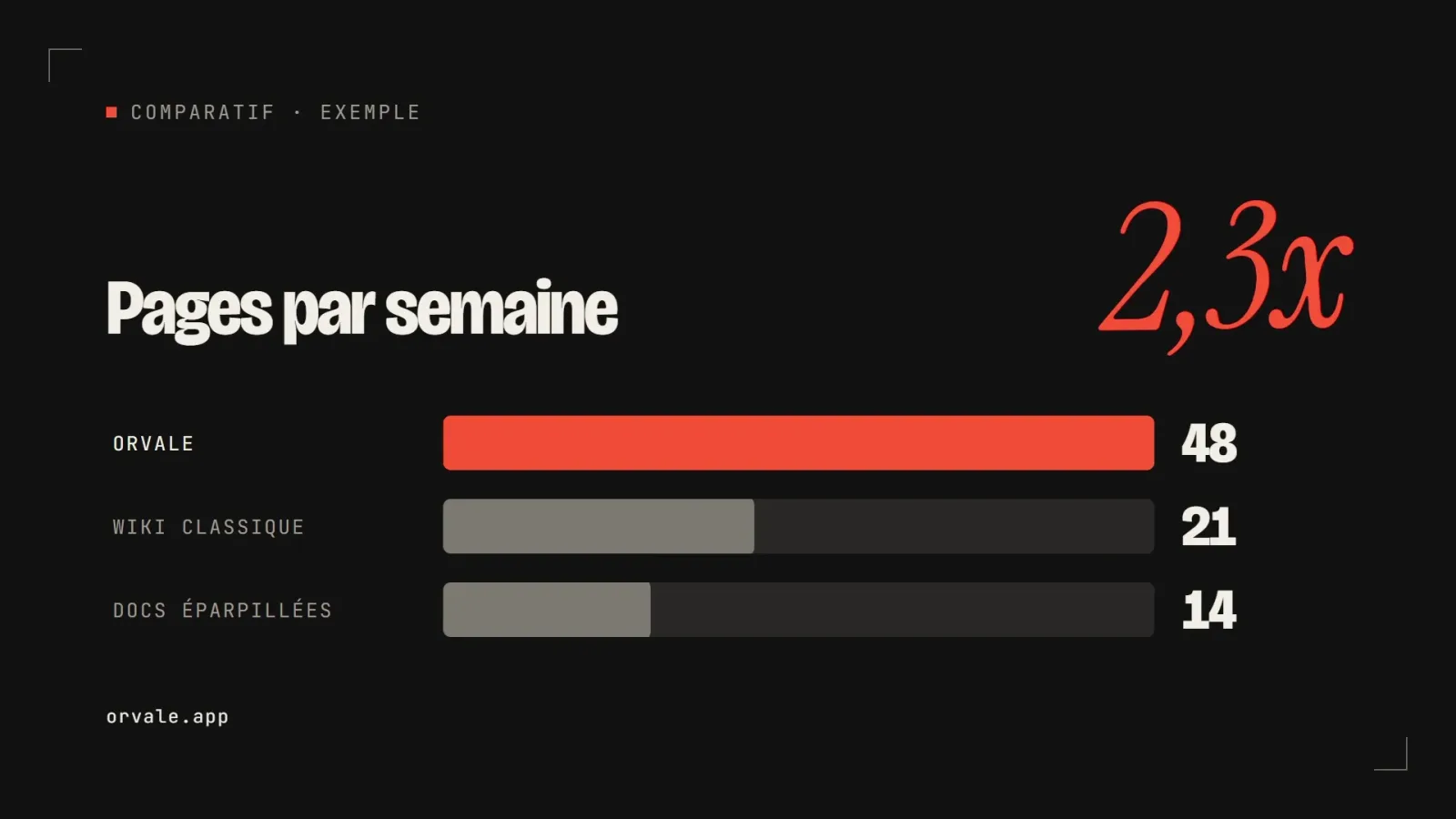
    Three bars head to head

    • 348348 downloads
    • 133133 likes
    • 182182 saves
    Works with
    • Claude Code
    • Codex
    • Cursor
    • and 3 more
    + HyperFrames
  • PRO

    Video

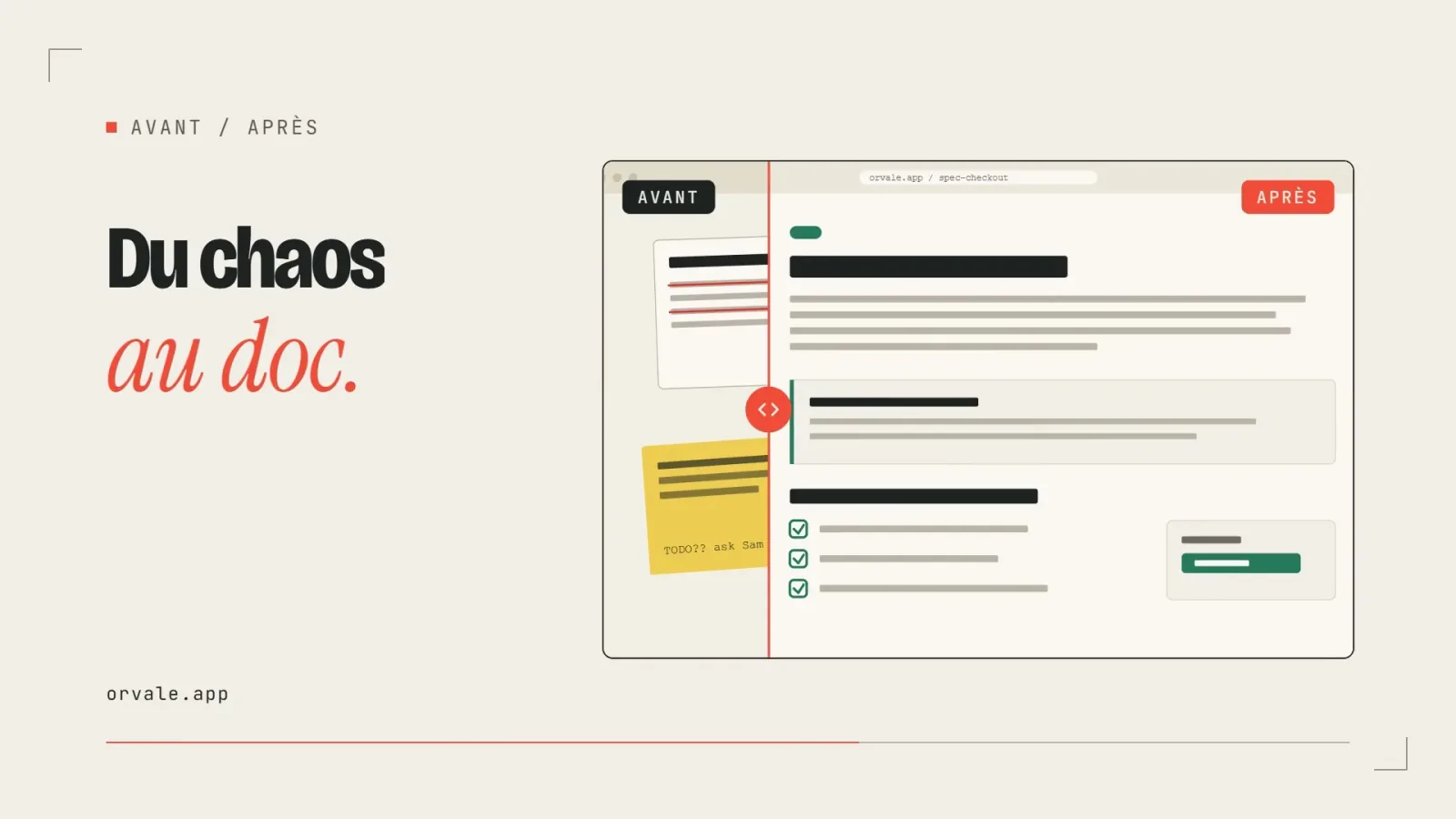
    Before / after slider

    • 322322 downloads
    • 248248 likes
    • 238238 saves
    Works with
    • Claude Code
    • Codex
    • Cursor
    • and 3 more
    + HyperFrames
  • PRO

    Video

    Three-card carousel

    • 418418 downloads
    • 157157 likes
    • 101101 saves
    Works with
    • Claude Code
    • Codex
    • Cursor
    • and 3 more
    + HyperFrames
  • PRO

    Video

    Chat exchange

    • 564564 downloads
    • 127127 likes
    • 161161 saves
    Works with
    • Claude Code
    • Codex
    • Cursor
    • and 3 more
    + HyperFrames
  • PRO

    Video

    Checklist ticking off

    • 442442 downloads
    • 233233 likes
    • 160160 saves
    Works with
    • Claude Code
    • Codex
    • Cursor
    • and 3 more
    + HyperFrames

What you get

  • SKILL.md: the five-step method and the quality checklist
  • references/when-and-how-to-prompt.md: when to choose Veo and the anatomy of a shot
  • references/audio-and-camera.md: audio prompts and camera direction
  • references/inputs-length-and-recipes.md and examples.md: image-to-video, extension, recipes and examples

Good fit for

  • Creating b-roll or a product in motion for a Reel
  • Animating a still image into a vertical clip with sound
  • Moving from a vague prompt to a well-directed shot

Not for

  • Generating real people or protected characters
  • Producing a multi-minute talking-head explainer
  • Calling the Veo API (that layer is not included)

Tags

  • veo
  • ai video
  • prompt
  • reels
  • audio

About

You say

"Write an 8-second 9:16 Veo prompt: a steaming coffee cup on a desk at sunrise, with soft ambient sound."

No visual preview: a card will be drawn.

Skill published by social-media-skills under the MIT license.

Show more

Prerequisites

You bring
A clip idea and the target format and Access to Veo to generate the clips
External costs
Google Veo access required (generation is paid depending on the plan) Billed by the provider, on your account.

How to use it

  1. Describe the job and the target format.
  2. Let the agent write the directed prompt with an audio cue.
  3. Iterate cheaply, then finalize the keeper at high resolution.

Content preview

Files

  • LICENSE1.1 KB
  • NOTICE-PALATEKIT.md0.4 KB
  • references/audio-and-camera.md2.9 KB
  • references/examples.md3.4 KB
  • references/inputs-length-and-recipes.md3 KB
  • references/when-and-how-to-prompt.md3.4 KB
  • SKILL.md7.1 KB

Origin and licence

Modified by PalateKit

Author
social-media-skills
Source
github.com/social-media-skills/skills/tree/f28cef2b7067ec64e79c9d85421c022c06659e03/skills/veo-3
Licence
MIT

Notice

Version modifiée de « veo-3 » (social-media-skills, MIT) : traduction française et fiche par PalateKit.

User reviews

–

No ratings yet

Loading reviews…

Delete your review?

Your rating and comment will be removed from the page.

Frequently asked questions

Do I need access to Veo?

Yes, the skill writes the prompts but you generate the clips yourself in the Google tool that gives access to Veo.

The skill mentions files like tools/integrations/veo.md. Where are they?

They belong to the original repository and are not included. The prompting method is complete without them.