Every premium and members-only resource for $9.99/month, as a no-commitment subscription. See the plans

PalateKit

Menu

Request a resource

Describe the resource you are missing in one sentence. We will email you when it is published.

0 / 280

Unlock PalateKit

Unlock everything

Plan

Paying means accepting our terms of sale.

Secure payment by Stripe. Receipts and invoices sent by email.

Welcome back

Sign in to install, download or save this resource. A free account is enough for free resources.

PalateKit Pick

Prompts for video generation models v1.0.0

Use this resource to write a prompt for a video generation model

New

  • 341 downloads
  • 197 likes
  • 102 saves

$4.99

Lifetime access to this resource, with its updates.

Install with the CLI

In a terminal, from the folder you want:

npx --yes palatekit@latest install video-model-prompting

With no option, the skill goes to ~/.agents/skills/; add --agent claude-code (or codex, cursor…) to target an agent.

First time: connect the CLI with

npx --yes palatekit@latest login

The agent identifies the model and input mode (text, image, keyframes, references), opens the matching model guide and writes the prompt in the right format. It can also build a character sheet to keep the same look from shot to shot. You get a paste-ready prompt, or two to three distinct variants on request.

Updated November 2, 2026

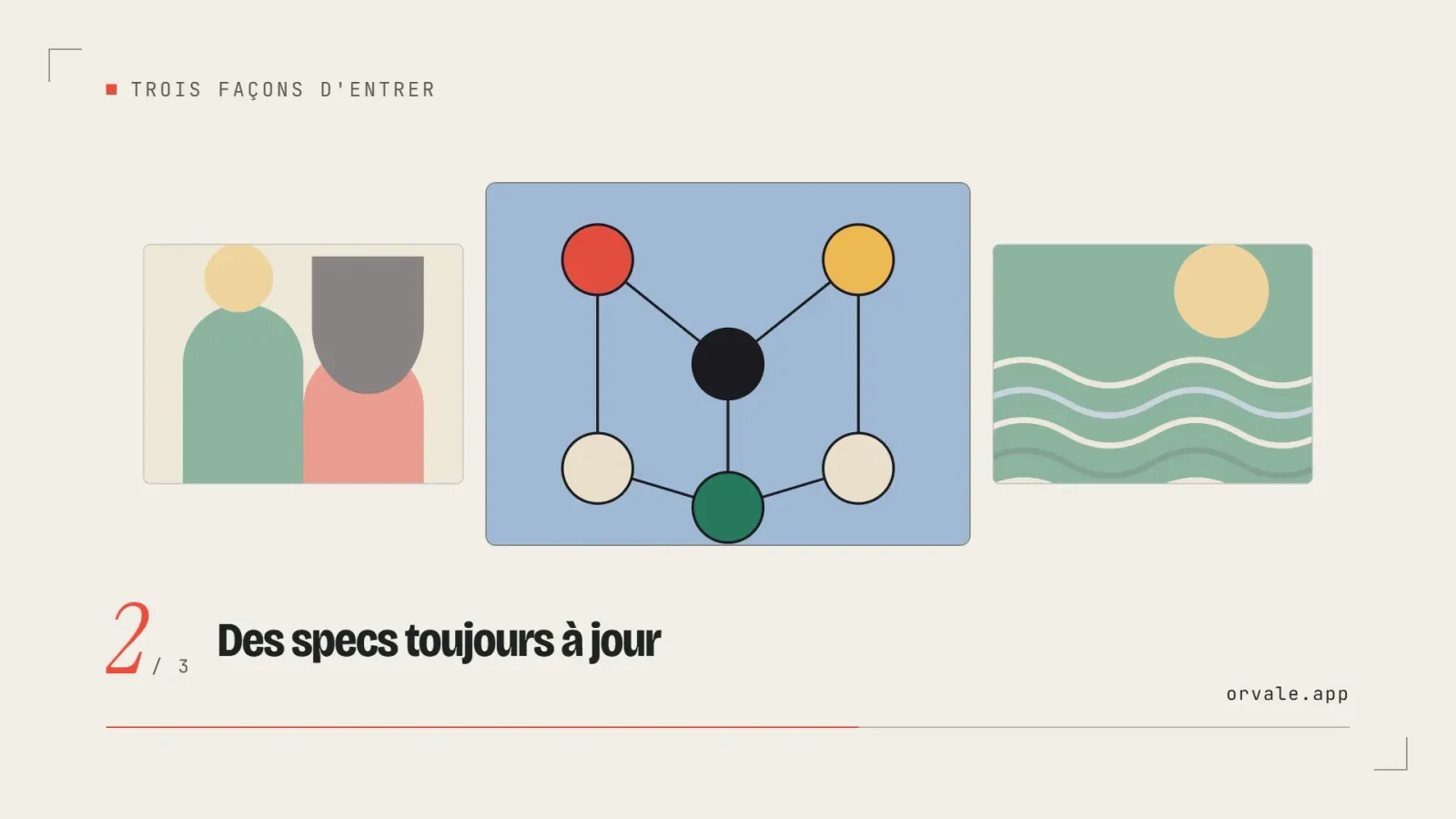
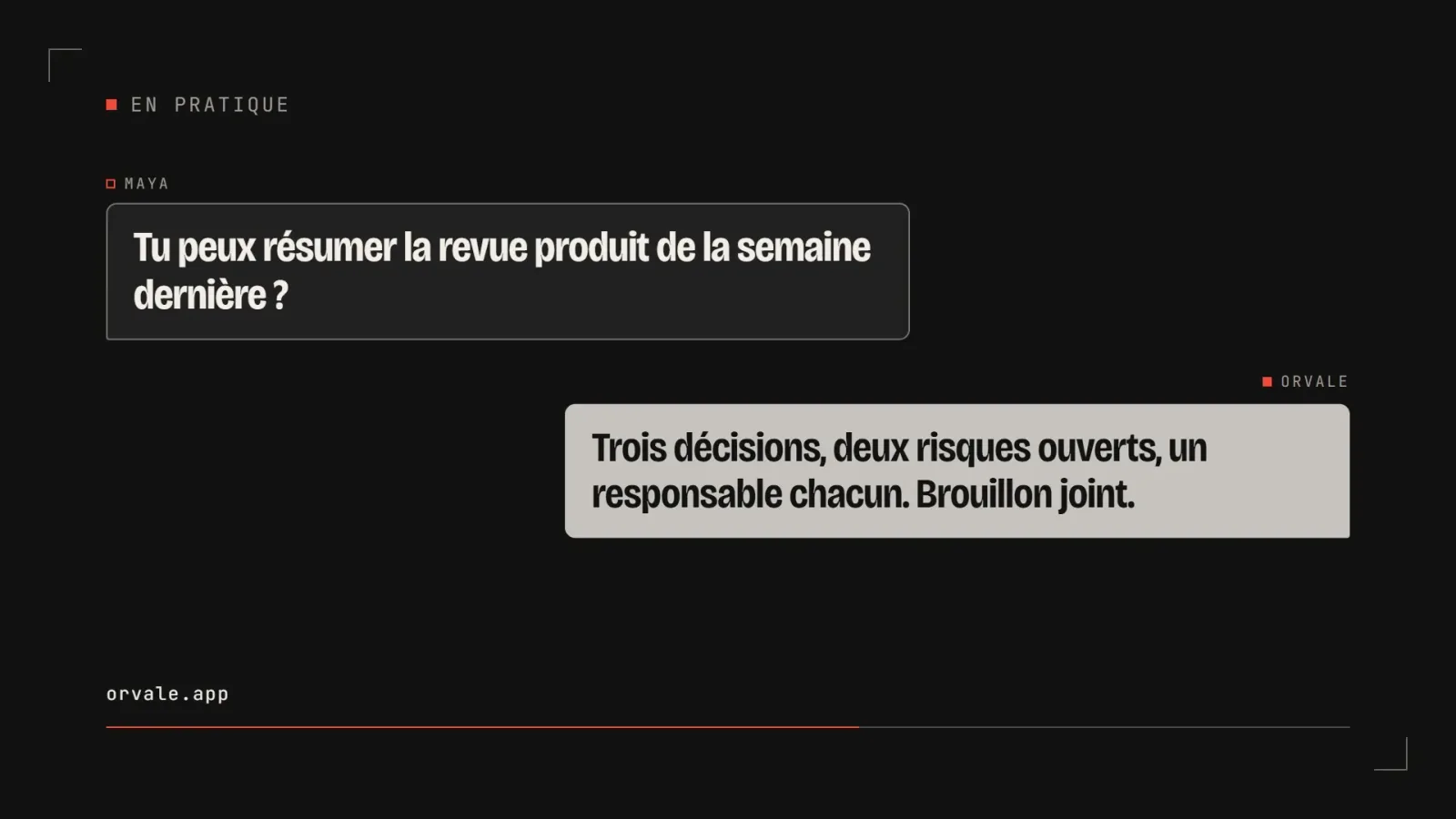
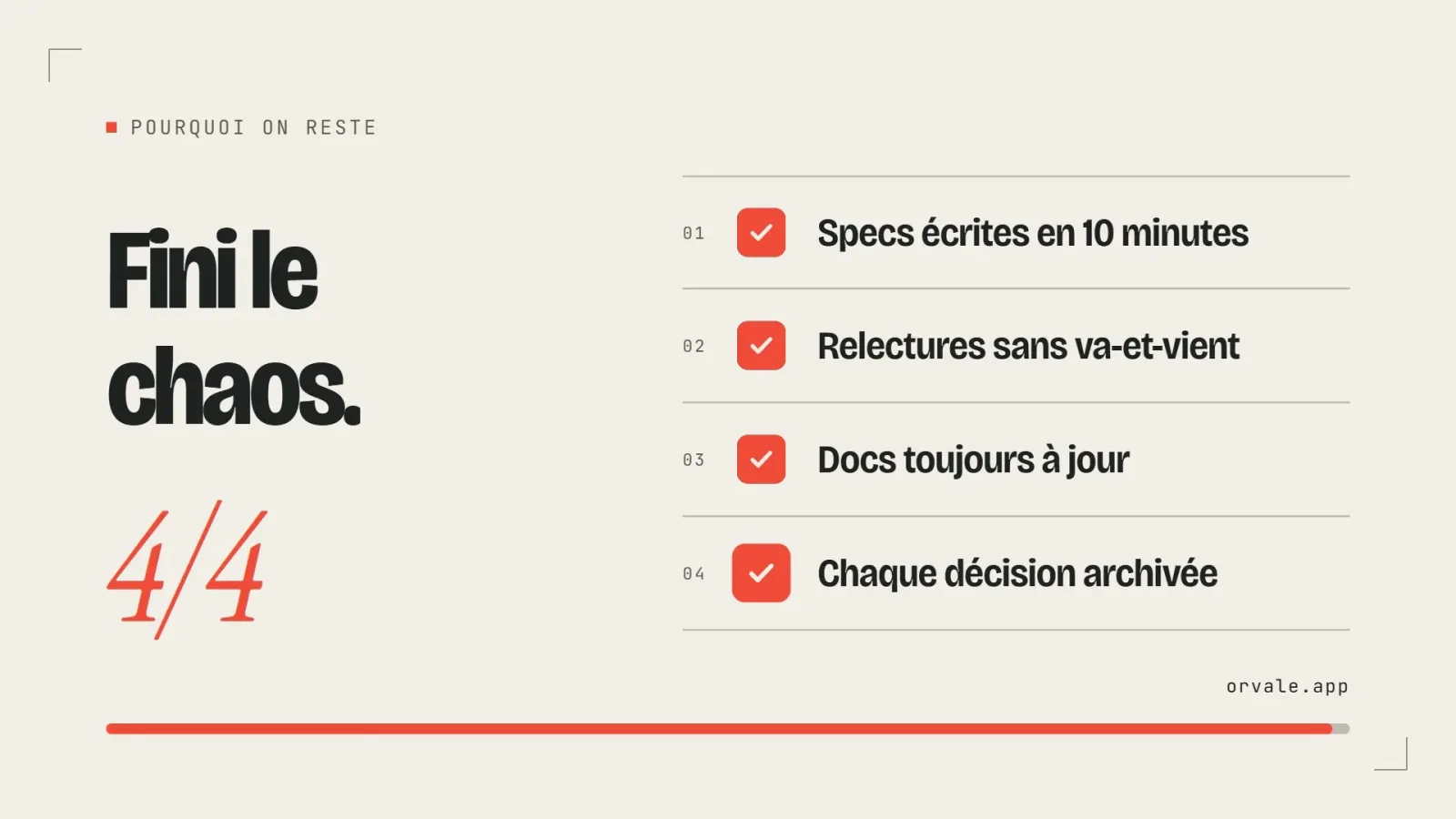
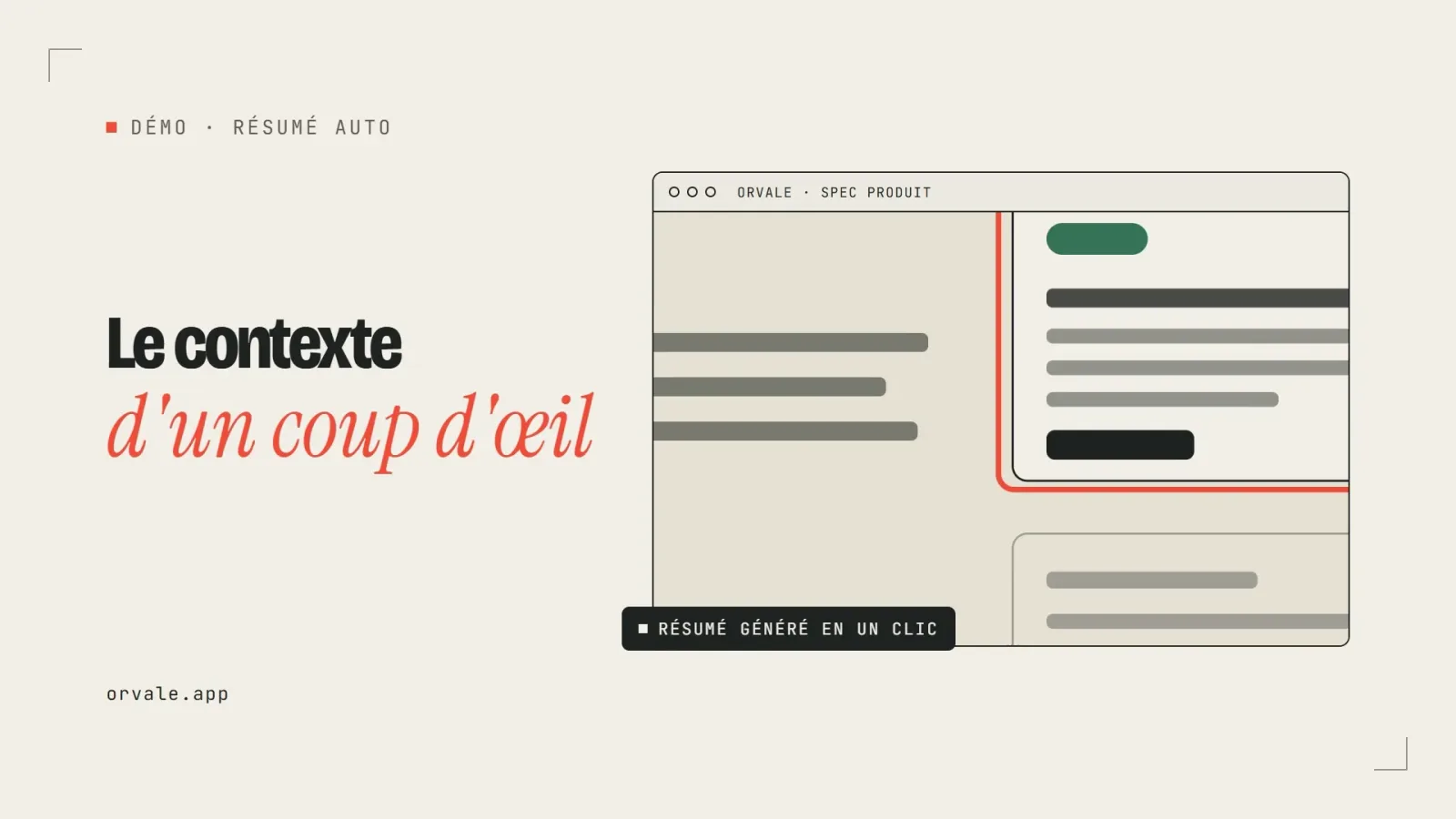
Structured video prompt example with camera, motion and sound

Details

Generates with
Seedance 2.0, Veo 3, Wan 2.2, LTX-2, MiniMax H3
Licence
Apache-2.0

Similar resources

View all
  • Free

    Video

    App window with zoom

    • 365365 downloads
    • 125125 likes
    • 188188 saves
    Works with
    • Claude Code
    • Codex
    • Cursor
    • and 3 more
    + HyperFrames
  • Free

    Video

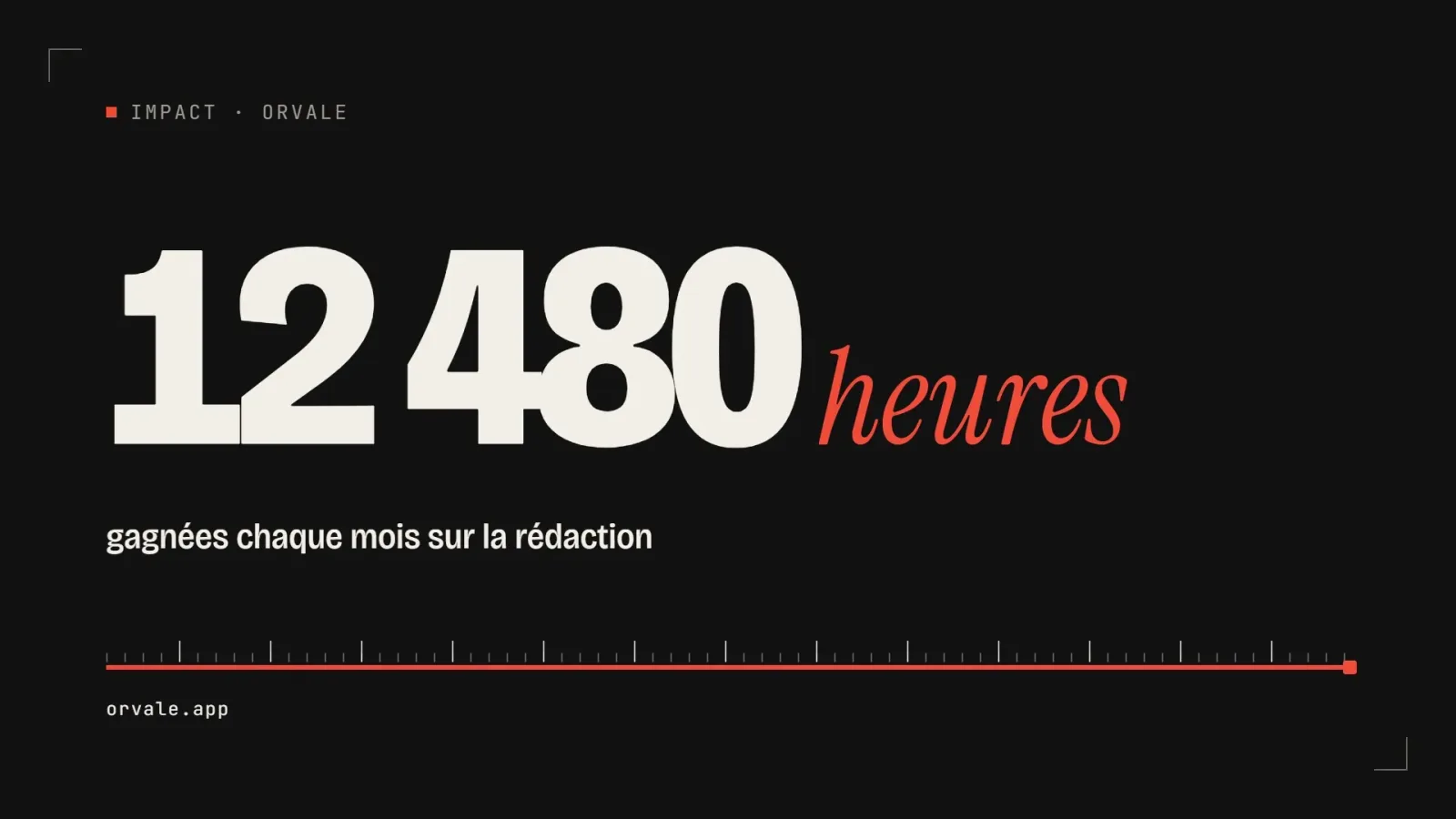
    One big number

    • 463463 downloads
    • 223223 likes
    • 100100 saves
    Works with
    • Claude Code
    • Codex
    • Cursor
    • and 3 more
    + HyperFrames
  • PRO

    Video

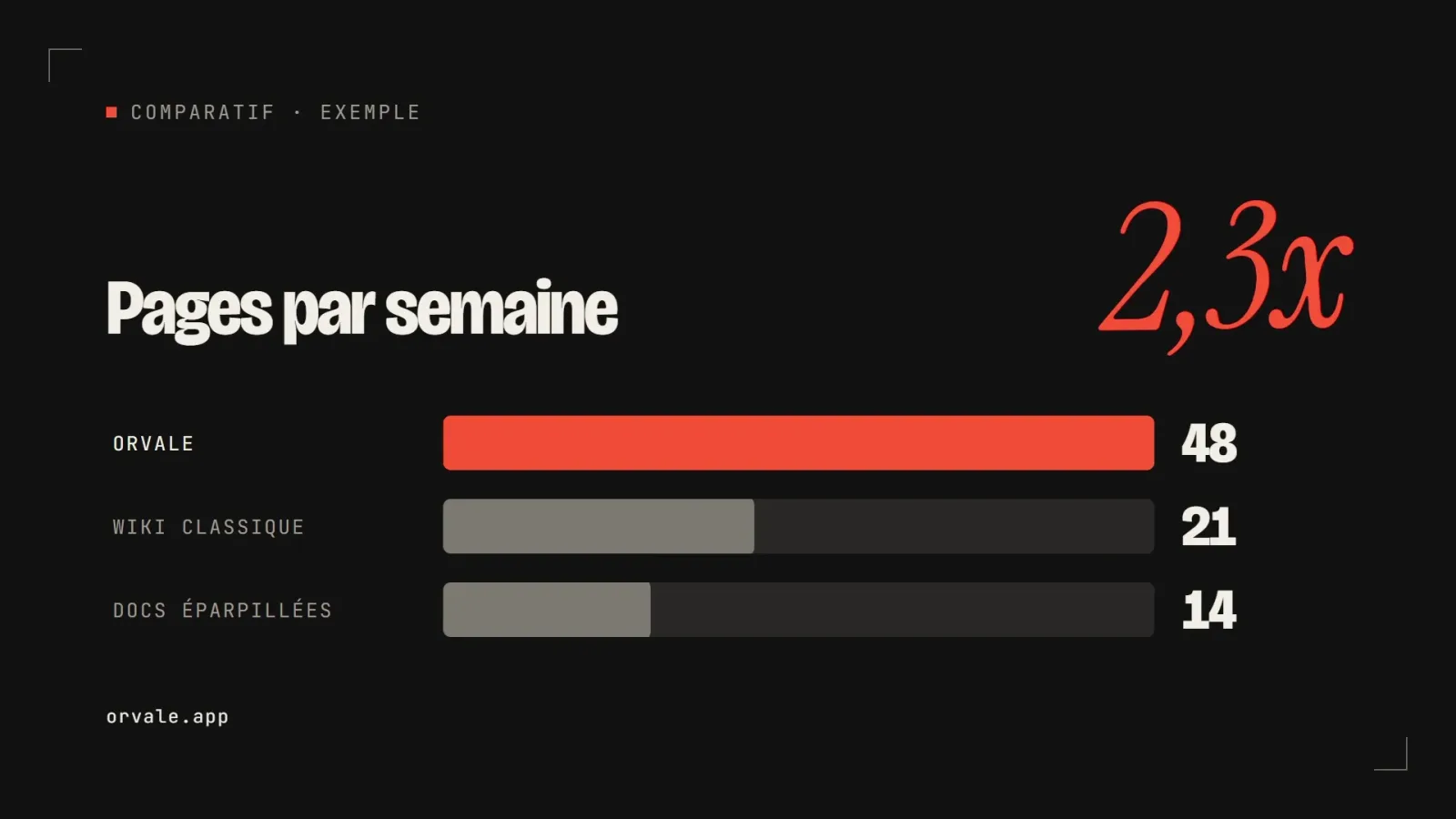
    Three bars head to head

    • 348348 downloads
    • 133133 likes
    • 182182 saves
    Works with
    • Claude Code
    • Codex
    • Cursor
    • and 3 more
    + HyperFrames
  • PRO

    Video

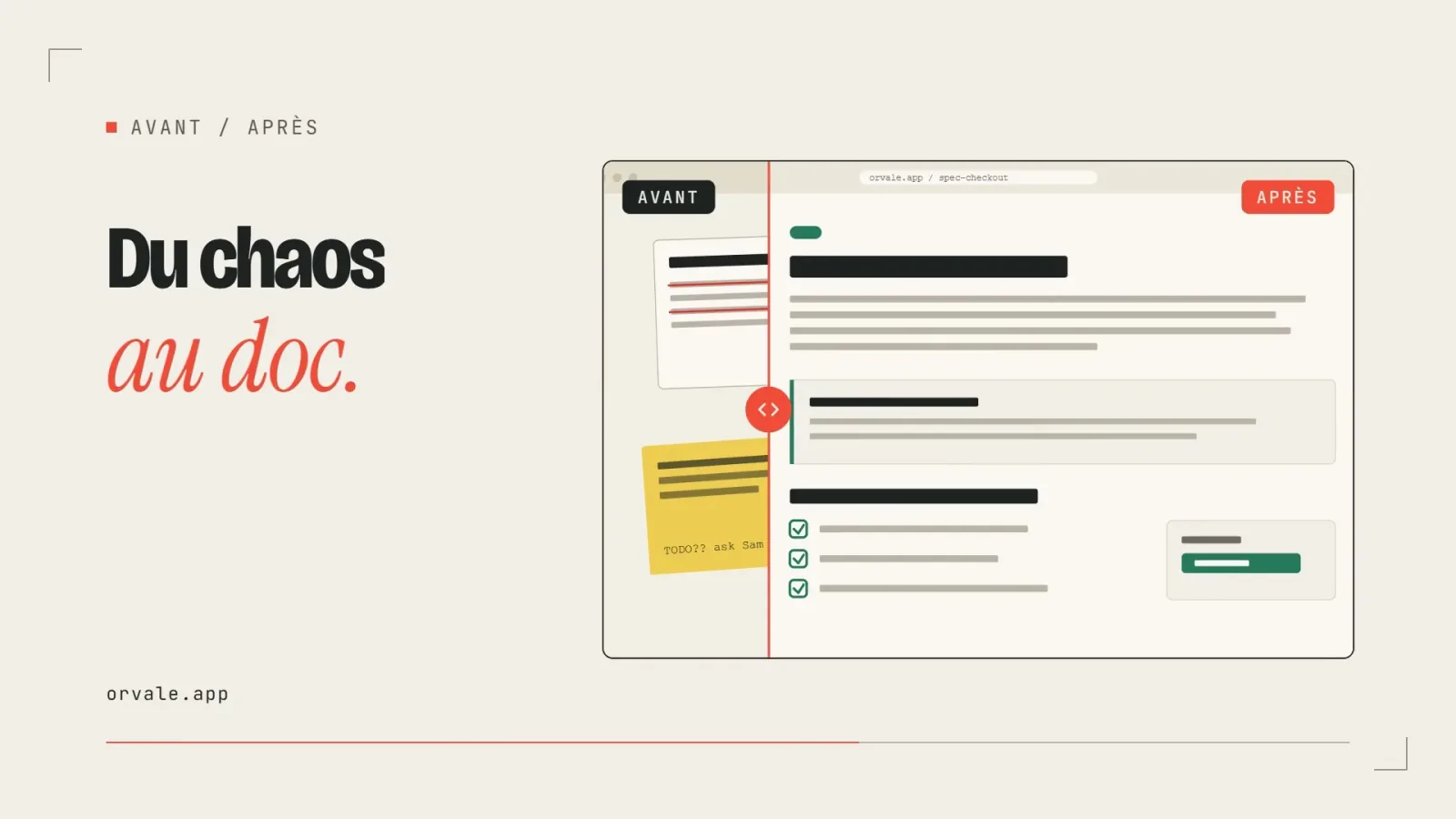
    Before / after slider

    • 322322 downloads
    • 248248 likes
    • 238238 saves
    Works with
    • Claude Code
    • Codex
    • Cursor
    • and 3 more
    + HyperFrames
  • PRO

    Video

    Three-card carousel

    • 418418 downloads
    • 157157 likes
    • 101101 saves
    Works with
    • Claude Code
    • Codex
    • Cursor
    • and 3 more
    + HyperFrames
  • PRO

    Video

    Chat exchange

    • 564564 downloads
    • 127127 likes
    • 161161 saves
    Works with
    • Claude Code
    • Codex
    • Cursor
    • and 3 more
    + HyperFrames
  • PRO

    Video

    Checklist ticking off

    • 442442 downloads
    • 233233 likes
    • 160160 saves
    Works with
    • Claude Code
    • Codex
    • Cursor
    • and 3 more
    + HyperFrames

What you get

  • SKILL.md: routing, global rules, input mode choice, output formatting
  • Guides for ten models: Ovi, Veo 3, Wan 2.2, Wan Animate 2, Seedance 2.0 and 2.5, MiniMax H3, LTX-2, 2.3 and 2.5
  • Example prompts for Seedance 2.0, MiniMax H3, LTX-2 and Ovi, in text and CSV form
  • Character sheet workflow for image-to-video consistency

Good fit for

  • Writing the prompt for a product shot, a reel or a trailer for a specific video model
  • Keeping the same character across several shots with a reference sheet
  • Adapting one shot to several video models

Not for

  • Generating the video itself without access to a video model
  • Editing or color grading existing footage

Tags

  • ai video
  • prompt
  • seedance
  • character
  • generation

About

You say

"Write a Seedance 2.0 image-to-video prompt: my bottle on a table, the camera slowly orbiting it, morning mood."
Structured video prompt example with camera, motion and sound

Skill published by square-zero-labs under the Apache-2.0 license.

Show more

Prerequisites

You bring
The idea for the shot or scene and The name of the video model you use
External costs
Access to a video generation model is required to produce the shots Billed by the provider, on your account.

How to use it

  1. Install the skill in your agent's skills folder.
  2. Tell the agent the target model, the input mode and the idea for the shot.
  3. Copy the delivered prompt into your video generation tool.

Content preview

Files

  • LICENSE11.1 KB
  • NOTICE-PALATEKIT.md0.4 KB
  • references/models/ltx2-3/prompting.md5 KB
  • references/models/ltx2-5/prompting.md10.8 KB
  • references/models/ltx2/example_prompts/ltx2_examples.md10.1 KB
  • references/models/ltx2/prompting.md5.7 KB
  • references/models/minimax-h3/example_prompts/full_reference_performance_transfer.md9 KB
  • references/models/minimax-h3/example_prompts/motion_graphics_trailer.md12.5 KB
  • references/models/minimax-h3/prompting.md24.2 KB
  • references/models/ovi/example_prompts/gpt_examples_10s_i2v.csv12.5 KB
  • references/models/ovi/example_prompts/gpt_examples_10s_t2v.csv12 KB
  • references/models/ovi/example_prompts/gpt_examples_i2v.csv20 KB
  • references/models/ovi/example_prompts/gpt_examples_t2v.csv8.6 KB
  • references/models/ovi/prompting.md2.5 KB
  • references/models/seedance2-5/prompting.md15.6 KB
  • references/models/seedance2/example_prompts/seedance2_examples.md11.6 KB
  • references/models/seedance2/prompting.md8.2 KB
  • references/models/veo3/prompting.md3.3 KB
  • references/models/wan-animate-2/prompting.md8.7 KB
  • references/models/wan22/prompting.md4.7 KB
  • references/workflows/character-sheets.md10.5 KB
  • SKILL.md7.7 KB

Origin and licence

Modified by PalateKit

Author
square-zero-labs
Source
github.com/square-zero-labs/video-prompting-skill/tree/3f55fd70342d0874d66a54e9708e881462414c06/video-prompting
Licence
Apache-2.0

Notice

Version modifiée de « video-prompting » (square-zero-labs, Apache-2.0) : traduction française et fiche par PalateKit.

User reviews

–

No ratings yet

Loading reviews…

Delete your review?

Your rating and comment will be removed from the page.

Frequently asked questions

Do I need to know the model in advance?

No. If you name none, the agent lists the models in its index and asks which one you use.

Does it generate the video?

No. It only writes the prompt. You run it in the video model of your choice.