


 Free
Video
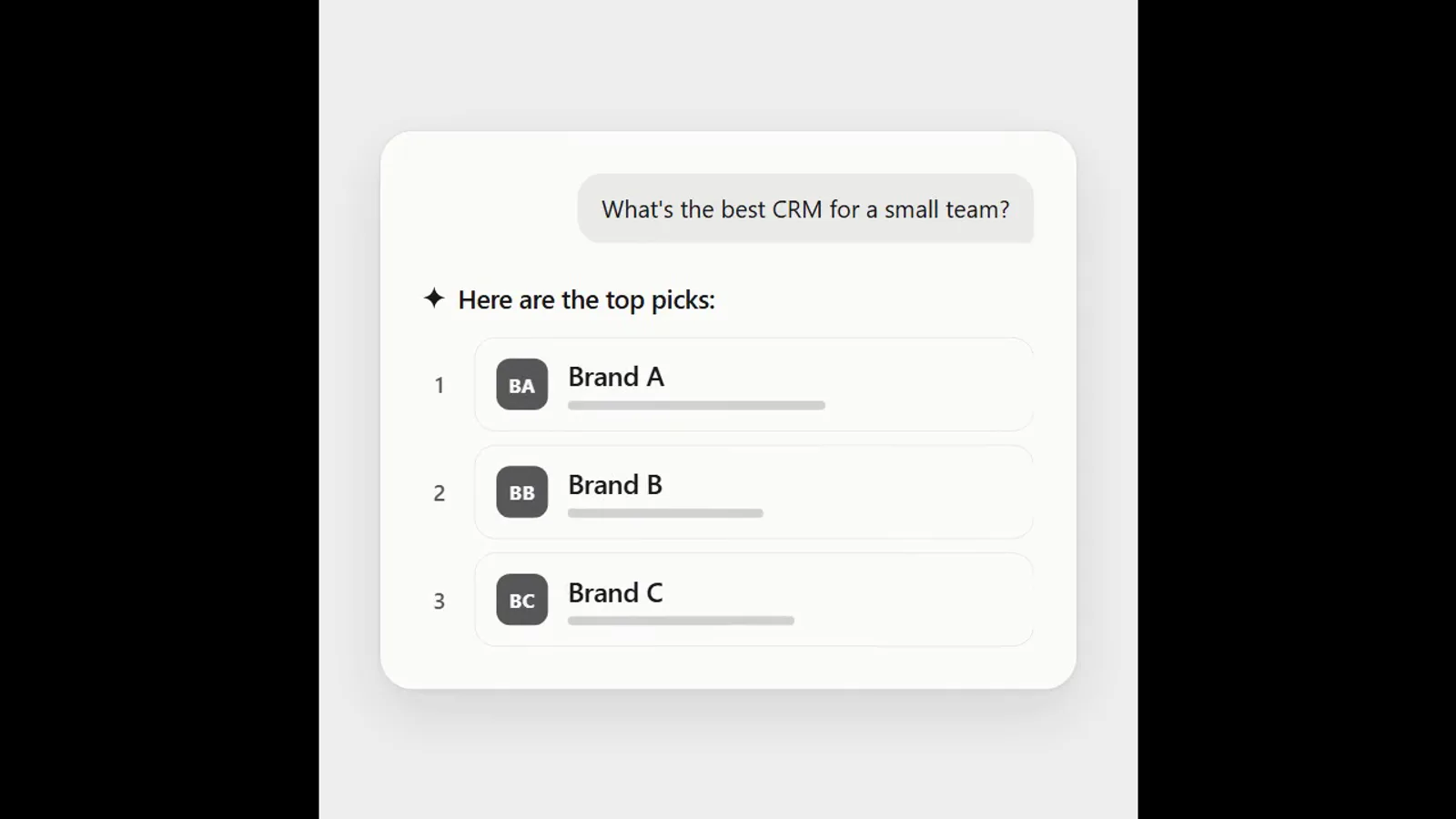
AI answer where a brand climbs the ranking
- 570570 downloads
- 126126 likes
- 226226 saves
Works with
+ HyperFrames- Claude Code
- Codex
- Cursor
- and 3 more
Every premium and members-only resource for $9.99/month, as a no-commitment subscription. See the plans
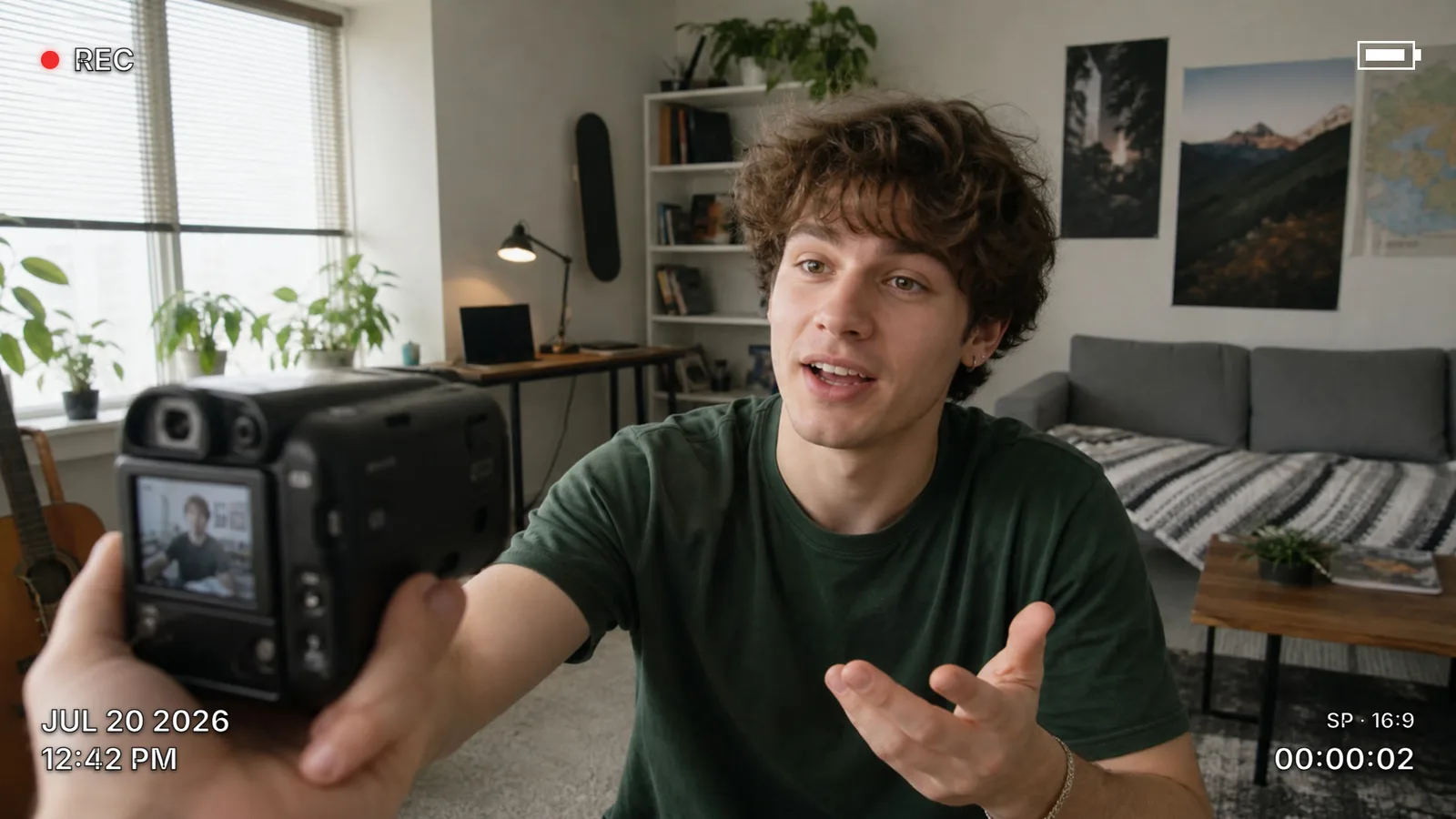
Use this resource to give a video a camcorder look
New
Free
In a terminal, from the folder you want:
npx --yes palatekit@latest install camcorder-hud-overlayFirst time: connect the CLI with
npx --yes palatekit@latest loginThe agent places a camcorder display over your video: REC with a blinking red dot, battery icon, editable date and time, mode (SP · 16:9) and a counter that runs for 4 seconds. Sizes follow the video (vmin units), and colour, accent and margins are CSS variables.
Mostly picked by
Updated November 2, 2026
FreeVideo
 Free
Video
 Free
Video
 Free
Video
 Free
Video
 Free
Video
 Free
Video
 Free
Video
You say
"Add the camcorder overlay to my clip, with the date JUL 14 1998 and the counter starting at 00:01:30."
Template published by HeyGen (HyperFrames) under the Apache-2.0 license.
Modified by PalateKit
Version modifiée de « Camcorder HUD » (HeyGen (HyperFrames), Apache-2.0) : traduction française et fiche par PalateKit.
–
No ratings yet
Loading reviews…
Copy the delivered files into your HyperFrames project, keeping the target path given in registry-item.json, then run the HyperFrames preview and render.
Yes for rendering: the HTML loads GSAP from a CDN (jsdelivr) and, depending on the template, fonts or data.