


 Free
Video
AI answer where a brand climbs the ranking
- 570570 downloads
- 126126 likes
- 226226 saves
Works with
+ HyperFrames- Claude Code
- Codex
- Cursor
- and 3 more
Every premium and members-only resource for $9.99/month, as a no-commitment subscription. See the plans
Use this resource to darken the edges of a video for a cinematic look
New
Free
In a terminal, from the folder you want:
npx --yes palatekit@latest install edge-darkening-vignetteFirst time: connect the CLI with
npx --yes palatekit@latest loginThe agent pastes into your HyperFrames composition an image-free radial gradient overlay that covers the whole scene without getting in the way. You set the edge color, the size of the clear center and the shape (ellipse or circle). You get a more cinematic result, ready to sit under a film grain.
Mostly picked by
Updated November 2, 2026
FreeVideo
 Free
Video
 Free
Video
 Free
Video
 Free
Video
 Free
Video
 Free
Video
 Free
Video
You say
"Add a dark vignette to my composition, stronger at the edges, in an ellipse shape."
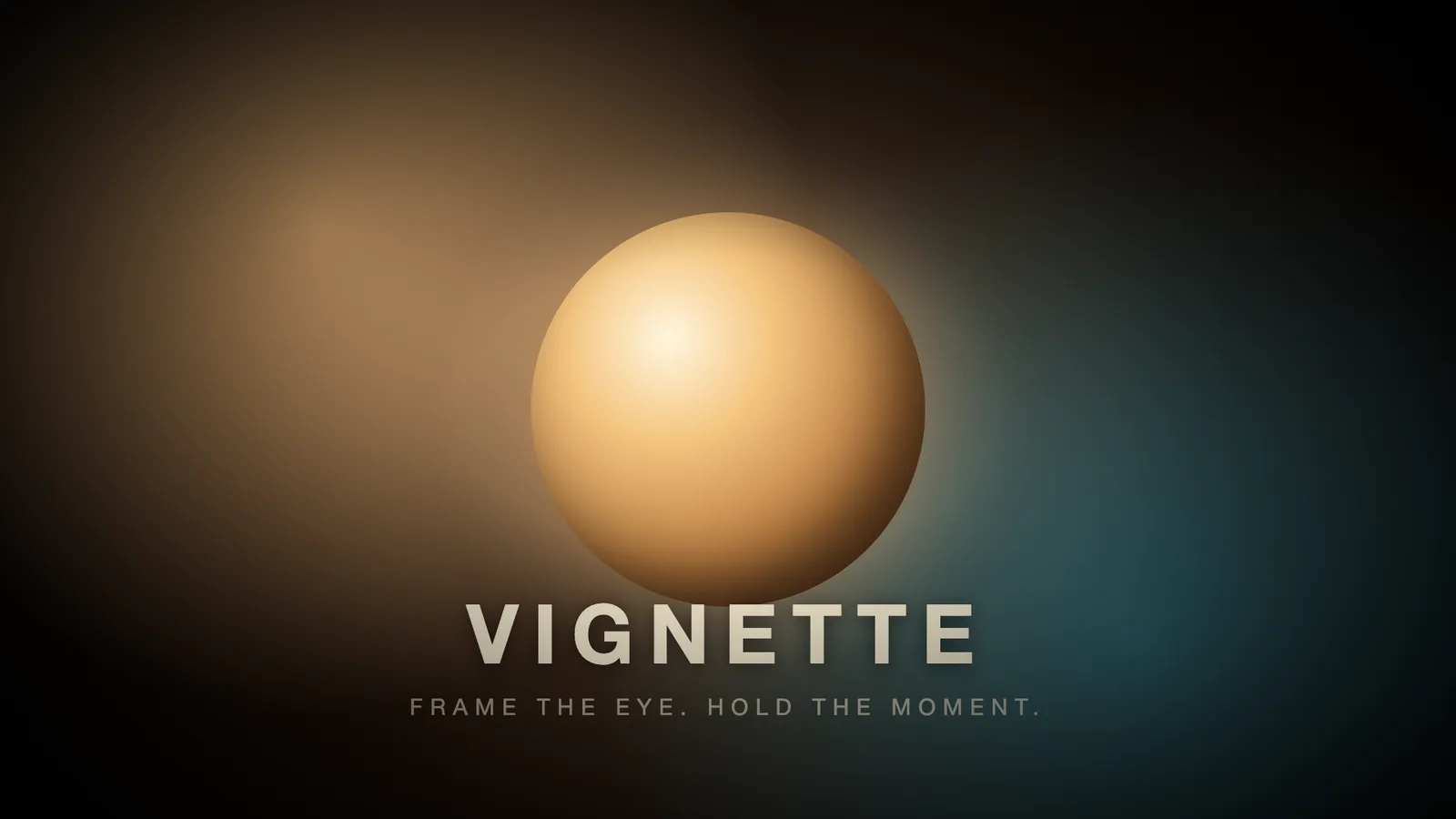
Composition published by HeyGen (HyperFrames) under the Apache-2.0 license, resource page and guide written by PalateKit.
Modified by PalateKit
Version modifiée de « Vignette » (HeyGen (HyperFrames), Apache-2.0) : traduction française et fiche par PalateKit.
–
No ratings yet
Loading reviews…
Yes: the composition renders to video with HyperFrames (Node.js). The agent can install it and run the render.
Yes, they live in the HTML file. Give the agent your texts and palette.