


 Free
Video
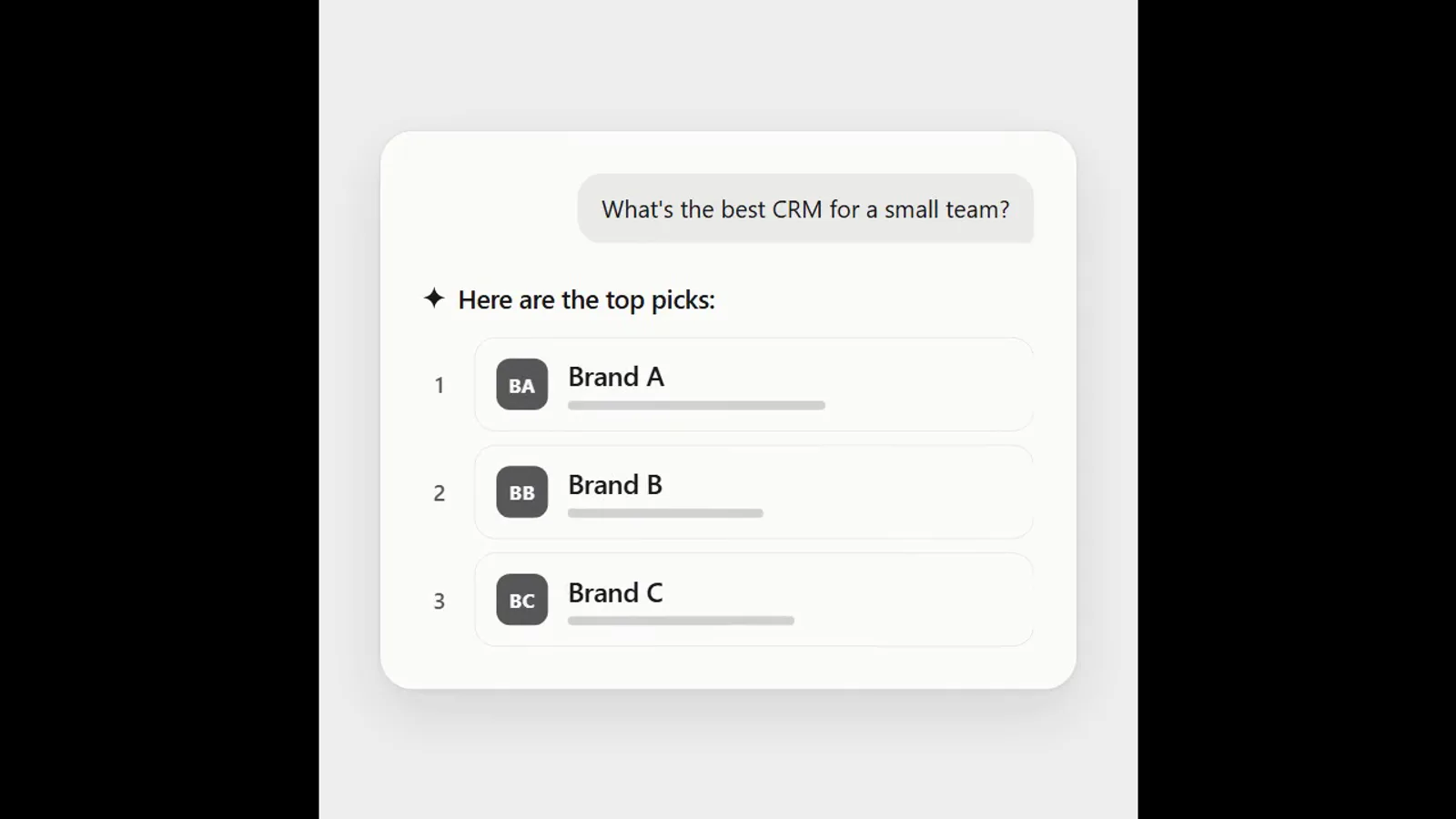
AI answer where a brand climbs the ranking
- 570570 downloads
- 126126 likes
- 226226 saves
Works with
+ HyperFrames- Claude Code
- Codex
- Cursor
- and 3 more
Every premium and members-only resource for $9.99/month, as a no-commitment subscription. See the plans
Use this resource to highlight a specific area of a video or screen recording
New
Free
In a terminal, from the folder you want:
npx --yes palatekit@latest install feathered-spotlightFirst time: connect the CLI with
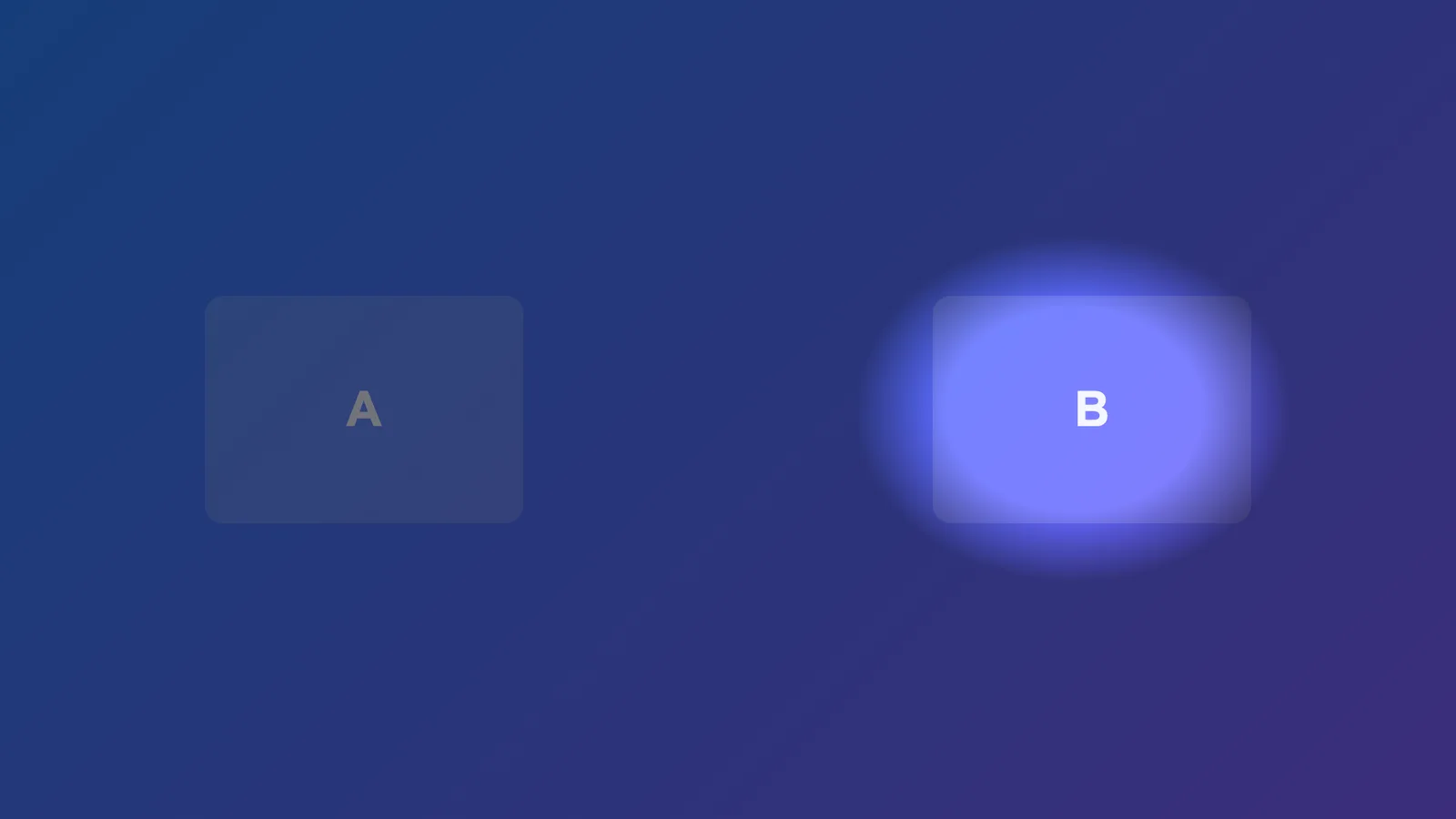
npx --yes palatekit@latest loginThe agent adds a dark layer with a soft-edged elliptical hole. Its position, size and dimming are CSS variables, and three helpers (ytHighlightIn, ytHighlightTo, ytHighlightOut) turn it on, glide it to another point, then turn it off on the timeline.
Mostly picked by
Updated November 2, 2026
FreeVideo
 Free
Video
 Free
Video
 Free
Video
 Free
Video
 Free
Video
 Free
Video
 Free
Video
You say
"Add a spotlight on the left part of the screen at 3 seconds, then glide it to the right at 5 seconds."
Block published by HeyGen (HyperFrames) under the Apache-2.0 license.
Modified by PalateKit
Version modifiée de « Feathered Spotlight » (HeyGen (HyperFrames), Apache-2.0) : traduction française et fiche par PalateKit.
–
No ratings yet
Loading reviews…
Copy yt-feather-highlight.html into the compositions/ folder of a HyperFrames project (with the assets/ folder if there is one), or ask your agent to run npx hyperframes add yt-feather-highlight.
You can change the positions (x, y), radii (rx, ry) and dimming strength passed to ytHighlightIn, ytHighlightTo and ytHighlightOut. Ask your agent to adapt the file to your content.