


 Free
Video
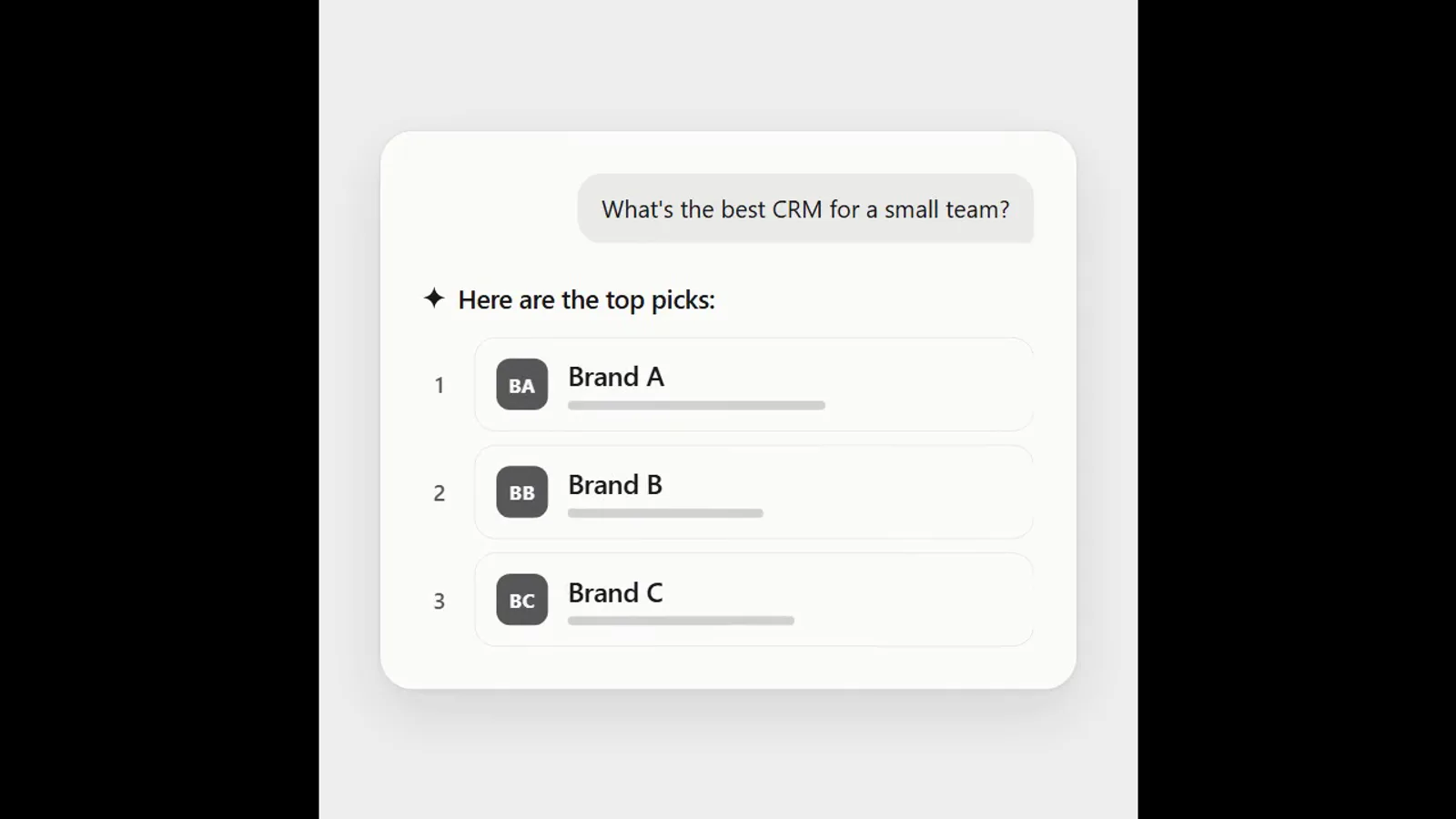
AI answer where a brand climbs the ranking
- 570570 downloads
- 126126 likes
- 226226 saves
Works with
+ HyperFrames- Claude Code
- Codex
- Cursor
- and 3 more
Every premium and members-only resource for $9.99/month, as a no-commitment subscription. See the plans
Use this resource to show a speaker's name and role over a video
New
Free
In a terminal, from the folder you want:
npx --yes palatekit@latest install lower-third-side-ruleFirst time: connect the CLI with
npx --yes palatekit@latest loginThe agent layers a 4.8-second lower third over your video: a vertical bar grows, then the name and role slide in from the left. The text carries a soft shadow so it stays readable over a busy picture. You change the name, the role and the bar colour.
Mostly picked by
Updated November 2, 2026
FreeVideo
 Free
Video
 Free
Video
 Free
Video
 Free
Video
 Free
Video
 Free
Video
 Free
Video
You say
"Add the side-rule lower third to my interview: name 'Léa Martin', role 'Founder · Atelier Lune', orange bar."

Template published by HeyGen (HyperFrames) under the Apache-2.0 license.
Modified by PalateKit
Version modifiée de « Lower Third — Side Rule » (HeyGen (HyperFrames), Apache-2.0) : traduction française et fiche par PalateKit.
–
No ratings yet
Loading reviews…
Copy the HTML file into your HyperFrames project, at the target path given in registry-item.json, then run the HyperFrames preview and render.
Yes for rendering: the HTML loads GSAP from a CDN (jsdelivr) and, depending on the template, Google Fonts.