


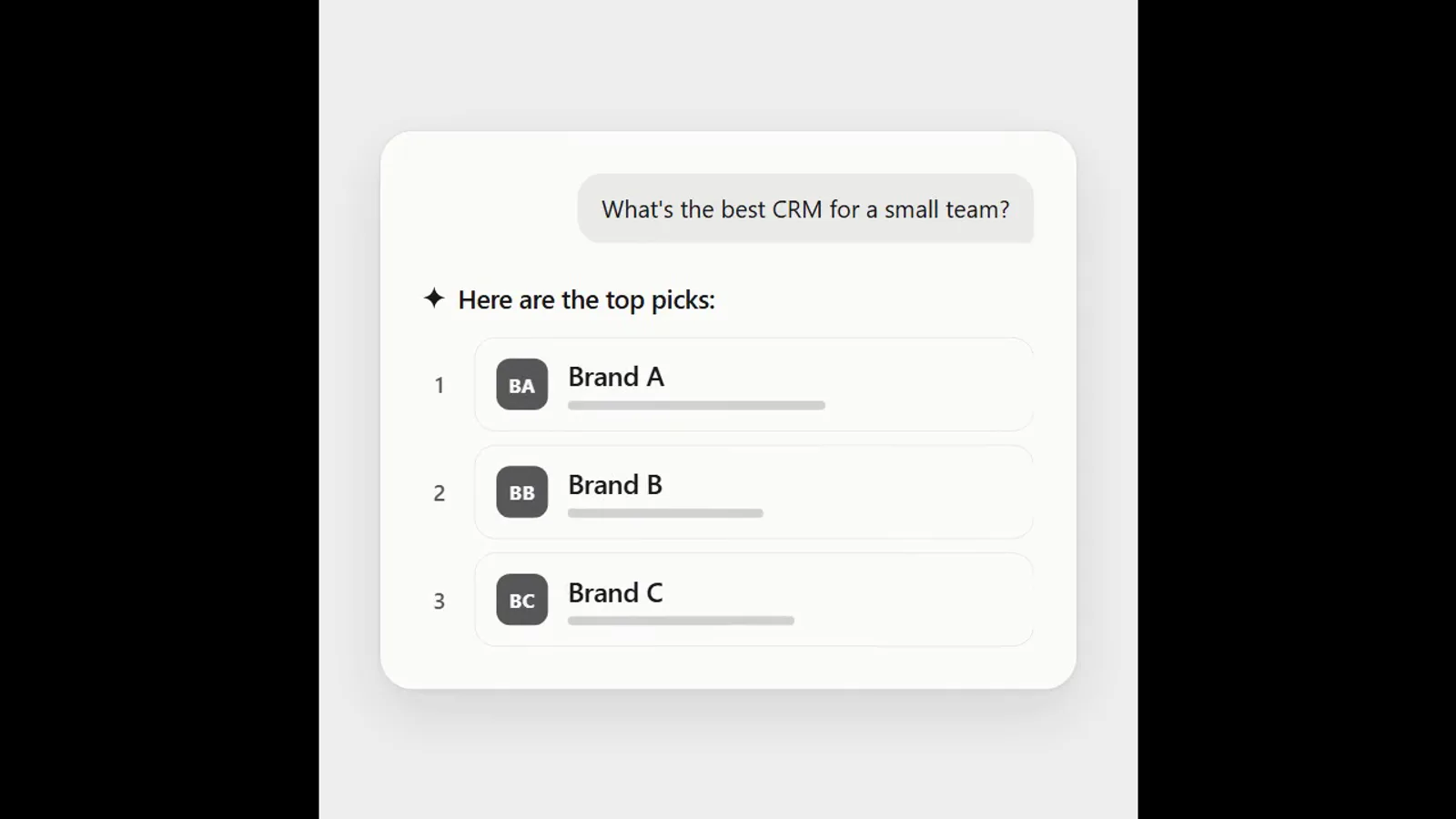
 Free
Video
AI answer where a brand climbs the ranking
- 570570 downloads
- 126126 likes
- 226226 saves
Works with
+ HyperFrames- Claude Code
- Codex
- Cursor
- and 3 more
Every premium and members-only resource for $9.99/month, as a no-commitment subscription. See the plans
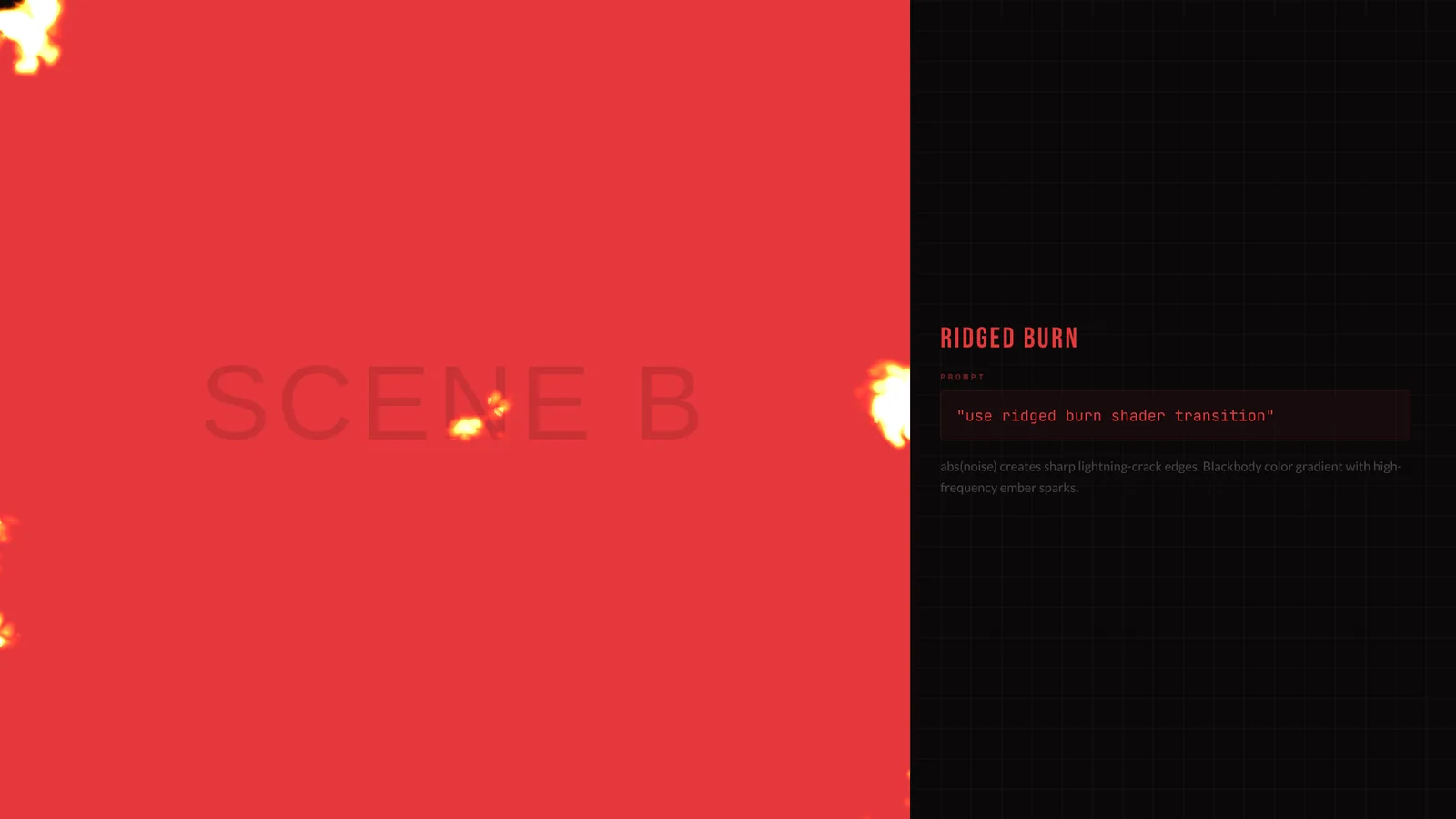
Use this resource to move between scenes with a burn effect
New
Free
In a terminal, from the folder you want:
npx --yes palatekit@latest install ridged-burn-transitionFirst time: connect the CLI with
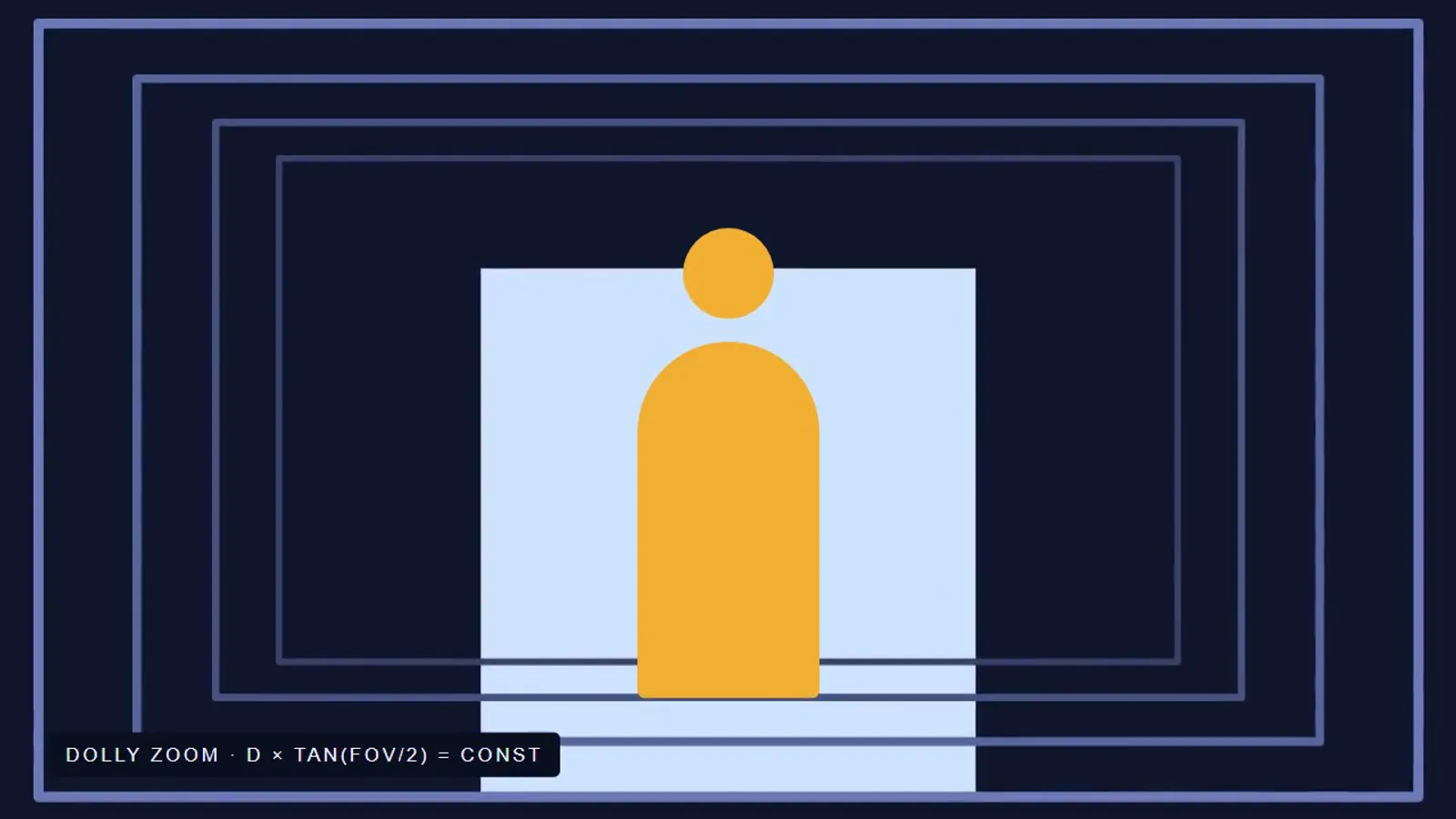
npx --yes palatekit@latest loginThe agent adds a GPU transition where the first scene is consumed by ridged turbulence with a glowing edge, revealing the next scene. The effect is dramatic and suits reveals. The included demo info panel can be removed.
Mostly picked by
Updated November 2, 2026
FreeVideo
 Free
Video
 Free
Video
 Free
Video
 Free
Video
 Free
Video
 Free
Video
 Free
Video
You say
"Use the burn transition between the problem scene and the solution scene, over 1 second."
Block published by HeyGen (HyperFrames) under the Apache-2.0 license.
Modified by PalateKit
Version modifiée de « Ridged Burn » (HeyGen (HyperFrames), Apache-2.0) : traduction française et fiche par PalateKit.
–
No ratings yet
Loading reviews…
Copy ridged-burn.html into the compositions/ folder of a HyperFrames project (with the assets/ folder if there is one), or ask your agent to run npx hyperframes add ridged-burn.
You can change scenes A and B (#s1 and #s2 blocks), their colors and the transition duration. Ask your agent to adapt the file to your content.