


 Free
Video
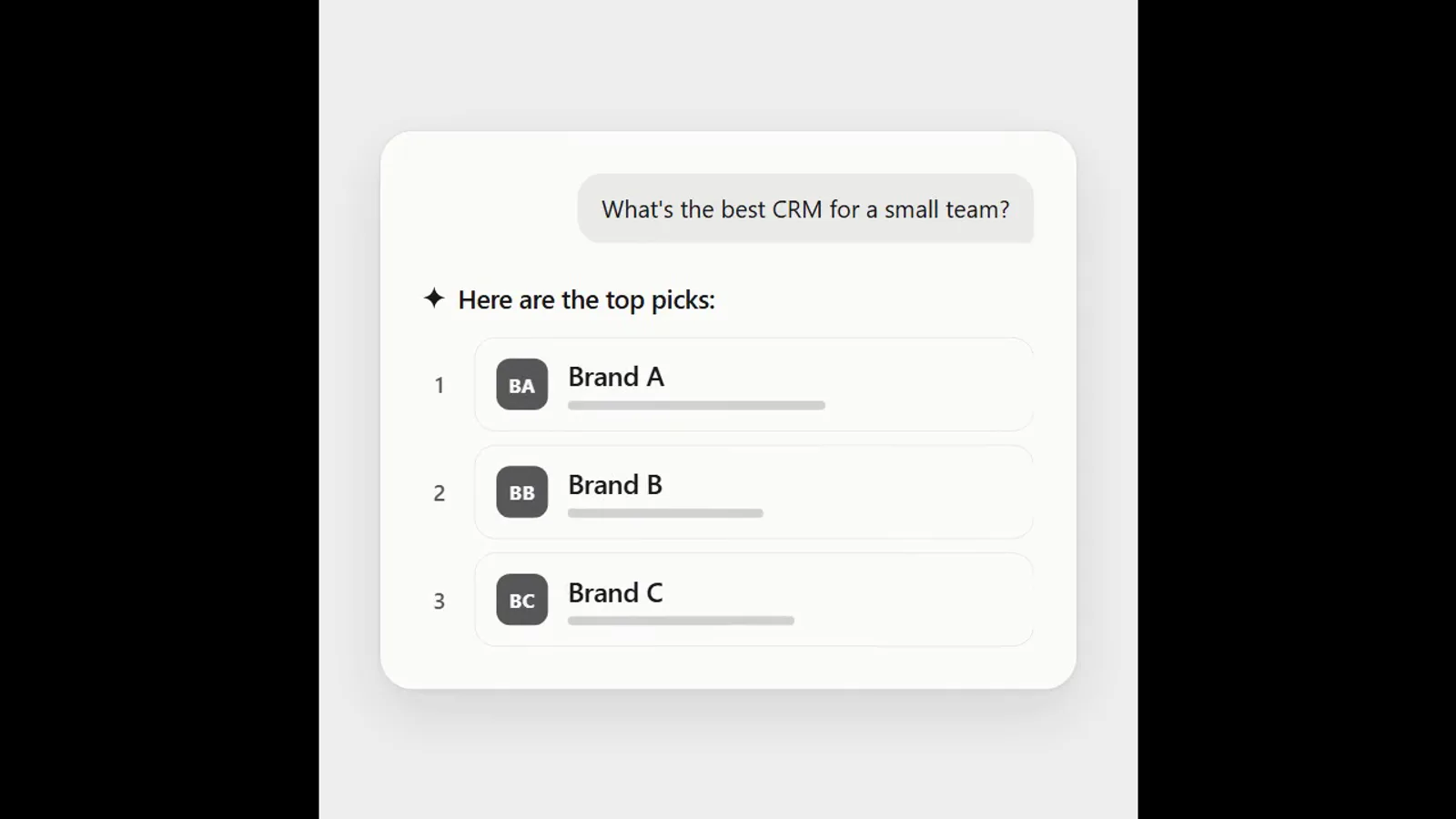
AI answer where a brand climbs the ranking
- 570570 downloads
- 126126 likes
- 226226 saves
Works with
+ HyperFrames- Claude Code
- Codex
- Cursor
- and 3 more
Every premium and members-only resource for $9.99/month, as a no-commitment subscription. See the plans
Use this resource to show several images or screenshots in an animated grid
New
Free
In a terminal, from the folder you want:
npx --yes palatekit@latest install rounded-media-gridFirst time: connect the CLI with
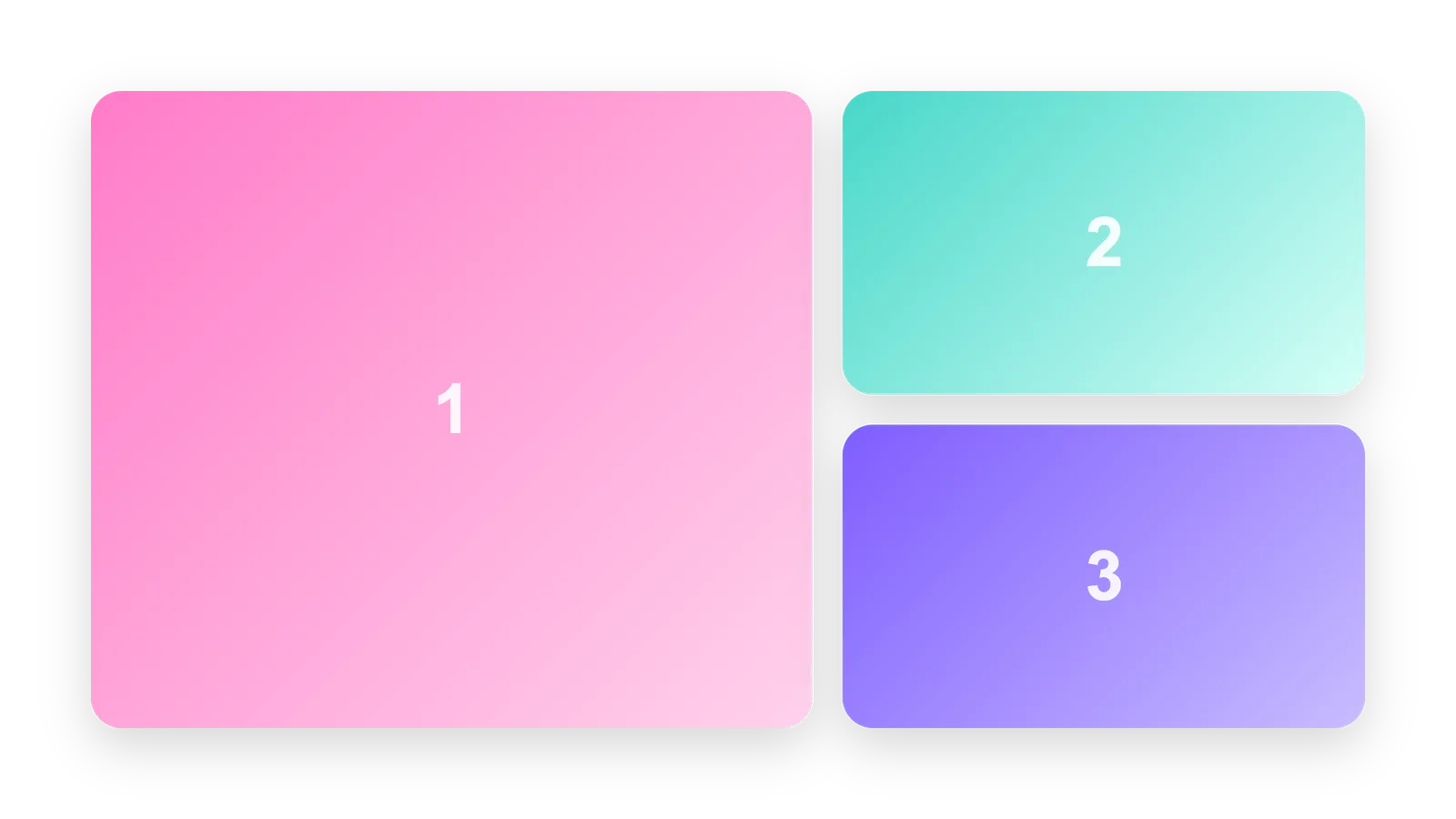
npx --yes palatekit@latest loginThe agent shows a grid of rounded cells in five layouts (2-up, 3-up, 4-up, 3 x 2, or one large cell plus two small ones). Cells arrive one after another, then each image settles slowly. With no image, numbered color wells stand in. You get a product or screenshot board ready for a video.
Mostly picked by
Updated November 2, 2026
FreeVideo
 Free
Video
 Free
Video
 Free
Video
 Free
Video
 Free
Video
 Free
Video
 Free
Video
You say
"Show three product photos in the large-left, two-right layout, 40 px corner radius, over 8 seconds."
Template published by HeyGen (HyperFrames) under the Apache-2.0 license.
Modified by PalateKit
Version modifiée de « Rounded Media Grid » (HeyGen (HyperFrames), Apache-2.0) : traduction française et fiche par PalateKit.
–
No ratings yet
Loading reviews…
In the cells array of CONFIG, put the image path in src for each cell. With null, a numbered color well is shown.
Yes, through the block's --mk-* CSS variables (backgrounds, accents, empty-well colors).