


 Free
Video
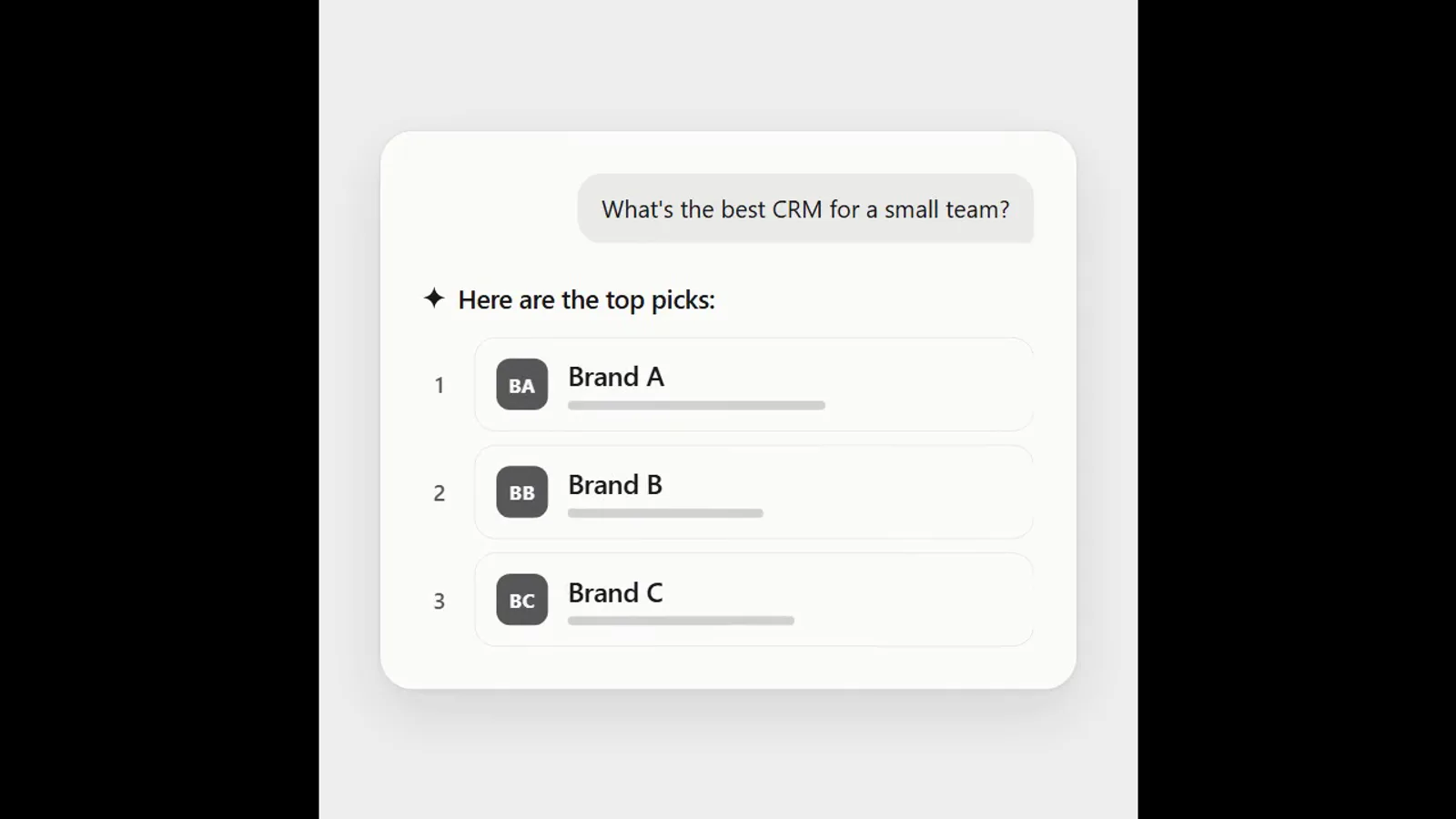
AI answer where a brand climbs the ranking
- 570570 downloads
- 126126 likes
- 226226 saves
Works with
+ HyperFrames- Claude Code
- Codex
- Cursor
- and 3 more
Every premium and members-only resource for $9.99/month, as a no-commitment subscription. See the plans
Use this resource to add an organic animated background to a brand video
New
Free
In a terminal, from the folder you want:
npx --yes palatekit@latest install shader-blob-backgroundFirst time: connect the CLI with
npx --yes palatekit@latest loginThe agent drops this HyperFrames block into your video project and uses it behind your titles or logos. The background is computed by a WebGPU shader from the Shaders library, at 1920x1080 over 2 seconds. You get a soft, modern backdrop with no image to supply.
Mostly picked by
Updated November 2, 2026
FreeVideo
 Free
Video
 Free
Video
 Free
Video
 Free
Video
 Free
Video
 Free
Video
 Free
Video
You say
"Add the Blob background behind the title of my 5-second intro and render the video as MP4."

Block published by HeyGen (HyperFrames) under the Apache-2.0 and MIT license.
Modified by PalateKit
Version modifiée de « Blob » (HeyGen (HyperFrames), Apache-2.0 AND MIT) : traduction française et fiche par PalateKit.
–
No ratings yet
Loading reviews…
The shader uses WebGPU, so you need a browser or render engine that supports it.
The colors come from the Blob shader; ask the agent to tweak its parameters in the composition or add a tint layer on top.