


 Free
Video
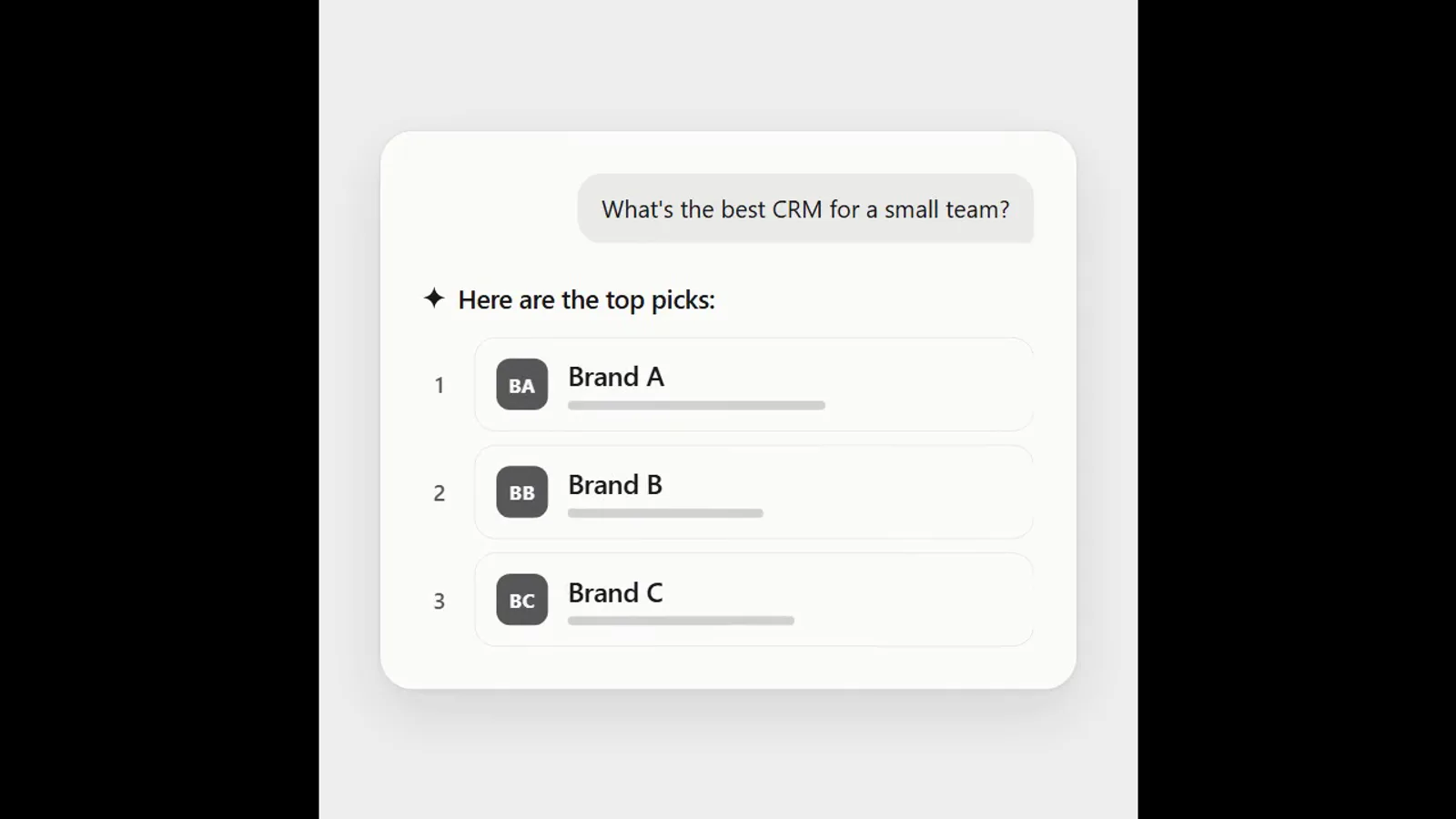
AI answer where a brand climbs the ranking
- 570570 downloads
- 126126 likes
- 226226 saves
Works with
+ HyperFrames- Claude Code
- Codex
- Cursor
- and 3 more
Every premium and members-only resource for $9.99/month, as a no-commitment subscription. See the plans
Use this resource to add a checkbox illustrated by an icon that changes state
New
Free
In a terminal, from the folder you want:
npx --yes palatekit@latest install sun-moon-icon-checkboxFirst time: connect the CLI with
npx --yes palatekit@latest loginThe agent copies the supplied HTML and CSS into your page, then adapts them to your content and colors. You get a checkbox illustrated by an icon that changes state, with no extra library or JavaScript (apart from Tailwind CSS). Colors are Tailwind classes (stroke-yellow-500, stroke-sky-800) and hex shadows (#eab92d, #075985) to change. Replace the two SVGs for other icons.
Mostly picked by
Updated November 2, 2026
FreeVideo
 Free
Video
 Free
Video
 Free
Video
 Free
Video
 Free
Video
 Free
Video
 Free
Video
You say
"Use this checkbox for a light and dark theme switch in my site footer."

Animation published by Javierrocadev on Uiverse.io under the MIT license, documented by PalateKit.
Modified by PalateKit
Version modifiée de « Javierrocadev_selfish-mule-45 » (Javierrocadev, MIT) : traduction française et fiche par PalateKit.
–
No ratings yet
Loading reviews…
Copy the HTML where the element should appear and the style block into your stylesheet, or ask the agent to do it.
Yes. Colors are Tailwind classes (stroke-yellow-500, stroke-sky-800) and hex shadows (#eab92d, #075985) to change. Replace the two SVGs for other icons.