


 Free
Video
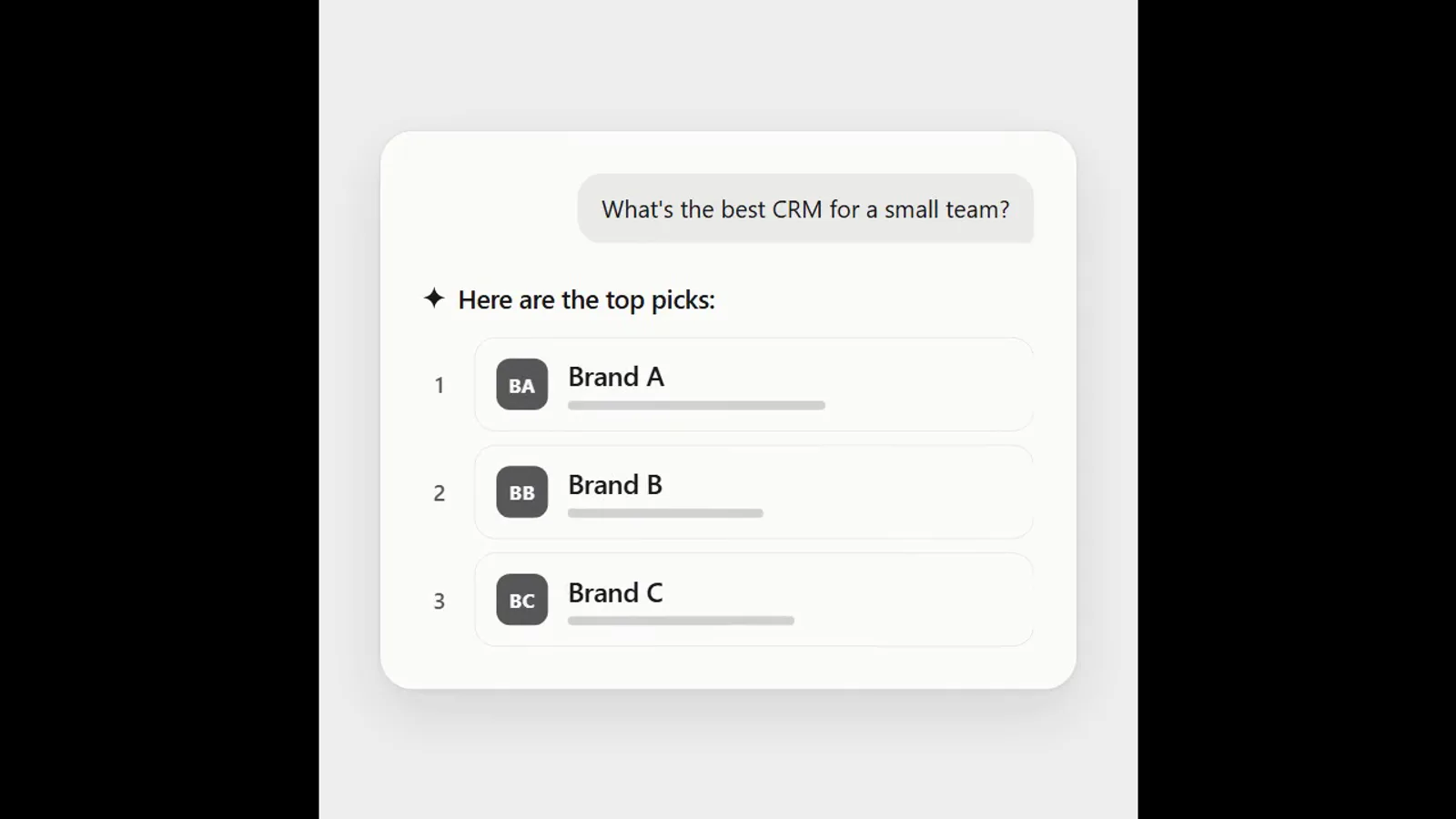
AI answer where a brand climbs the ranking
- 570570 downloads
- 126126 likes
- 226226 saves
Works with
+ HyperFrames- Claude Code
- Codex
- Cursor
- and 3 more
Every premium and members-only resource for $9.99/month, as a no-commitment subscription. See the plans
Use this resource to add a glitch transition between two shots of a video
New
Free
In a terminal, from the folder you want:
npx --yes palatekit@latest install glitch-shader-transitionFirst time: connect the CLI with
npx --yes palatekit@latest loginThe agent reuses the file's transition shader to move from one scene to another with scan lines, scrambled blocks, chromatic aberration and brightness flicker. The demo page serves as an implementation example: you replace its scenes with your own content.
Mostly picked by
Updated November 2, 2026
FreeVideo
 Free
Video
 Free
Video
 Free
Video
 Free
Video
 Free
Video
 Free
Video
 Free
Video
You say
"Use the glitch-shader-transition block between my intro shot and my product demo."
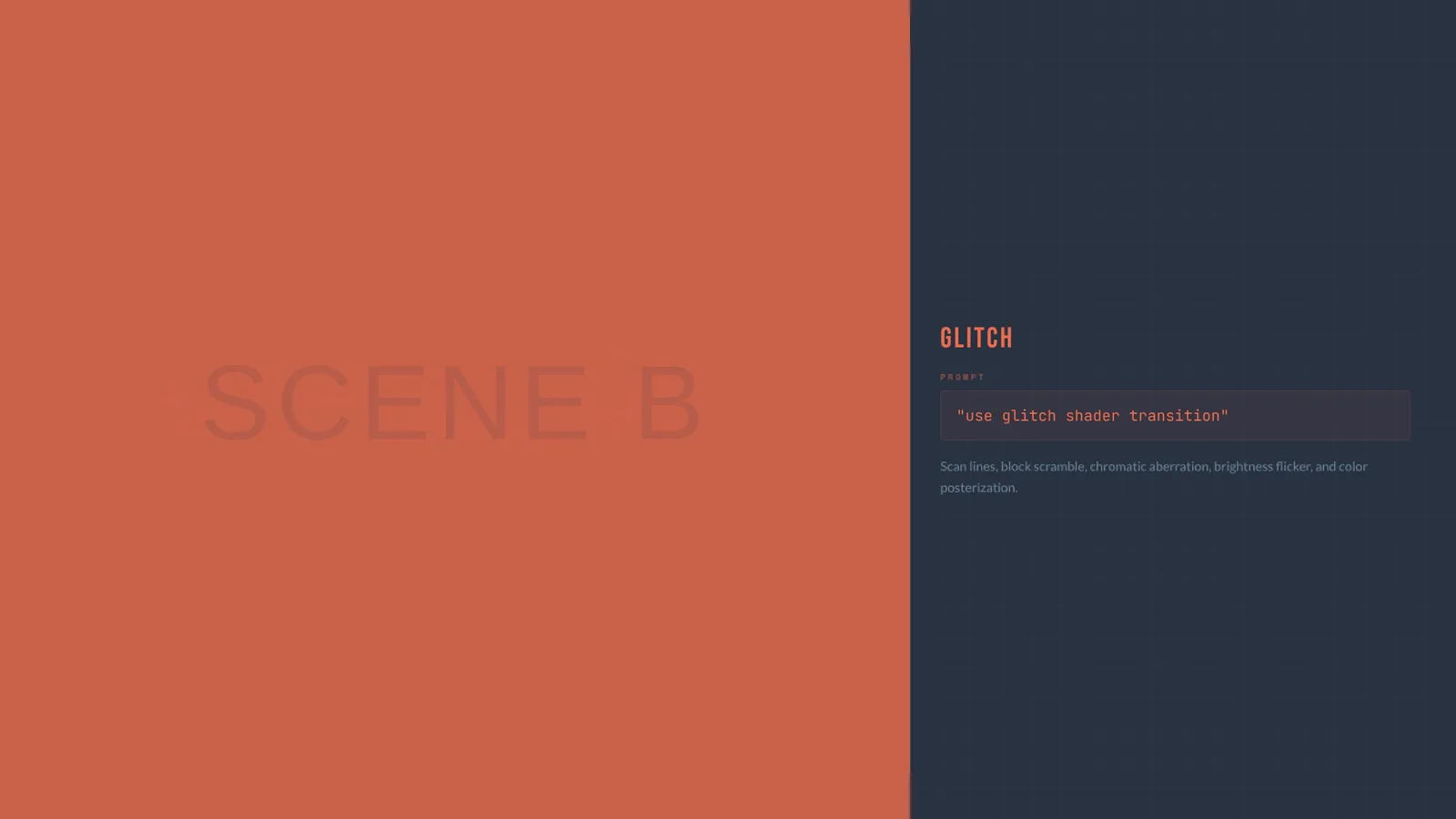
Template published by HeyGen (HyperFrames) under the Apache-2.0 license.
Modified by PalateKit
Version modifiée de « Glitch » (HeyGen (HyperFrames), Apache-2.0) : traduction française et fiche par PalateKit.
–
No ratings yet
Loading reviews…
Yes: intensity and duration are set in the shader code and the GSAP timeline.
The render uses WebGL, so a compatible browser is needed in the rendering environment.